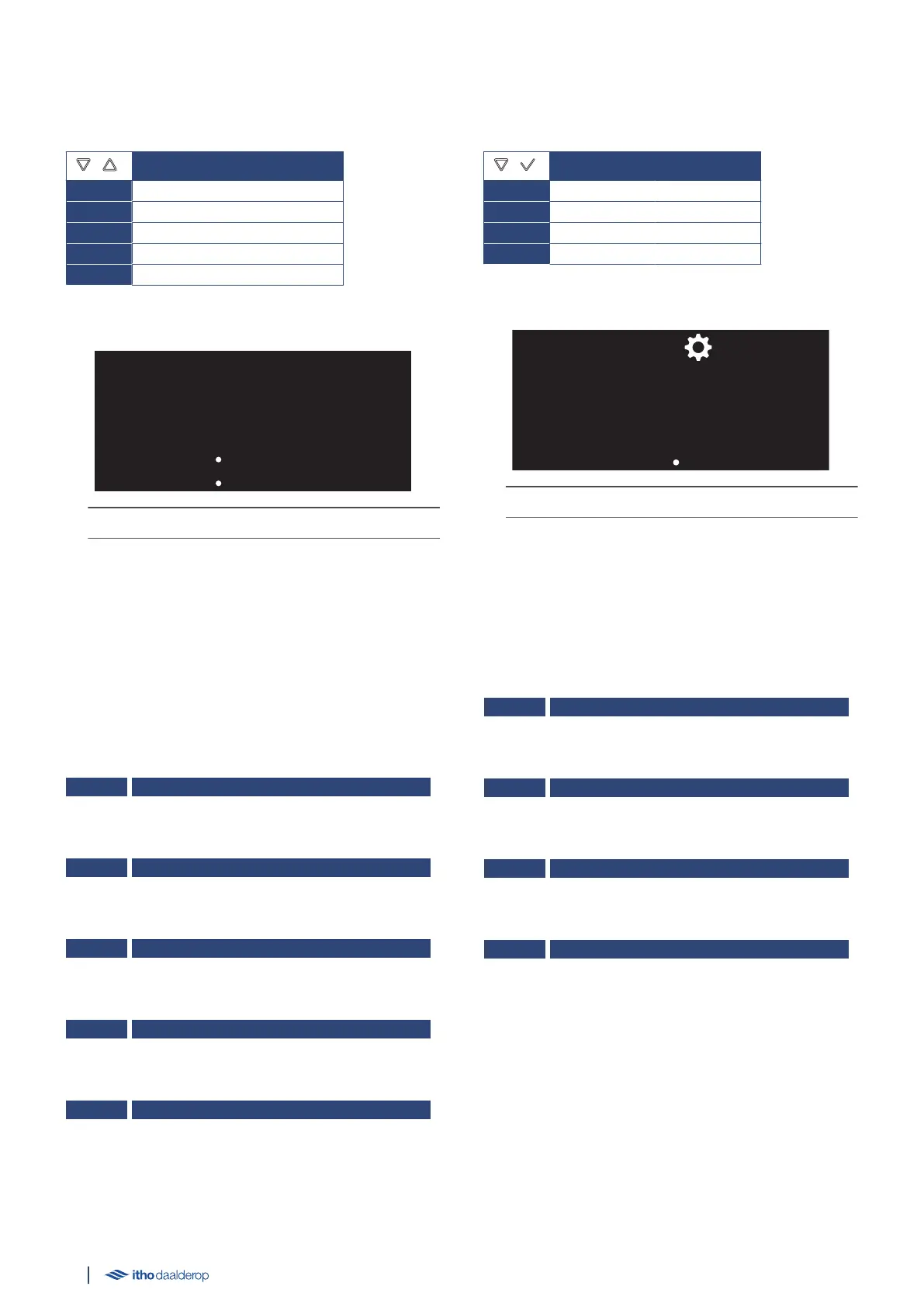
5.7. M1. INFORMATION
The menu shows current measurements and information.
INFORMATION
M1.1. TEMP °C
M1.2. TIME
M1.3. MACH DAYS
M1.4. ELEM TIMR
M1.5. RELAY CLICK
INFORMATION example:
The LED indicator flashes blue slowly.
Select Parameter
●
In the operating status, press the △ or ▽ button to activate the
INFORMATION menu.
●
Switch between the displayed information by pressing the △ of
▽ buttons.
●
Pressing the ↺ button returns the screen to the previous
menu.
M1.1. TEMP °C
The temperature of the stored water.
M1.2. TIME
The set time of the water heater.
M1.3. MACH DAYS
The operating time of the boiler in days.
M1.4. ELEM TIMR
Operating time of the heating element in hours.
M1.5. RELAY CLICK
Number of heating element activations
(1)
.
1) Actual value = displayed value x 10.
5.8. M2. HARDWARE/SOFTWARE
The menu shows the hardware version and software version.
HARDWARE/SOFTWARE
M2.1. AP HW
M2.2. AP SW
M2.3. HI HW
M2.4. HI SW
Example HARDWARE/SOFTWARE:
The LED indicator is continuously lit blue.
Select parameter
●
In the operating state, press the ▽ and ✓ buttons
simultaneously to activate the HARDWARE/SOFTWARE menu.
● The parameters are displayed once in alternating order.
● The screen then returns to the operating status.
M2.1. AP_HW
The hardware version of the circuit board.
M2.2. AP_SW
The software version of the circuit board.
M2.3. HI_HW
The hardware version of the HMI controller.
M2.4. HI_SW
The software version of the HMI controller.
24



 To Next Page