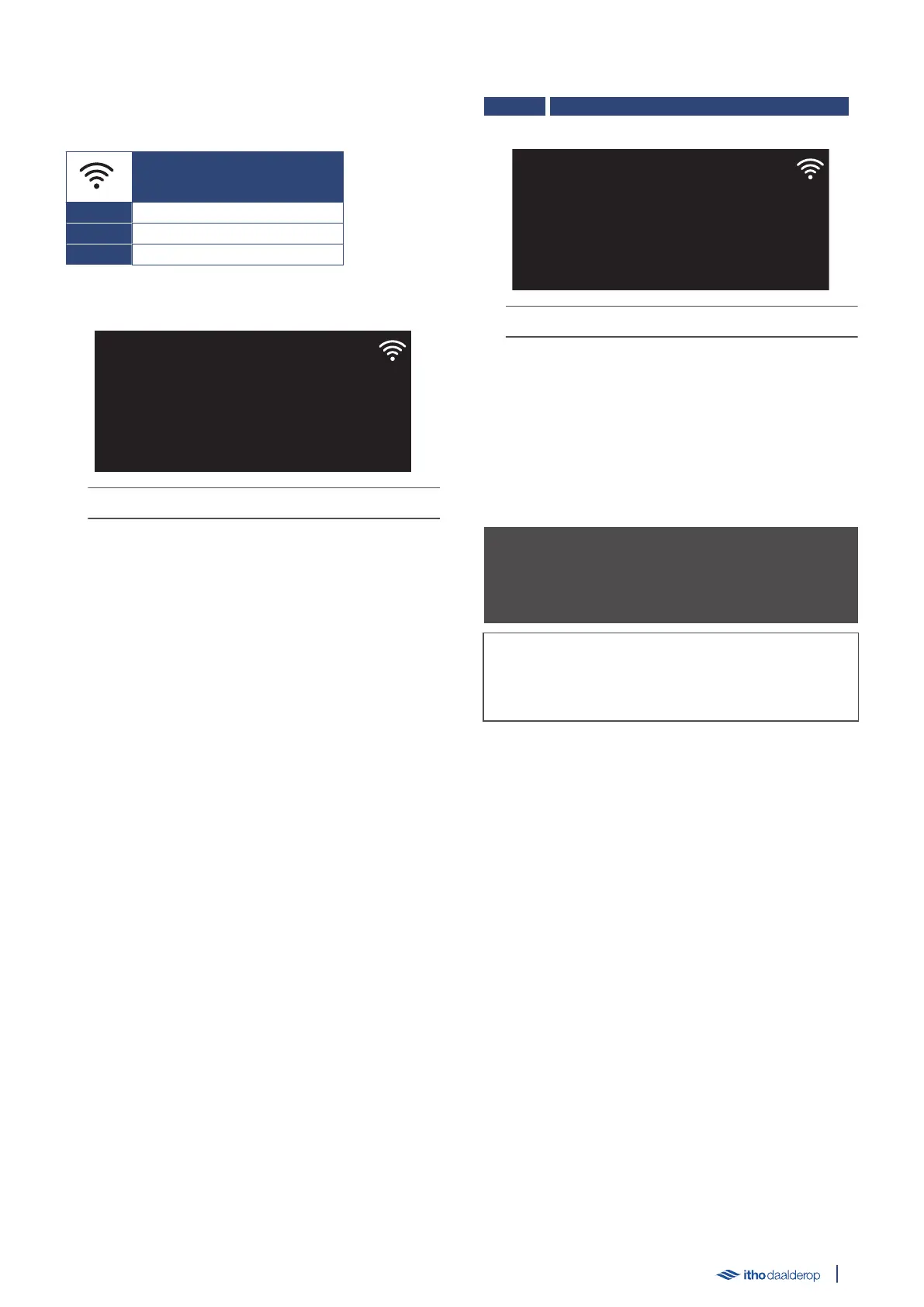
5.13. M3.4. COMMUNICATION
The following parameters can be set in the submenu:
COMMUNICATION
M3.4.1. AP MODE
Example parameter:
The LED indicator lights up continuously in yellow.
Select setting
●
Switch between the displayed settings by pressing the △ or ▽
button.
●
Pressing the ↺ button returns the screen to the previous
menu.
●
Press the ✓ button to open the selected setting.
Edit parameter
●
Change the setting by pressing or holding in the △ or ▽
button.
●
Cancel the setting by pressing the ↺ button.
●
Confirm the setting by pressing the ✓ button.
M3.4.1. AP MODE
| Factory setting OFF | OFF/ON | +/- |
The LED indicator flashes blue rapidly.
Activating the AP MODE function enables the Bluetooth function for
120 seconds. This allows the Wi-Fi connection between the boiler
and the Service app to be set up.
Once the Wi-Fi connection is established, the function is
automatically disabled.
● OFF - The function is disabled.
● ON - Immediate, one-time enabling of the function.
ä Caution!
The Bluetooth function only works with the Service app from Itho
Daalderop.
Tip
The AP MODE function can also be enabled in operating mode by
pressing the Decrease button for approximately 3 seconds.
31



 To Next Page