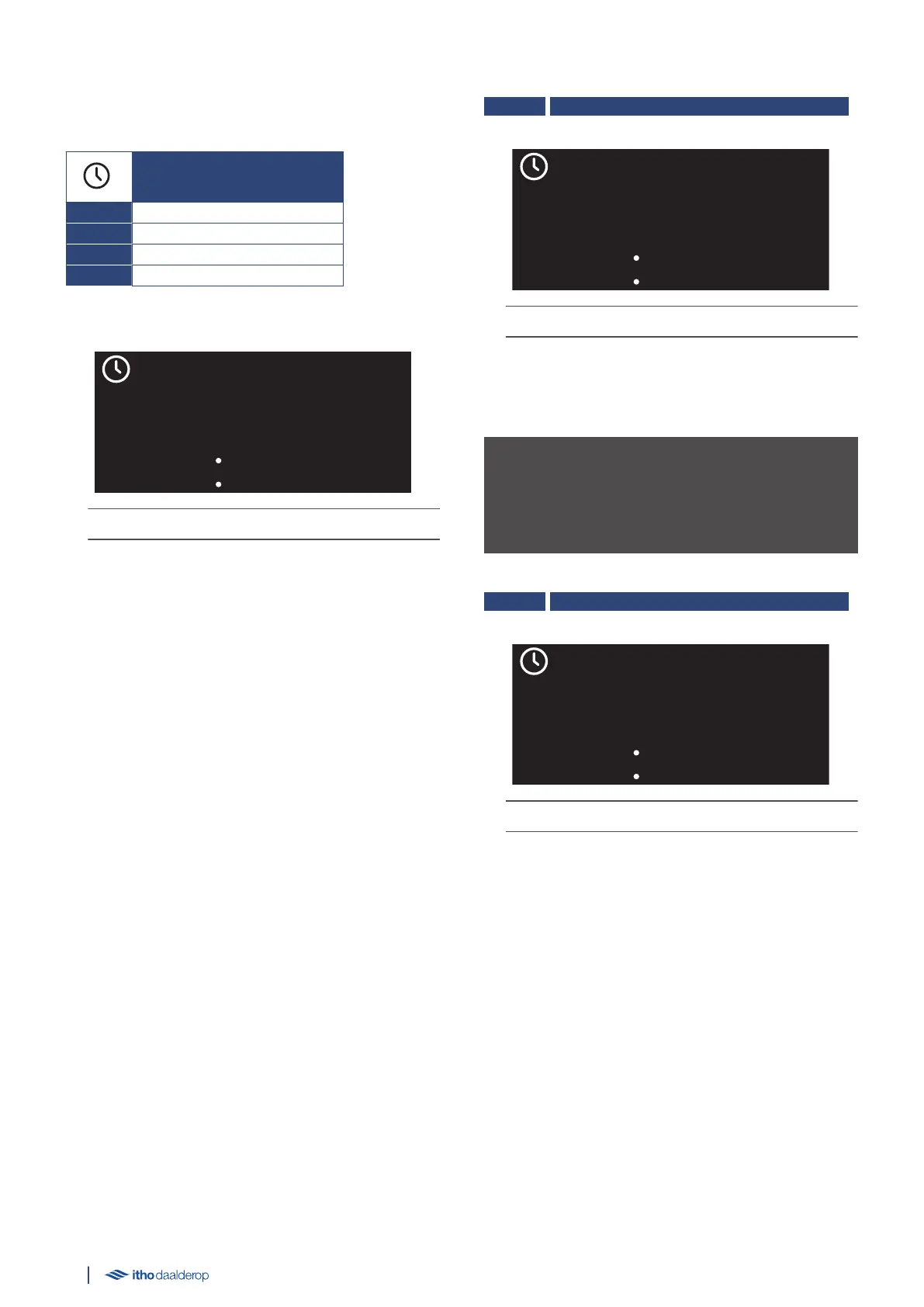
5.11. M3.2. TIME
The following parameters can be set in the submenu:
TIME
M3.2.1. TIME HH MM
M3.2.2. DAY HH MM
M3.2.3. NIGHT HH MM
M3.2.4. SUMME RTIME
Example parameter:
The LED indicator lights up continuously in yellow.
Select setting
●
Switch between the displayed settings by pressing the △ or ▽
button.
●
Pressing the ↺ button returns the screen to the previous
menu.
●
Press the ✓ button to open the selected setting.
Edit parameter
●
Change the setting by pressing or holding the △ or ▽ button.
●
Cancel the setting by pressing the ↺ button.
●
Confirm the setting by pressing the ✓ button.
M3.2.1. TIME HH_MM
| Factory setting 12:00 | Min. 00:00 | Max. 23:59 | +/- 00:01 |
The LED indicator flashes yellow rapidly.
Setup or adjustment of the current time.
Correct time is important for functions with a start time and stop
time. Failure to set the time means that some functions will not
start or stop at the right time.
ä Caution!
The time is not automatically adjusted at the start of daylight
saving time or winter time. You must always adjust the correct
time in manual mode.
M3.2.2. DAY HH_MM
| Factory setting 06:30 | Min. 00:00 | Max. 23:59 | +/- 00:01 |
The LED indicator flashes yellow rapidly.
Set or adjust the day mode start time.
The stored water is not heated during day mode.
Day mode stops when night mode starts.
28



 To Next Page