Document No. 575.410DB Page 72 of 195
11:27:47 Setup Menu 24/09/2019
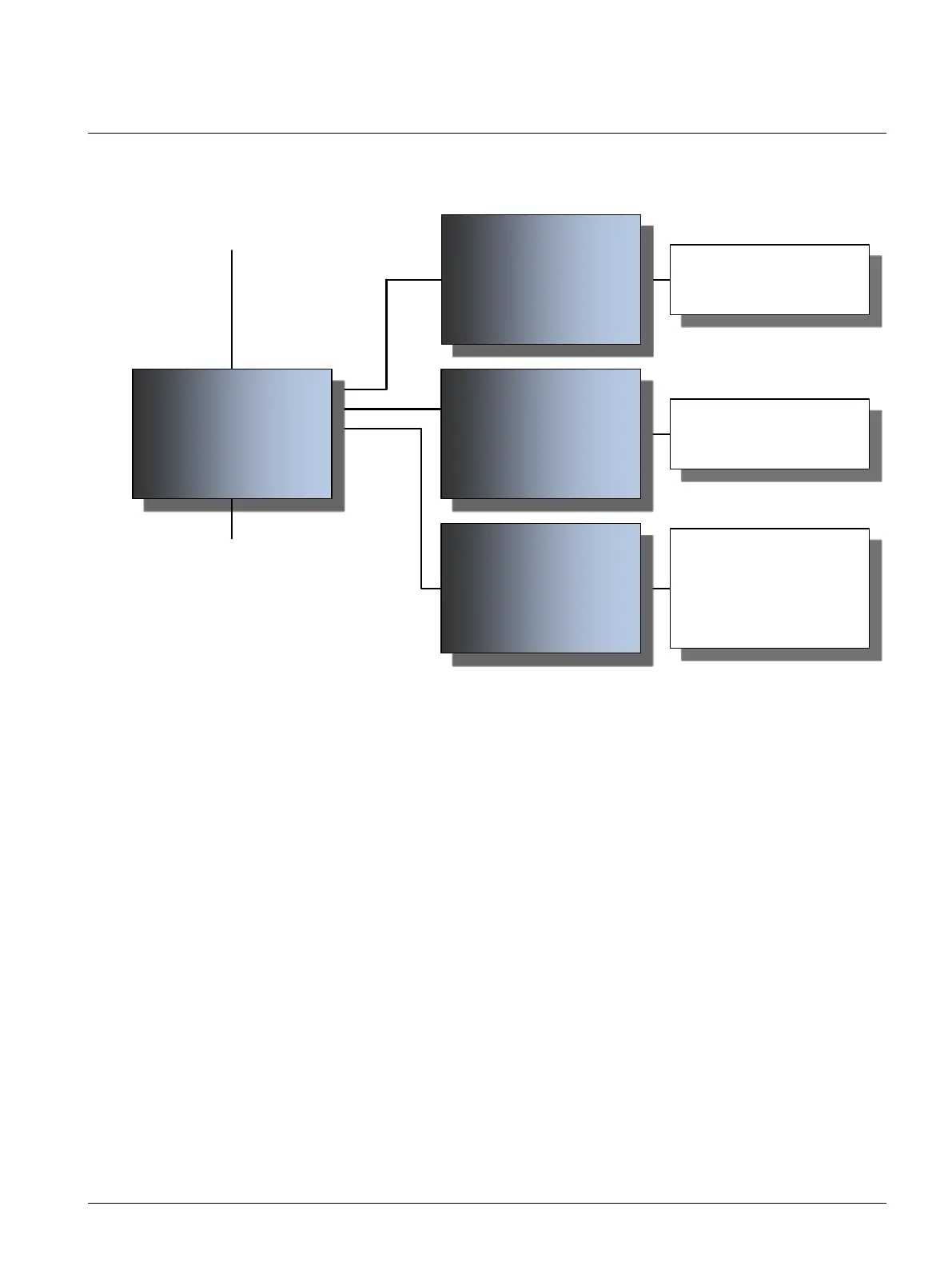
Reset Service Interval
Control Board Battery Replaced
Language
Back Select Parameter.
Use the / to browse through the
various setup lines/parameters. The
selectable line will be highlighed in
green.
Press to select the parameter you
want to change.
Press to modify parameter.
Parameter will now be highlighted in
green.
Use the / to adjust parameter.
Press to save changes.
Use to leave the submenu and
return to basic icon menu.
Note
Availability of parameters may vary
depending on the unit mode
(standby, operating, load profile,
etc.)
Settings:
Yes
No
Settings:
Yes
No
Settings:
English, Dutch, German, French,
Spanish.
11:27:47 Setup Menu 24/09/2019
Cannot reset service interval. Less than
Five months from last service.
Confirm Service has been
performed
No
Back Modify
11:27:47 Setup Menu 24/09/2019
Warning: Do not confirm unless the
Control Board battery has been changed
Confirm Battery Replaced
Yes
Back Modify
11:27:47 Setup Menu 24/09/2019
Language
English
Back Modify
menu. If you disconnect power to the unit without first exiting the setup menu, any changes will be lost.



 To Next Page