J2 225 System Manual
Version 1.0 May 29, 2012
USB Ports
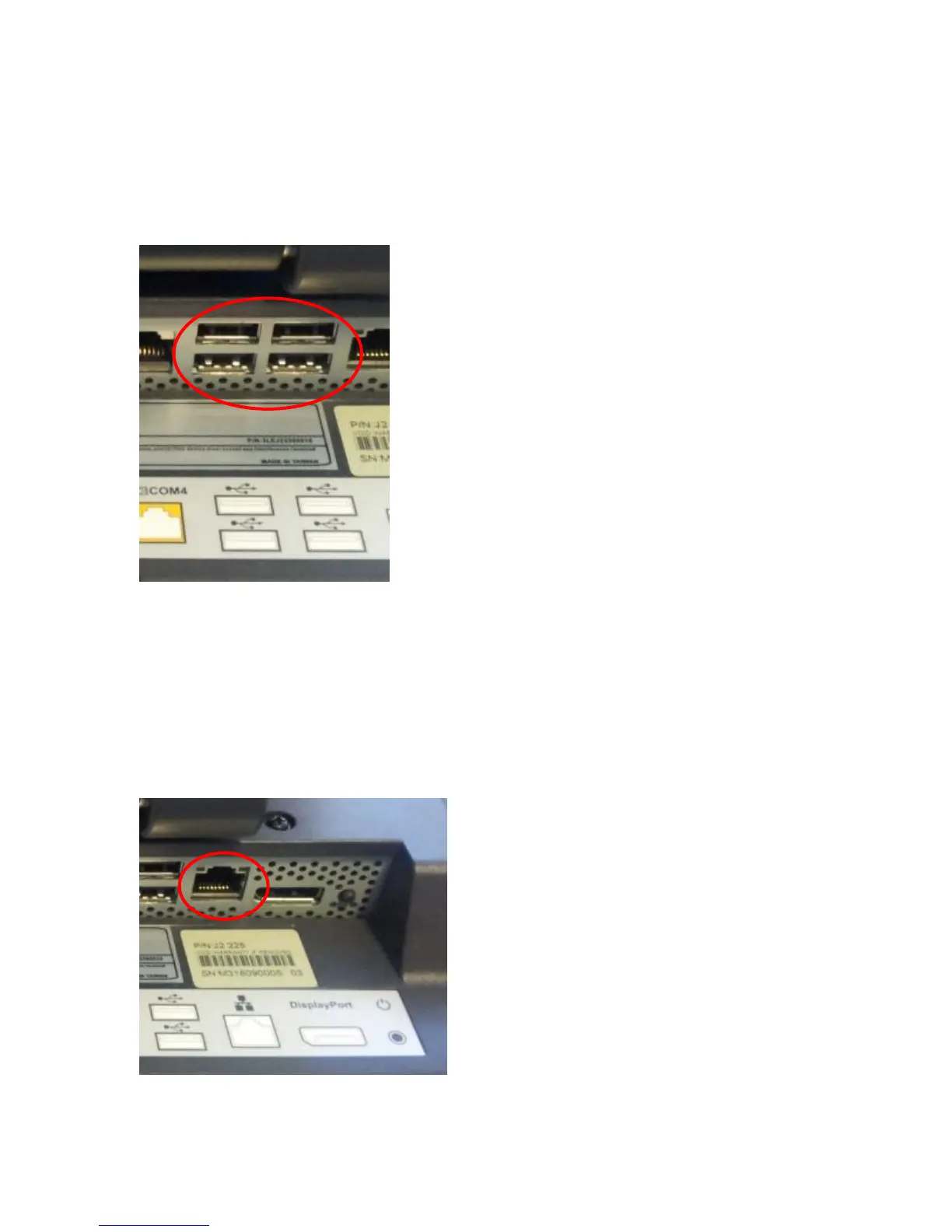
The J2 225 has 4 external and 4 internal USB 2.0 ports. The 4 external ports (see below)
are located in the cable well. The 4 internal ports are used for different functions, such as
using a PCT touch screen, RFID reader and/or other peripherals.
USB Ports
Ethernet Connection
The J2 225 uses the Realtek RTL8111 Gigabit Ethernet controller. The Ethernet
connector is located in the cable well, as shown below. The Ethernet controller supports
Wake on LAN, and the BIOS supports a PXE boot ROM as well. There is a LED on the
LAN connector, this Green LED light turns on when there is LAN activity.
Ethernet Connector



 To Next Page