J2 225 System Manual
Version 1.0 May 29, 2012
J2 225 Disassembly Instructions
You will need a Philips screwdriver and a small coin to disassemble the J2 225.
Step 1:
Power down the unit and unplug all cables on the I/O panel.
Step 2:
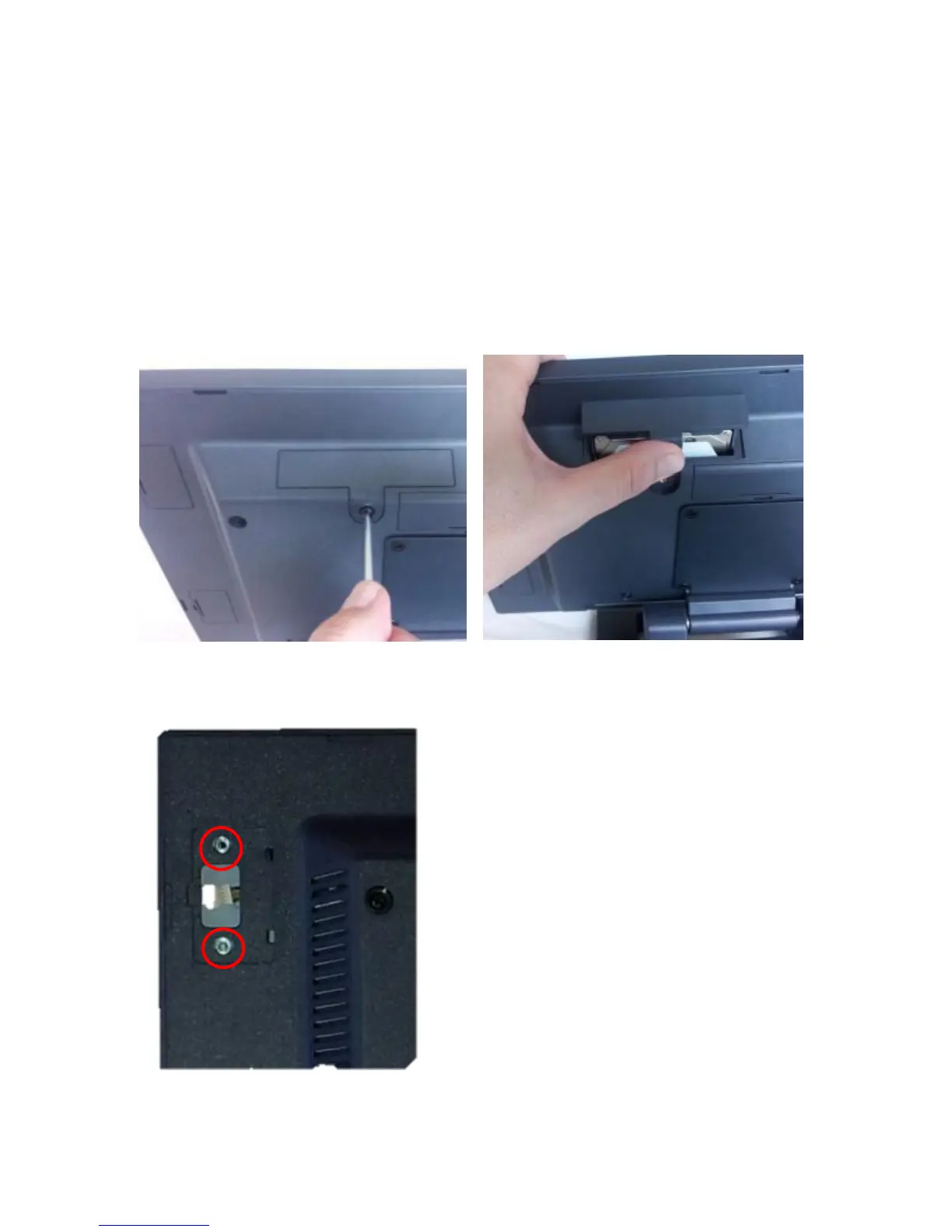
Remove the HDD/SSD from the system by removing the securing screw and slide it out.
HDD slide in-slide out drive bay
Step 3:
If installed, remove the MSR by removing the two attachment screws and unplug the cable.



 To Next Page