J2 225 System Manual
Version 1.0 May 29, 2012
BIOS Setting
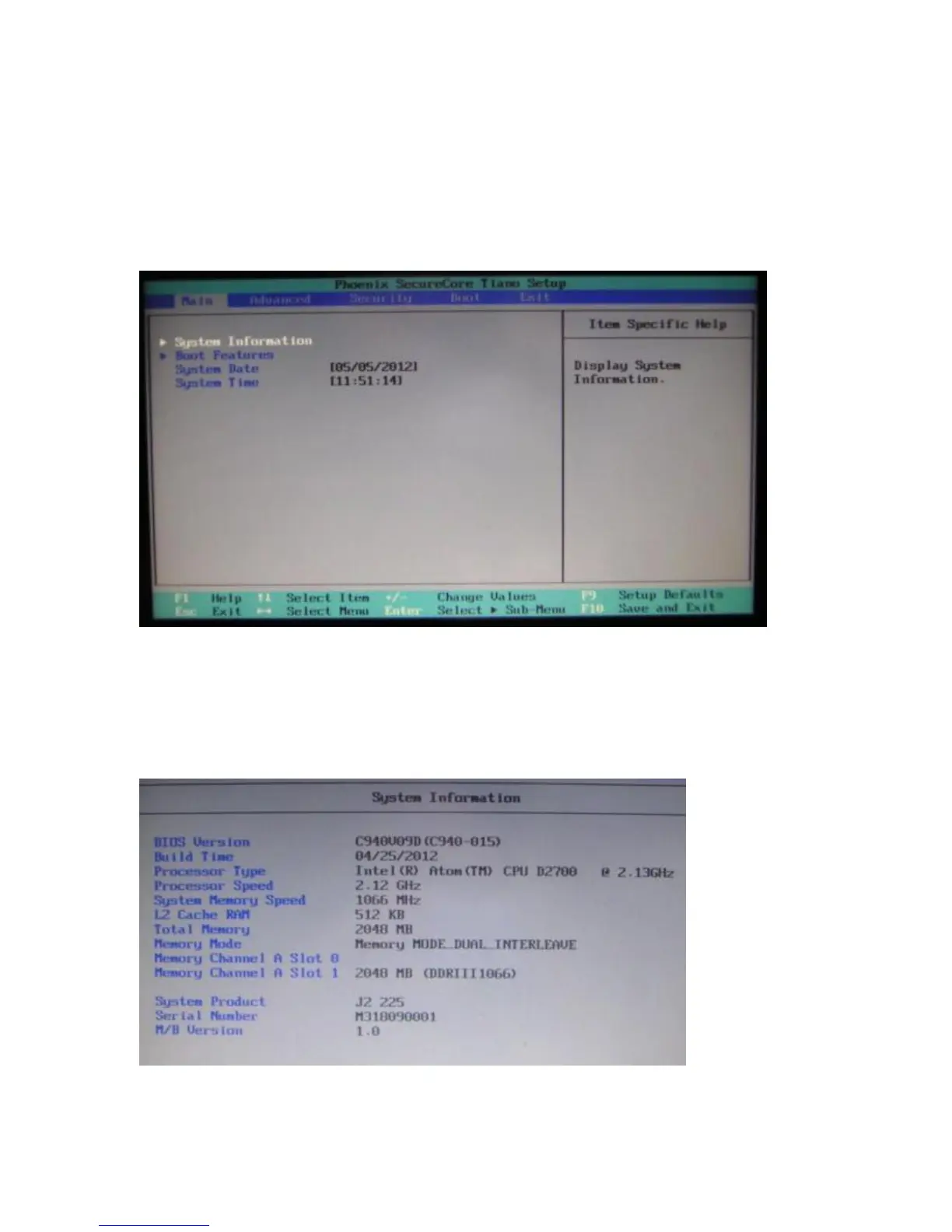
Main Screen
The main BIOS allows for the display of system information, keyboard boot options, and
the setting of the time and date. The time and date may also be set via the operating
system.
System Information
The J2 225 BIOS has a system information screen that displays useful system
information, including the serial number of the unit. This information may also be
accesed via DMI utilities.
Note: This version of the new Phoenix BIOS does not have a screen shot utility yet. Please excuse the poor quality of the screen
pictures. These will be replaced once the screen shot utility is available.



 To Next Page