J2 225 System Manual
Version 1.0 May 29, 2012
Electronics Removal:
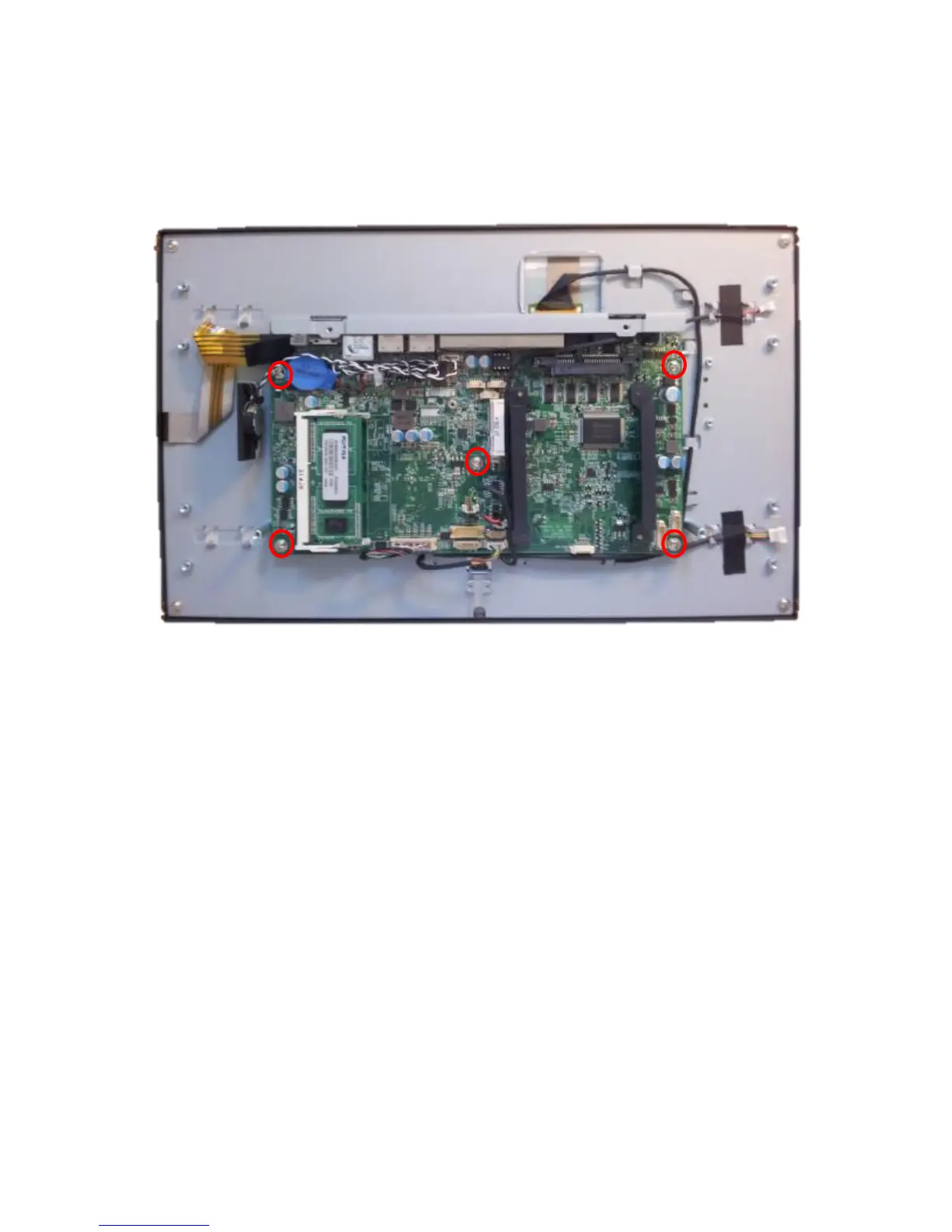
The J2 225 electronics can be removed by first unplugging the 5-wire cable attached to the
board, then removing the five screws, as shown. The board will need to be moved gently from
side to side to release it from the somewhat sticky thermal pads.
Reassembly of the J2 225:
The reassembly of the J2 225 is just the reverse of the simple process above.



 To Next Page