J2 225 System Manual
Version 1.0 May 29, 2012
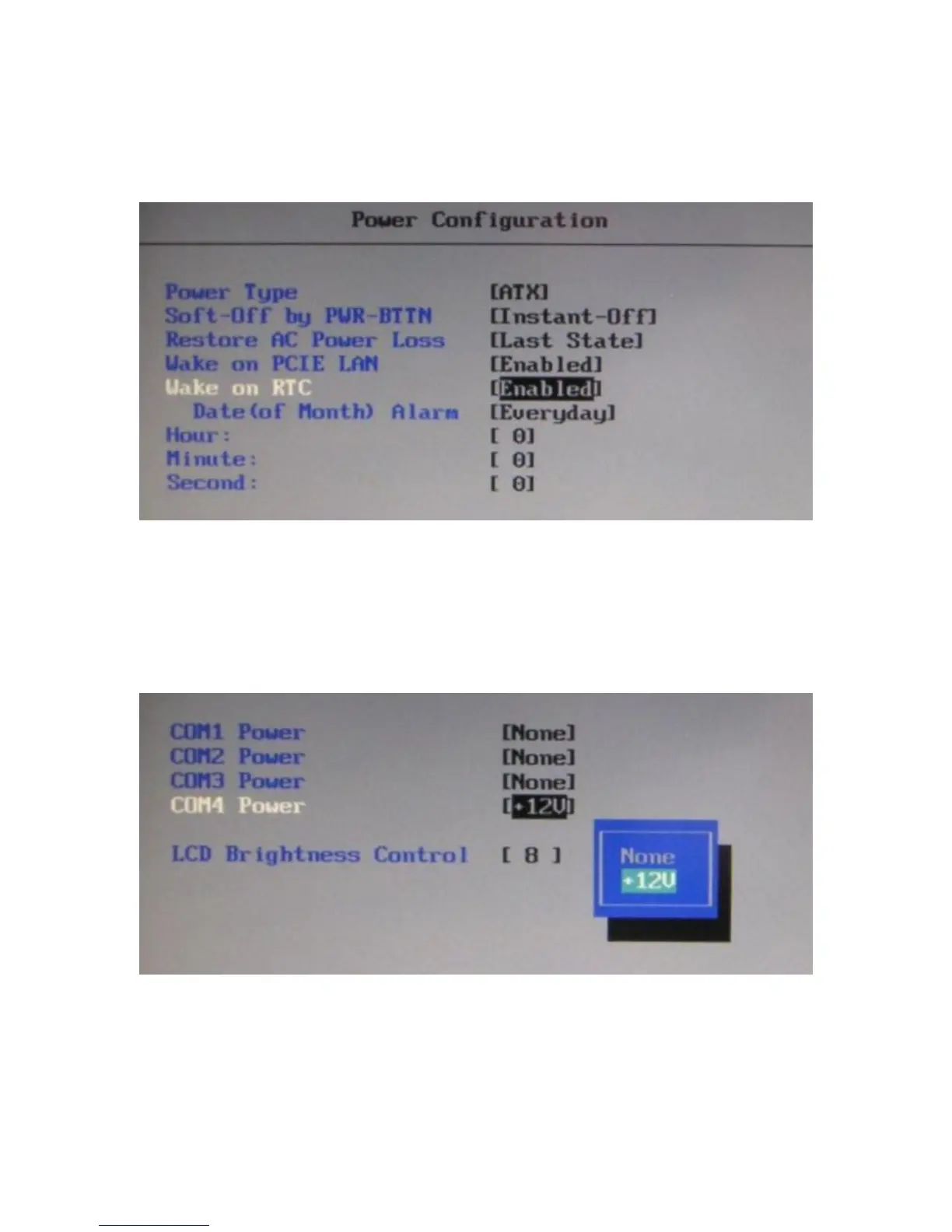
Power Configuration
The power configuration option allows for changing the behavior of the unit when it is
powered up; it also enables changing the auto power-up feature.
COM Power and LCD Brightness Configuration
This BIOS screen allows the enabling of the power for the serial ports, and changing the
default brightness setting for the LCD screen. The LCD screen brightness can also be set
via the Windows OS.



 To Next Page