J2 225 System Manual
Version 1.0 May 29, 2012
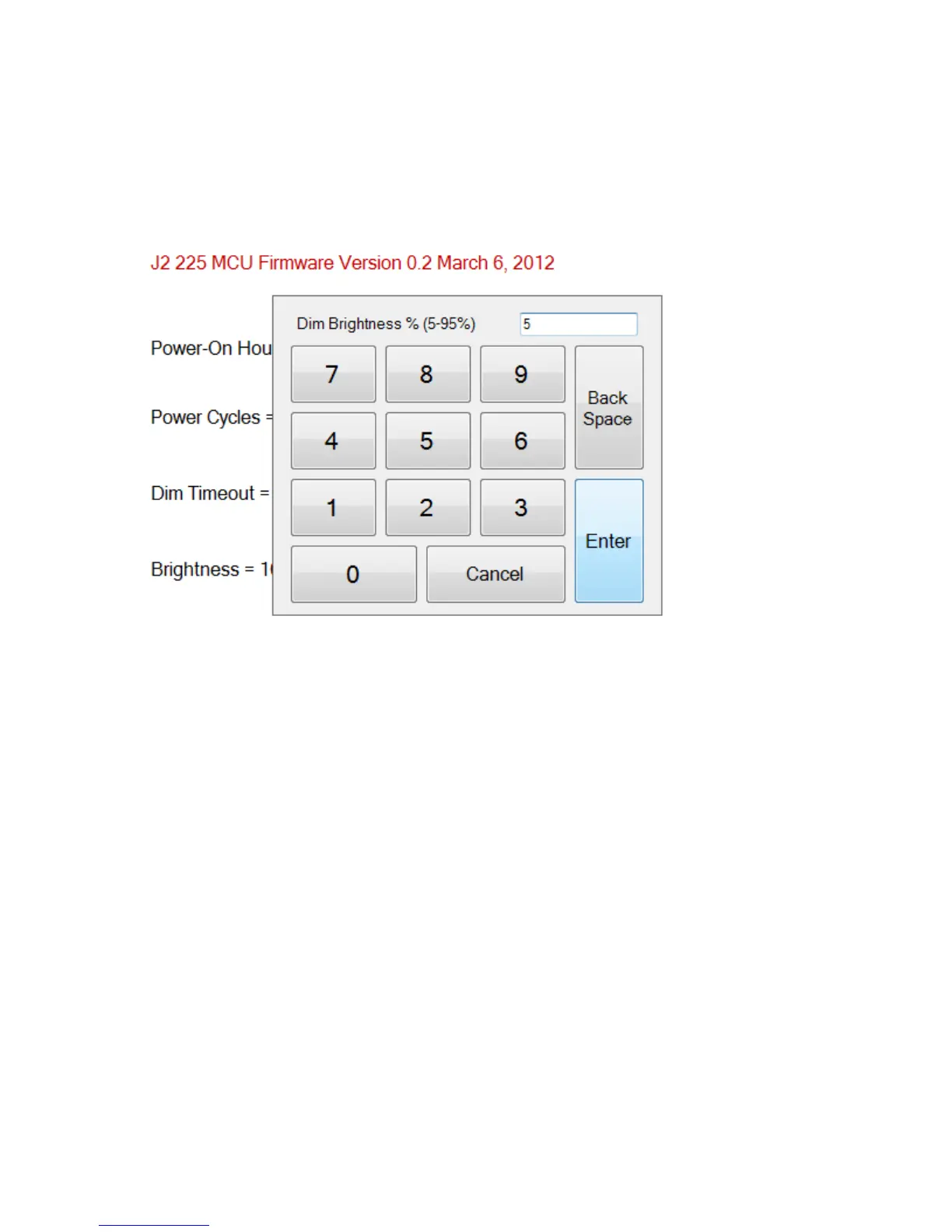
Dim Brightness
The brightness level that the screen dims to when auto dim is active is controlled by the
Dim Brightness setting. This utility is used to change this value whose default value is
10%. The possible range is from 5-95%, in 5% increments.
Note: Dimming is important for a few reasons: one is to lower the total power
consumption of the unit; another would be to prolong the LCD screen backlight LED life.



 To Next Page