J2 225 System Manual
Version 1.0 May 29, 2012
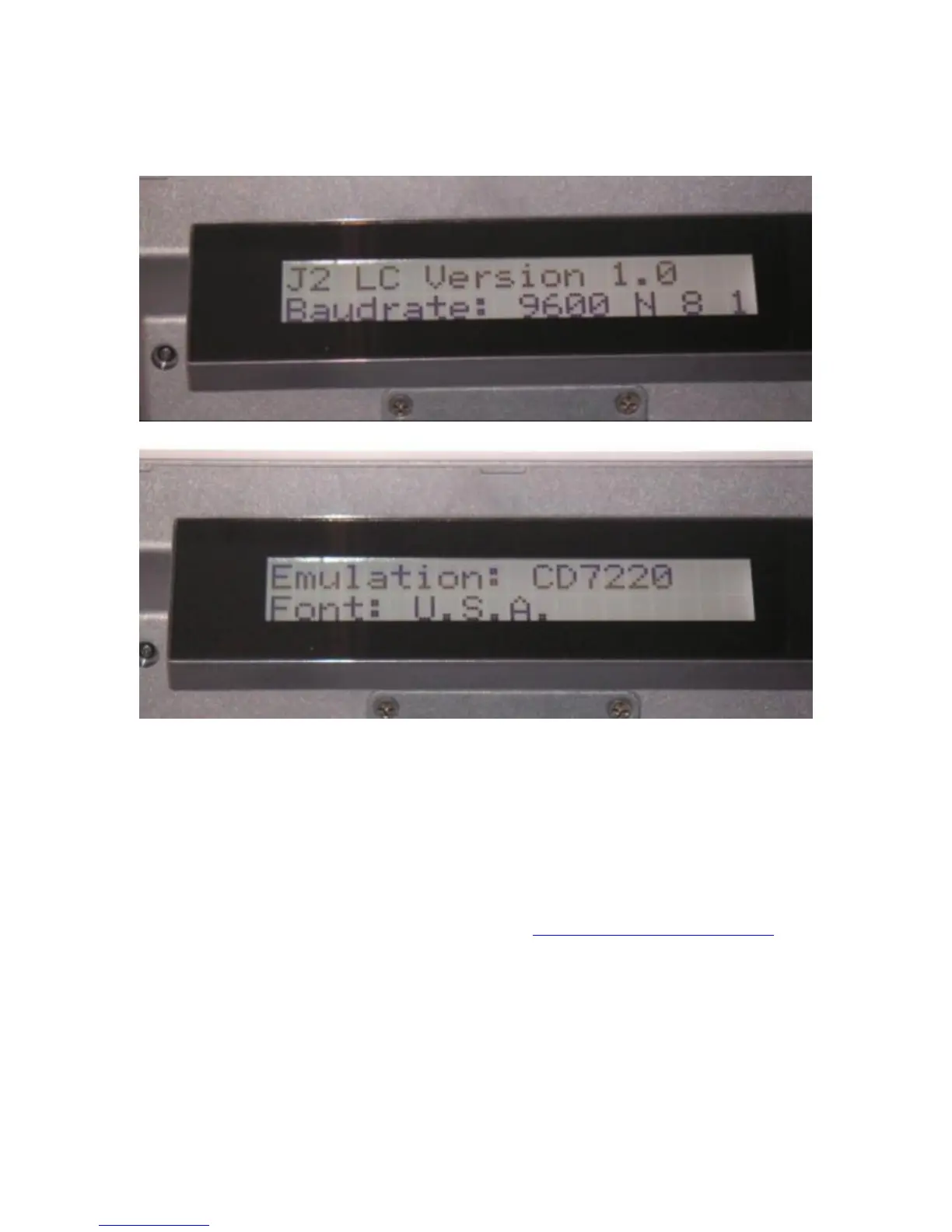
The system can now be powered on. When power is first applied, the LCB will display its
current settings before clearing and will wait for serial data from the system.
J2 225 LCM Configuration Utility
A configuration utility is provided to change the LCM setting. This utility allows for the
setting of serial port bard rate, a data format as well as emulation type and default font. It
also allows for the LCM firmware to be updated if required.
Installation
The utility can be downloaded from the J2 web site: http://support.j2rs.com/Utilities/
To install just unzip anywhere and run setup. Like other J2 utilities it can be uninstalled
through the Windows control panel.



 To Next Page