J2 225 System Manual
Version 1.0 May 29, 2012
Basic MSR Settings
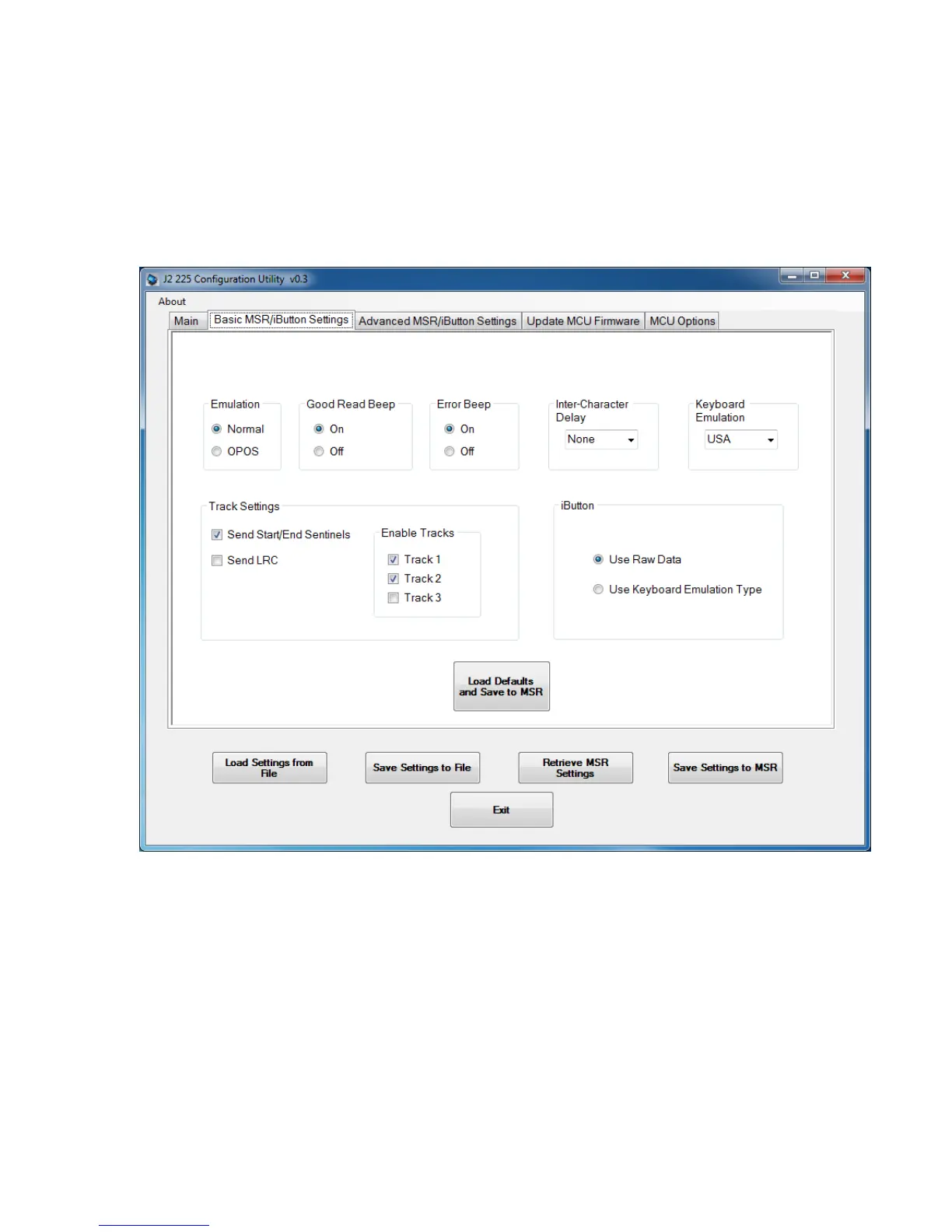
This tab is used to set commonly changed MSR/iButton settings. The default values have
been chosen to work with most software without change. Note that these settings can be
changed without an MSR installed. It should be noted that the MSR/iButton is a keyboard
wedge device. Most settings are self-explanatory.
The radio buttons at the bottom of the screen are used to load settings to and from a file,
to retrieve current settings, or to save new settings to the MSR/iButton MCU. The “Load
Defaults and Save to MSR” button loads the default settings for the MSR/iButton and
auto dimming functions.



 To Next Page