J2 225 System Manual
Version 1.0 May 29, 2012
To use two cash drawers with the J2 225 you use a “Y” cable, either the J2 standard “Y”
cable that also works with Epson printers or the special J2 225 “Y” cable that supports
separate status lines (The standard cable supports shared status lines.). When using the
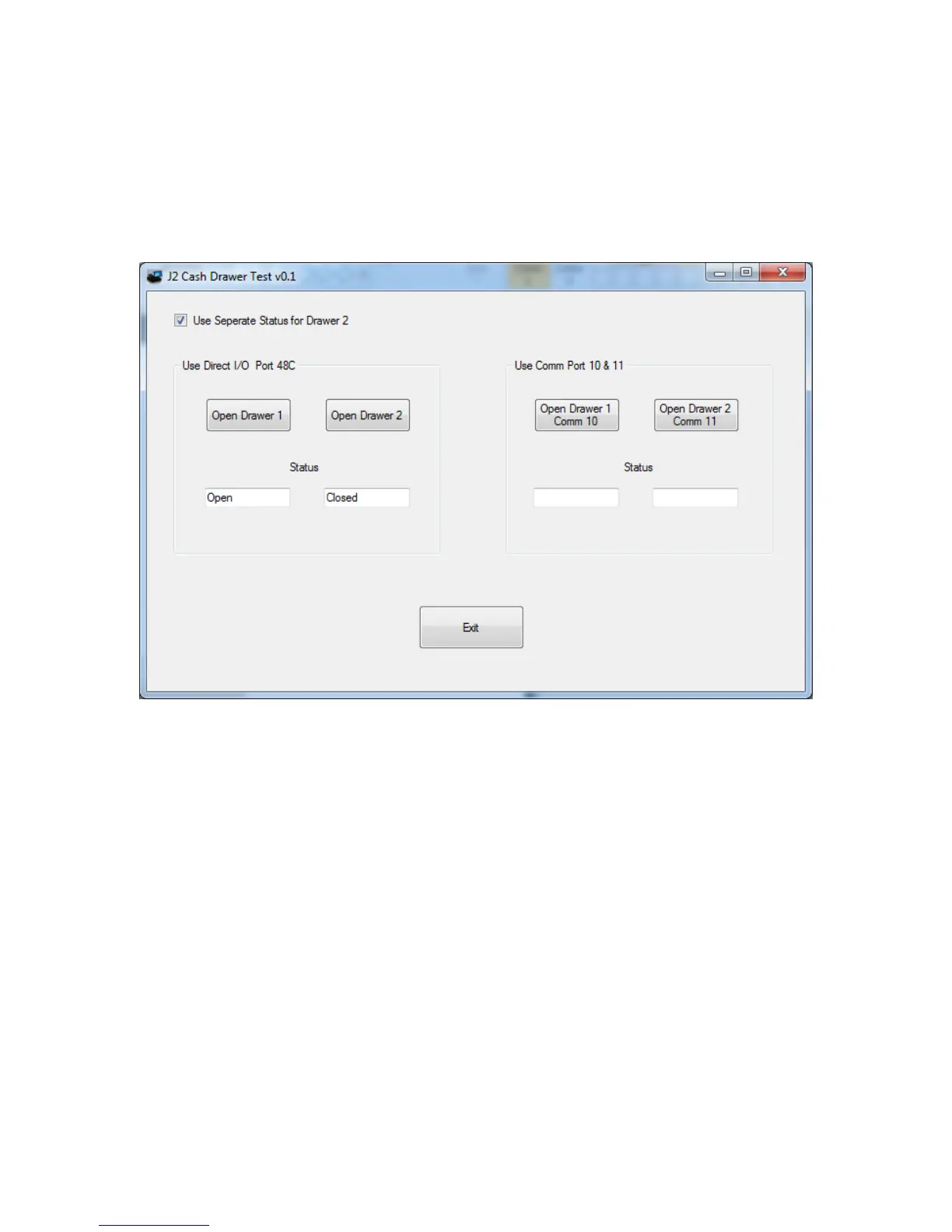
special cable check the “Use Separate Status for Drawer2” box. The test screen will now
look like this:
The “Use Comm Port 10 & 11” option is to test the cash drawer you set up using the J2
virtual serial ports program. The virtual serial port program must be installed with the
cash drawer virtual serial ports set to Comm 10 & 11.



 To Next Page