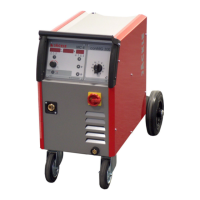
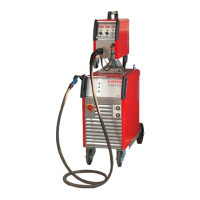
ProPuls 320C
Operating manual Page 44
Material selection (MATERIAL):
With the left dial (pos. 2), the desired material / gas / wire diameter combination can be selected and confirmed
with the button ‘ENTER/ OK’ (pos. 12).
All the materials stored in the machine are listed in the table.
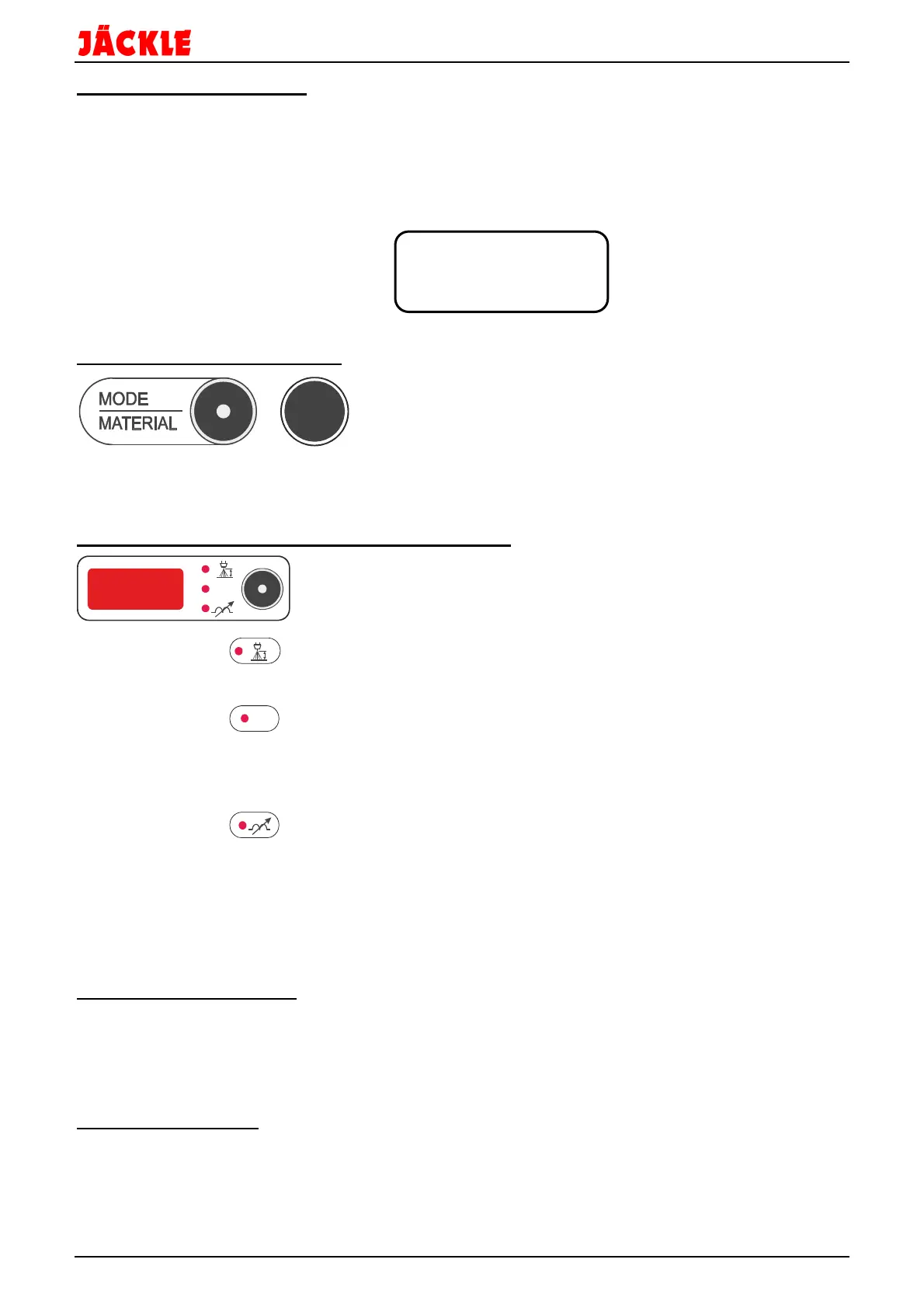
The text display (pos. 9) shows the following information (example):
1. Line: Welding process / number PULSE 4711
2. Line: Material MAT STEEL
3. Line: Wire diameter ¤ 0.8
4. Line: Gas type / mixture GAS AR 82% CO2 18%
16.6 Special function button 1
Special
function
button 1
With this button, special functions are possible.
An exact description can be found near the respective functions.
16.7 Arc length / welding voltage / welding choke
•
Arc length:
Possible range from -30% to +30% of the set voltage level in 1% increments.
A value smaller than 0 means a shorter arc.
A value larger than 0 means a longer arc.
•
Welding voltage:
Shows the voltage currently set.
It can be changed (adjusts welding power) using the left dial.
In the welding process ‘MANUAL’, the welding voltage can be set between 10V -
38V in 0.1V increments.
•
Welding choke:
Possible range from -30% to +30% in 1% increments
A value smaller than 0 means a ‘softer’ arc.
A value larger than 0 means a ‘harder’ arc.
Repeatedly press the button to select the desired function.
The respective LED illuminates.
The value can be set with the right dial (pos. 8).
16.8 Dial 2 (right display)
With this dial, the respective active parameters
arc length
/
welding voltage
or
welding choke
can be
adjusted.
Furthermore, the functions in the text display (left half of the display) can be changed.
16.9 Graphic display
Display to show all welding functions and parameters.
V


 To Next Page