V03
JCAII 6
7-3 Setup
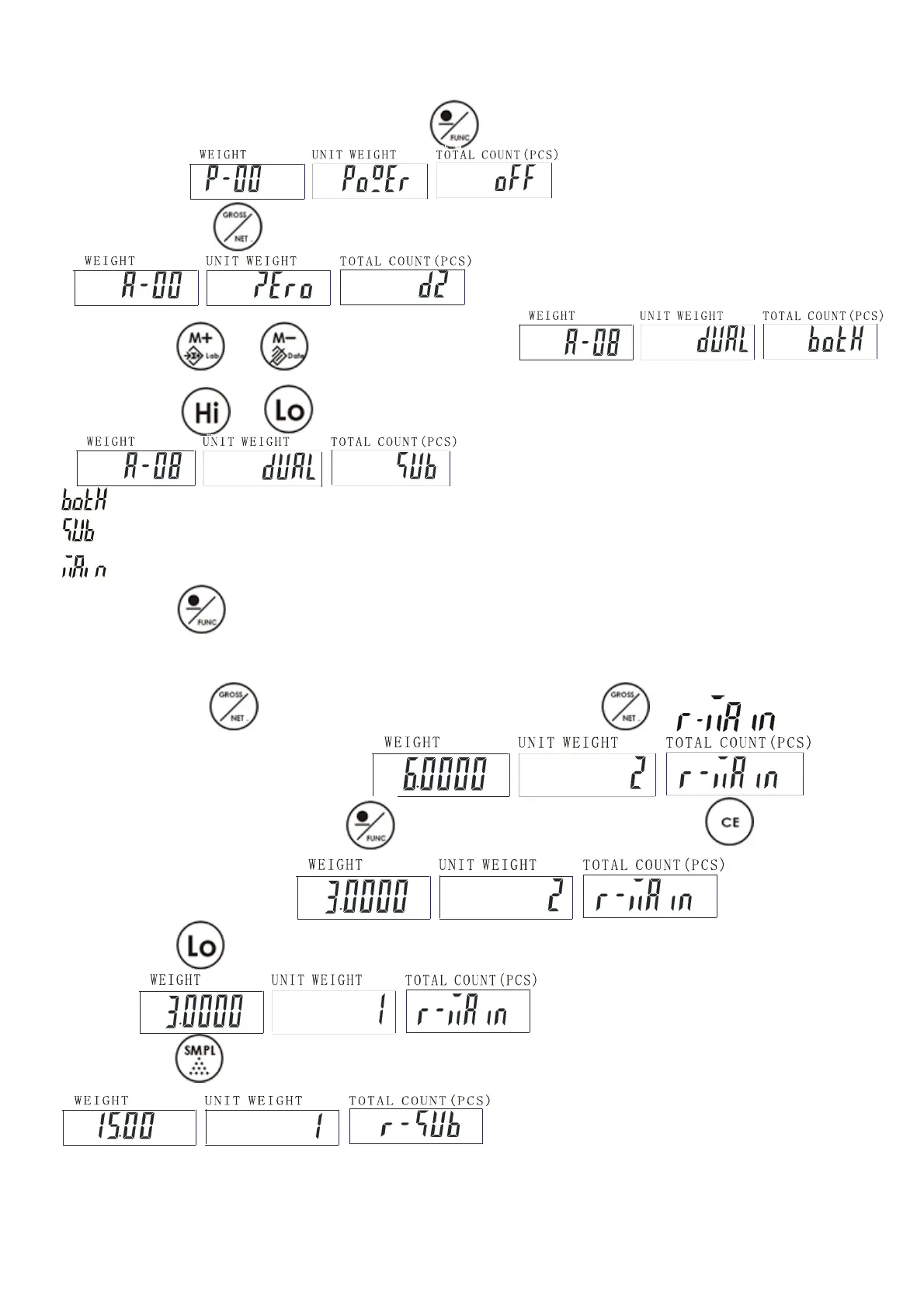
1) Under the weighing mode, long press key for 3 seconds to enter basic parameter
setting mode.
2) Long press key to enter advance parameter setting mode.
3) Press key or to select parameter A-08.
4)Press key or to step through all the available setting items.
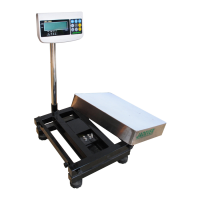
= Using main scale together with the remote platform
= Use the remote platform only
=Use the main scale only
5) Press key to save the setting and return to weighing mode.
7-4 Maximum Capacity & Division Setting & Unit
1) Press and hold while turning on the scale. Do not release till is
displayed in the Total Count window.
2) Use numeric keys together with to input the new capacity, press key to clears the
indicated input values.
3) Press key advance to division setting. Use numeric keys to input the new division.
4) Press key to advance to Maximum Capacity & Division Setting of the remote platform.
5) Repeat step 2-3 to complete the settings.



 To Next Page