JADEVER JCE/JWE Service Manual - V05
As per the right of proprietary intellectual property, may not be reproduced in any form without written permission.
15
, ,
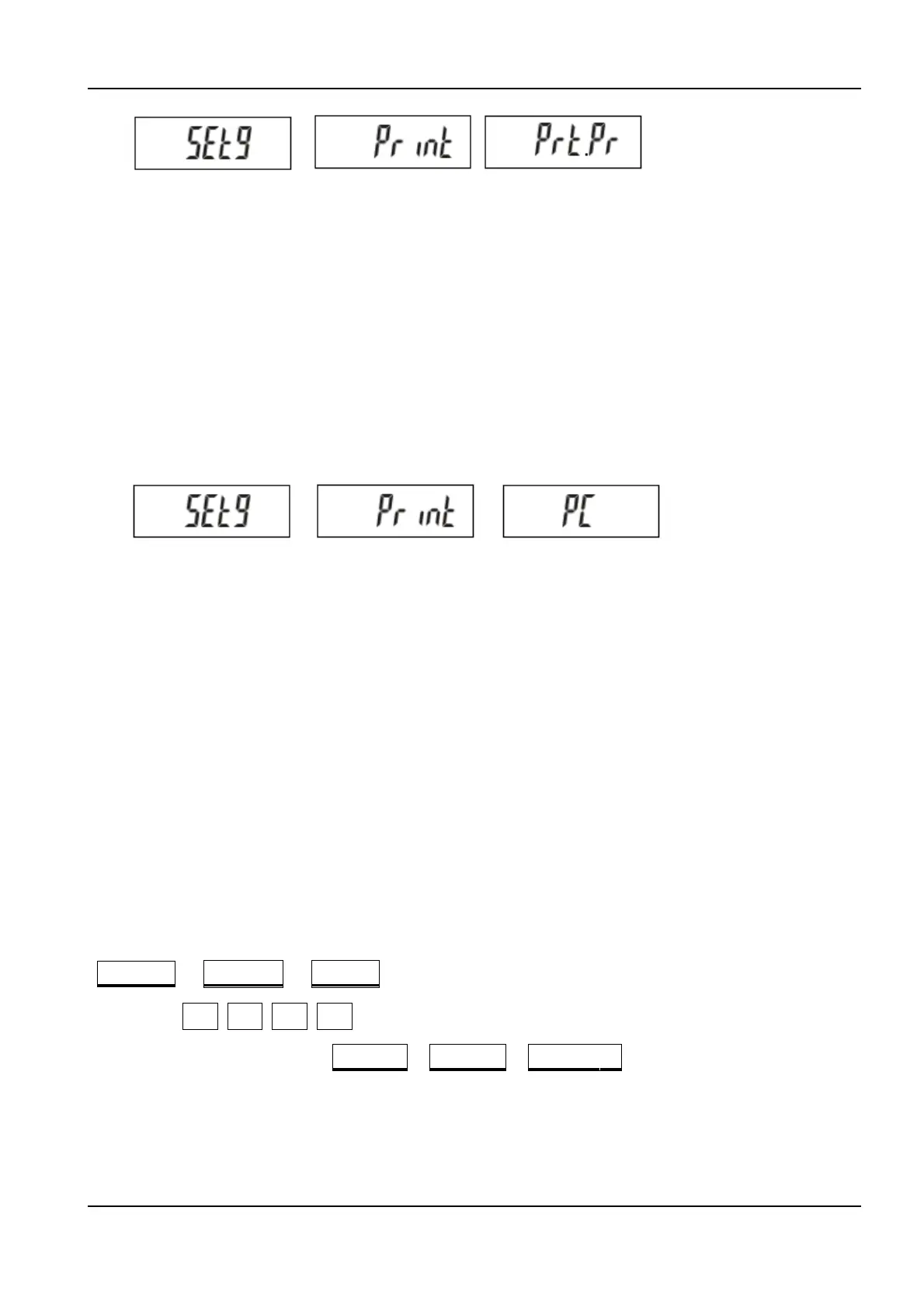
Press 9 key to set up printing mode function, as following:
Pr:
Data will be sent to printer only when key is pressed.
Co:
Data will be sent to printer continuously.
St:
Data will be sent to printer when stable indicated.
Ø External printer/device
Press CK key to enter the external printer/device setup mode. The display will show:
、 、
Press CK key to set up external printer/device, as following:
PC:
Personal computer
SH:
SH-24 printer
TDP:
TDP-643/BP-343D printer
EZ:
EZ-2 printer
Ø Weighing unit
This function is to set up the weighing unit of the scale. Follow the steps below to select the
weighing unit.
1. Turn on the scale while keeping SMPL key pressed. The display will show
、 0 、 0
2. Press 1 1 3 2 keys successively, then press SMPL key to enter unit setup
mode. Display will show SEtU 、 SET 、 -9-
3. Press 1 key to select intended kg or lb unit.
4. Press SMPL key, followed by pressing ZERO key, to back to the normal weighing mode.



 To Next Page