www.janitza.de
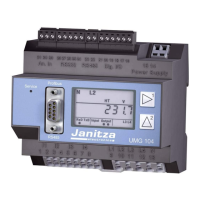
UMG 604-PRO
40
11. 7 Ethernet configuration
Static IP address
In simple networks with no DHCP server, the
network address must be set right on the device
itself.
BootP
BootP enables the device to be integrated into
an existing network fully automatically. However,
BootP is an older protocol and does not provide
the scope of functions provided by DHCP.
DHCP mode
DHCP makes it possible integrate a UMG
604-PRO into an existing network fully
automatically without the need for any additional
configuration. When started, the device
automatically obtains the IP address, the subnet
mask and the gateway from the DHCP server.
The device is factory-set to the DHCP client.
mm
CAUTION!
Damage to property due to
incorrect network settings
Incorrect network settings can cause faults
in the IT network.
Obtain information from your network
administrator about the correct settings
for your device.
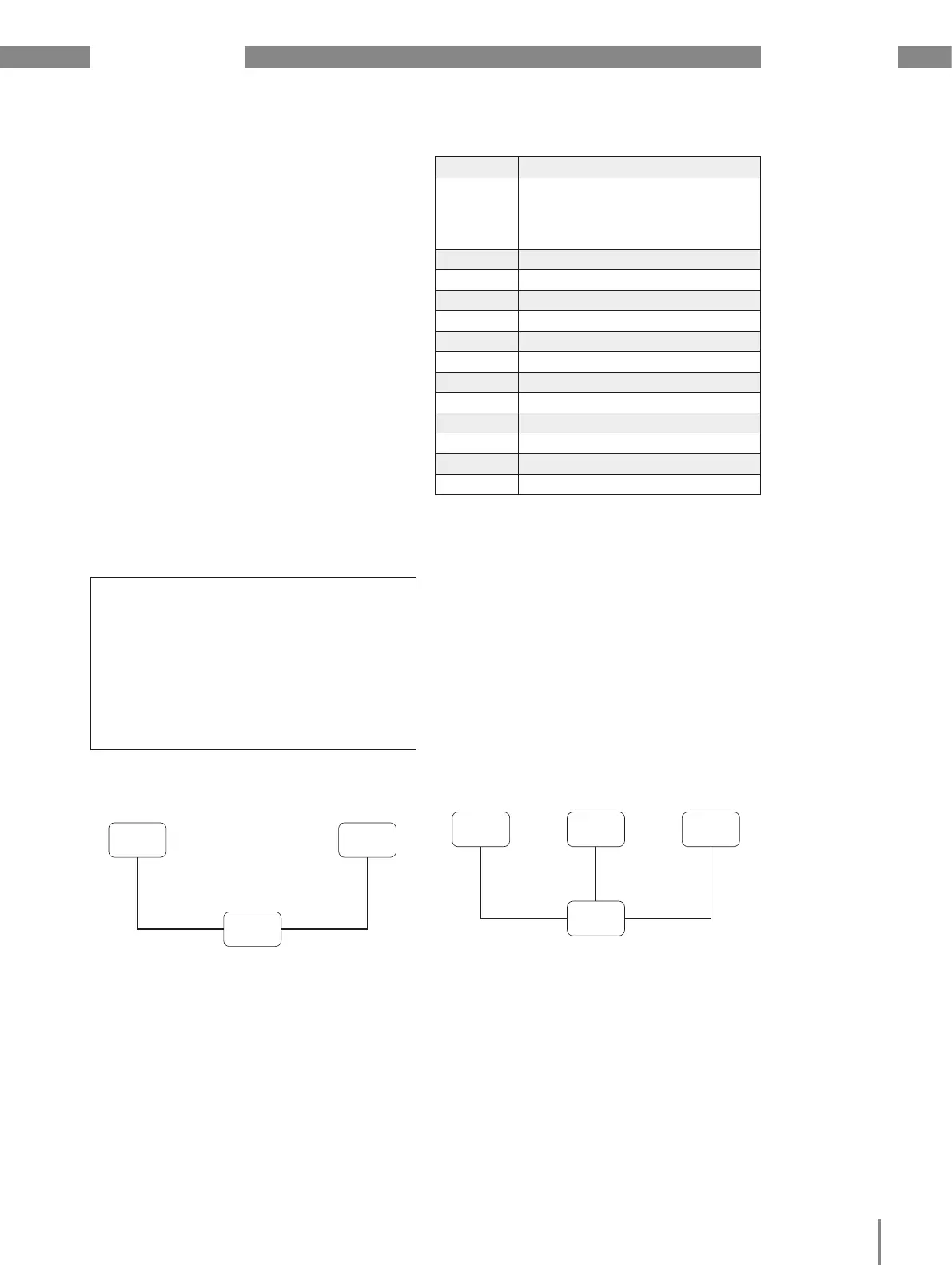
Fig. Connection example, the UMG 604-PRO and PC
require a static IP address.
Switch
Patch cable Patch cable
PC UMG604
Fig. Connection example, the UMG 604-PRO and PC are
automatically assigned an IP address by a DHCP server.
Patch
cable
Patch cable Patch cable
DHCP
server
PC UMG604
Switch
Address Settings
205 DHCP mode
0 = static IP
1 = BootP
2 = DHCP client
300 IP address, xxx --- --- ---
301 IP address, --- xxx --- ---
302 IP address, --- --- xxx ---
303 IP address, --- --- --- xxx
304 IP mask, xxx --- --- ---
305 IP mask, --- xxx --- ---
306 IP mask, --- --- xxx ---
307 IP mask, --- --- --- xxx
310 IP gateway, xxx --- --- ---
311 IP gateway, --- xxx --- ---
312 IP gateway, --- --- xxx ---
313 IP gateway, --- --- --- xxx


 To Next Page