49
Edit
Edit
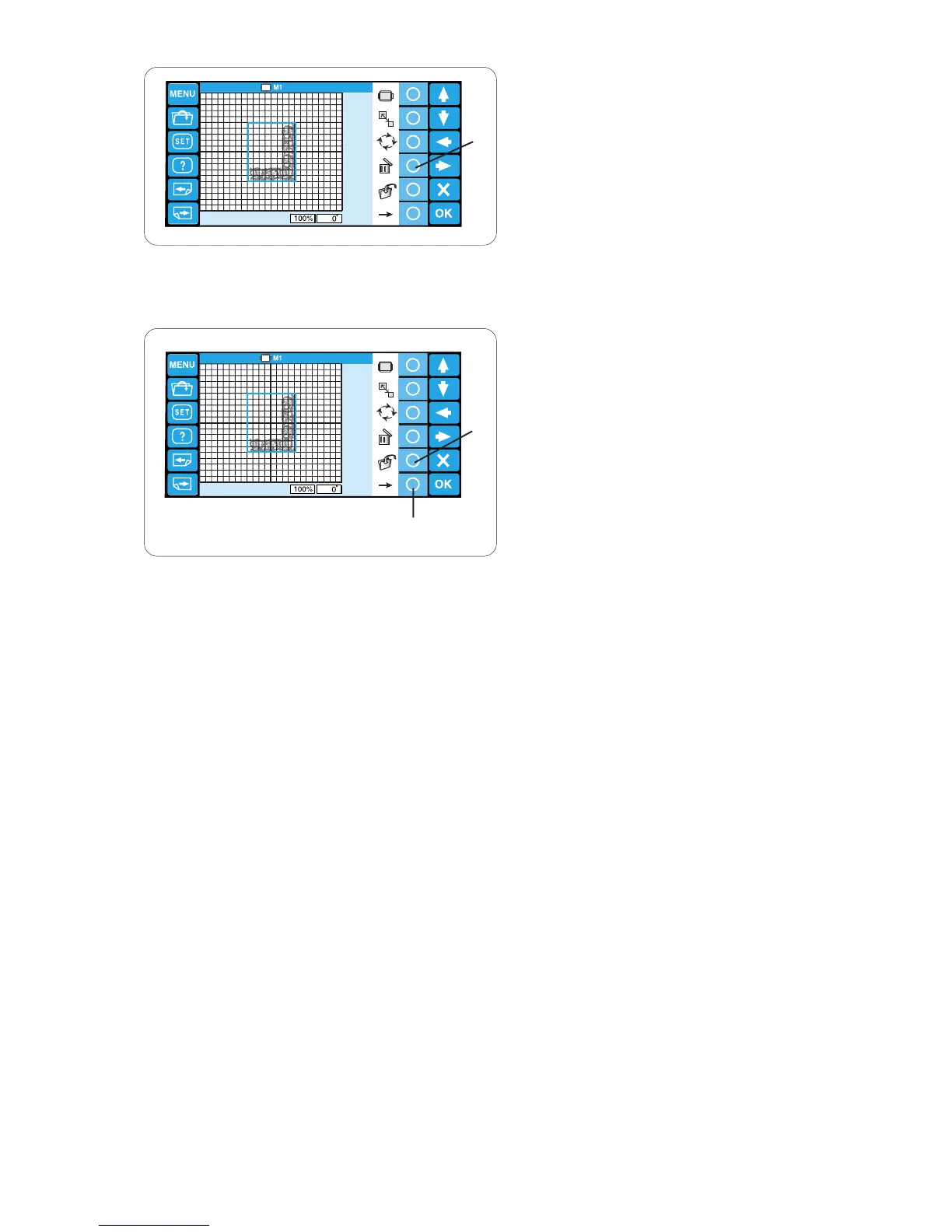
Deleting the pattern
Select the pattern to delete by pressing the pattern
image in the editing screen.
The selected pattern is indicated with a green frame.
Press the circle key next to the delete icon to delete
the selected pattern.
q Circle key (delete)
q
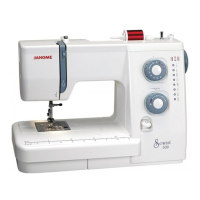
Saving the file
It is recommended to save the original pattern created
in the editing mode for the future use.
The pattern will be saved as a data file in .jef+ format.
Press the circle key next to the file save icon and the
file save window will open.
Refer to pages 75-76 for detailed instructions.
q Circle key (save)
To show the alternate function key assignment, press
the circle key next to the right arrow icon.
w Circle key (right arrow)
q
w








 To Next Page