A WILKINSON STAR LIMITED PRODUCT 01-19 ISSUE 1
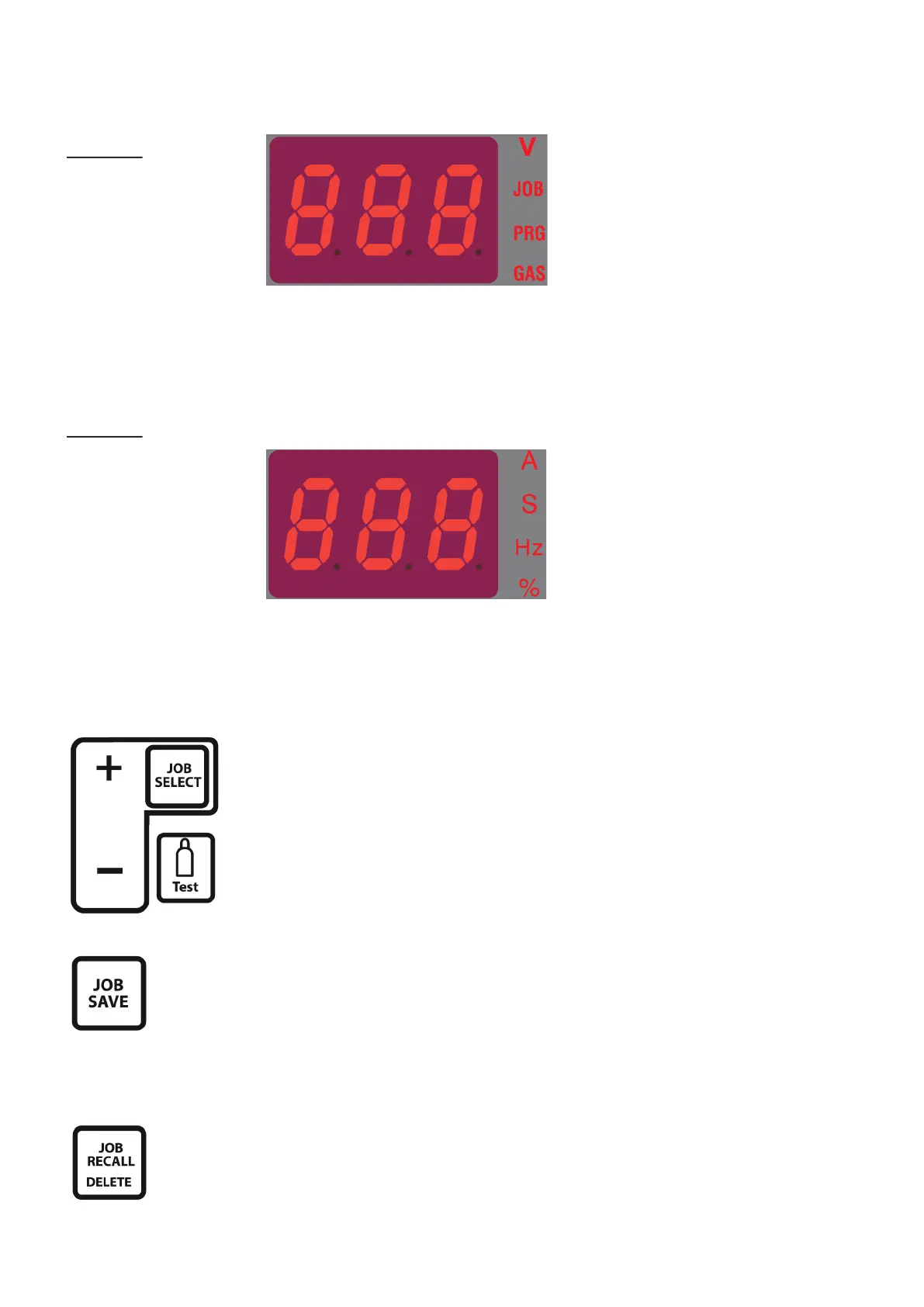
The “A” indicator lights up when there
is current.
The “S” indicator lights up when a me
parameter is displayed.
The “Hz” indicator lights up when a
frequency parameter is displayed.
The “%” indicator lights up when a
percentage parameter is displayed.
DISPLAY FEATURES
DISPLAY 1
Displays voltage value
Displays “C+ storage
channel”
Display “Err”
The “V” indicator lights up when the
voltage is displayed.
The “JOB” indicator lights up when the
storage parameter channel is selected.
The “PRG” indicator lights up when the
parameter is saved to the channel or
the channel stores the last stored data.
The “GAS” indicator lights up when the
solenoid valve gas switch is turned on.
DISPLAY 2
Display current
Display me
Display frequency
Display percentage
Display error code
Display size of tungsten
electrode
Save and Recall Parameter Sengs
Press the job select buon to enter the job select mode. In job select mode,
select the corresponding job number by pressing the job select buon to scroll
up and the gas purge buon to scroll down to nd a free storage posion.
Any posion that has a job stored will light PRG in the display. There are 50 job
posions available.
Set parameters as needed, save to the selected channel by pressing the job select buon
to highlight the job number required and press “Save” buon to save the parameters.
The selected channel must be displayed in order to save the job.
If you do not operate in the job select / save mode for more than 5 seconds, the job select
mode will automacally be exited.
When recalling a job press the job select buon as above to nd the job number you
require and press the job recall buon. This will recall the stored parameters of that job.
To delete the data parameters / job press and hold the job recall delete buon unl a
beep is heard for 2 seconds. The PRG will then disappear from the deleted job number.













 To Next Page