Part No. 960-000187R_Rev. A © 2016 JCM American Corporation
November, 2016 JCM® Training Overview DBV-500 Banknote Validator
LED ERROR CODES
S
TARTUP
E
RRORS
Startup Errors can occur during initial power up of the DBV-500 Unit. During
Normal Operating Mode, the Bezel LED flashes white; in Performance Test
Mode, however, the Bezel LED flashes white intervals. To identify the Startup
Error, count the flashes between pauses, then consult Table 8 to determine the
Error, Causes and Solutions.
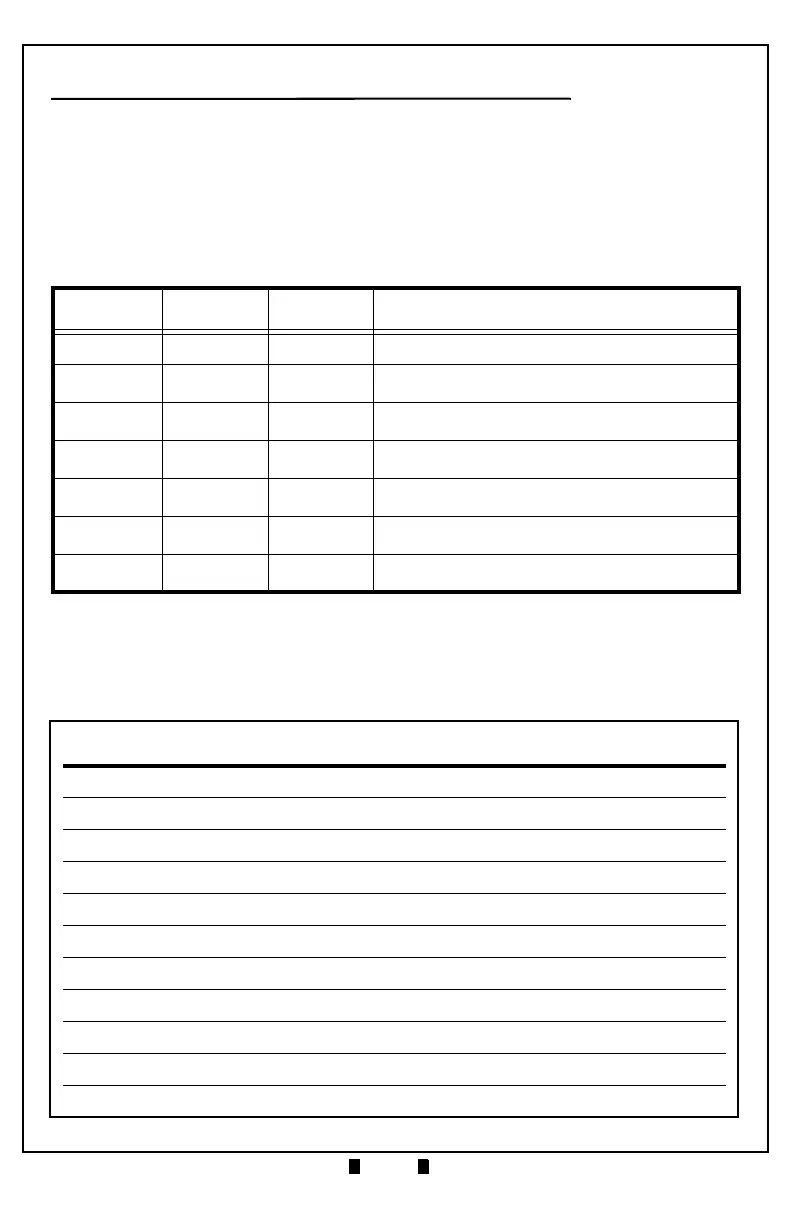
Table 8 DBV-500 Startup Errors, Causes and Solutions
Normal
Operation
Performance
Test
Error Causes and Solutions
White (1) White (1) Boot Check Boot Program incorrectly written - CPU Board
White (3) White (2) Boot I/F
Boot interface incorrectly written/No Operating
Program - Download the software, CPU Board
White (3) White (3)
CPU Internal
RAM
RAM Reading/Writing Error, CPU Board
White (3) White (4)
External
SD RAM
SD-RAM Reading/Writing Error, Download
Software, CPU Board
White (3) White (5) EEPROM
EEPROM Reading/Writing Error, Calibrate,
CPU Board
White (3) White (6)
Downloading
File
Check file for DBV-500, Download proper software
White (3) White (8) I2C Access
Sensors detected abnormal condition, Clean
Sensors, check Stacker.



 To Next Page