36
SPX532 – QUICKSTART GUIDE
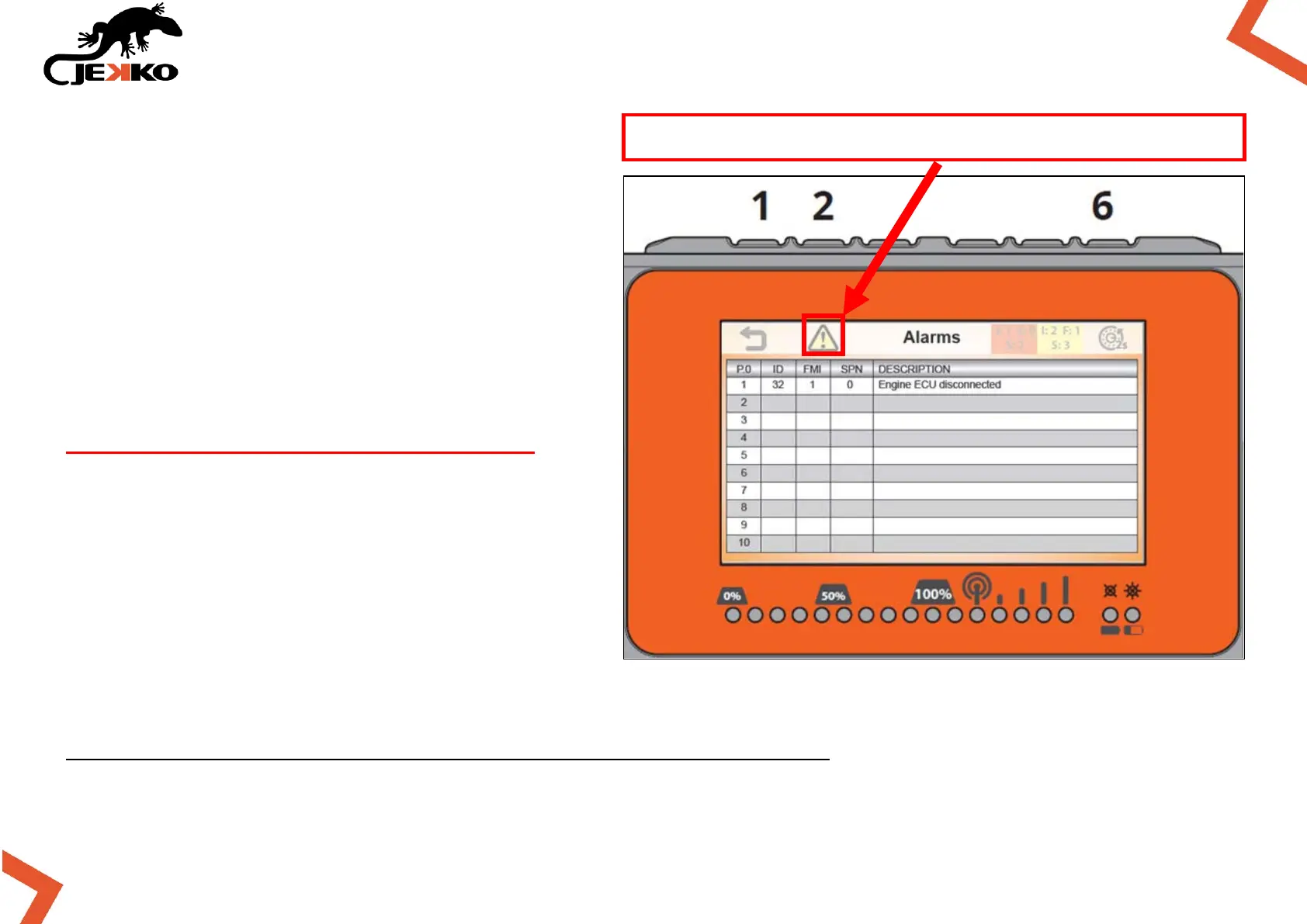
17.1. ALARM PAGE
In the Alarm page, the alarms are listed with a
brief description that helps to understand the
faults / possible causes.
HOW TO CLEAN ALARMS:
To clean the alarms press and hold the Button
6 (on top of the display) for 2 seconds.
If the alarms don’t disappear, do it twice!
By cleaning the alarms pushing Button 6, only
the active alarms will remain written in the
alarm list.
For further details, please check the
“SPX532 WARNING AND ALARM CHART”.
Push the Button 2 (on top of the display) to open the Warning page (see page 37).
NOTE: The alarm page has got the yellow symbol here!



 To Next Page