44
VX4010
RADIO TUNER OPERATION
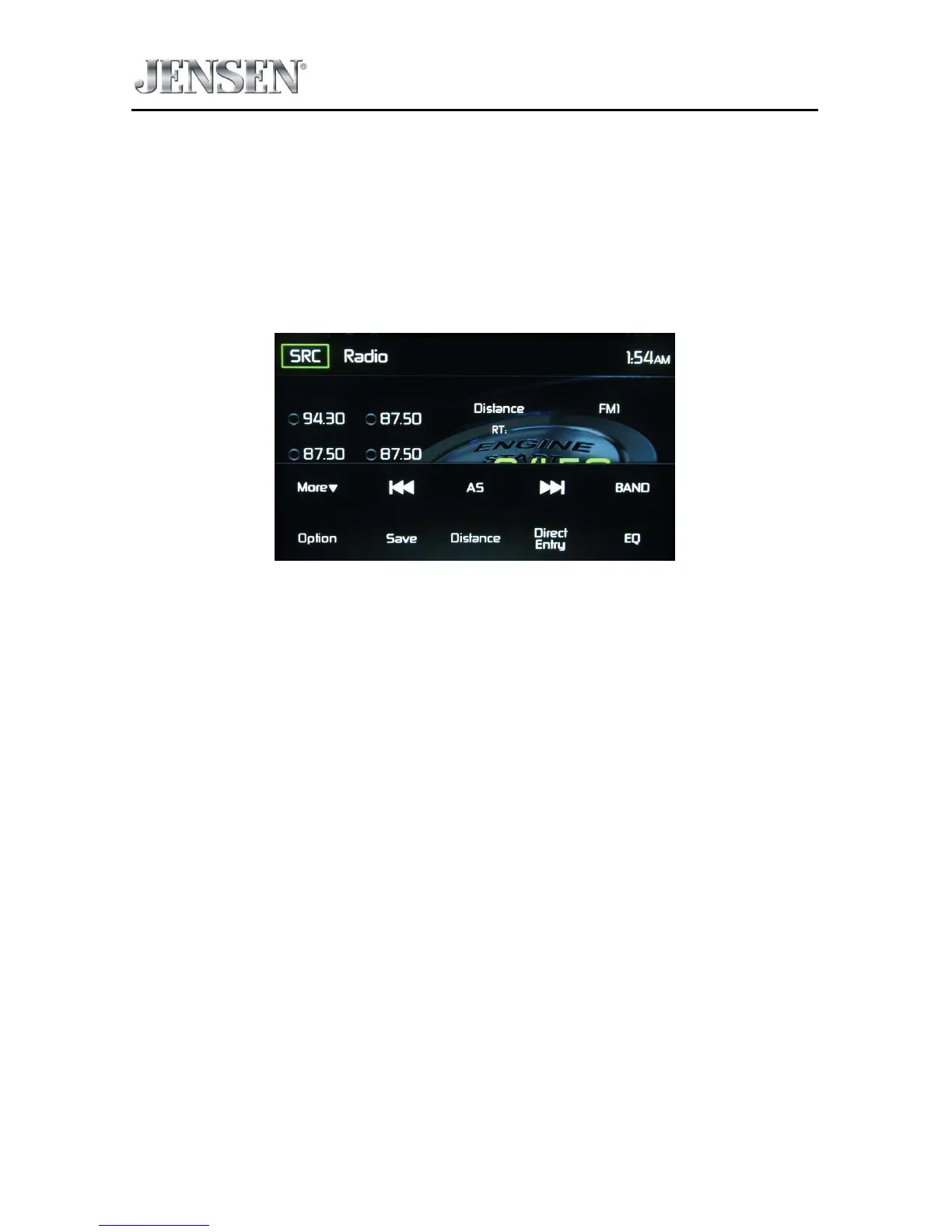
From the main menu screen touch the radio icon. The radio tuner display screen
appears.
Radio Tuner TFT Display
The on-screen icons and touch key areas are outlined below.
Radio Tuner TFT Display Screen
SR
C Icon - Touch to view the SOURCE MENU and select a new playback source.
Radio - Displays the current source.
Time Display - This indicator displays the time as entered by the user in the
Settings Menu.
Preset List - Provides a display of the preset frequencies. Touch to recall a preset
station. The radio can store 6 FM1, 6 FM2, 6 FM3, 6 AM1, and 6 AM2 frequency
presets.
Local/Distance - Displays the local distant setting.
Stereo - Displays stereo radio signal reception.
FM1 - Displays the current preset frequency band.
P1 through P6 - Displays the current preset frequency within the preset
frequency band that currently playing.
107.7 MHz - Displays the radio station frequency that is currently playing.



 To Next Page