8
VX4010
CONTROLS AND INDICATORS
OPEN
VX4010 Controls and Indicators
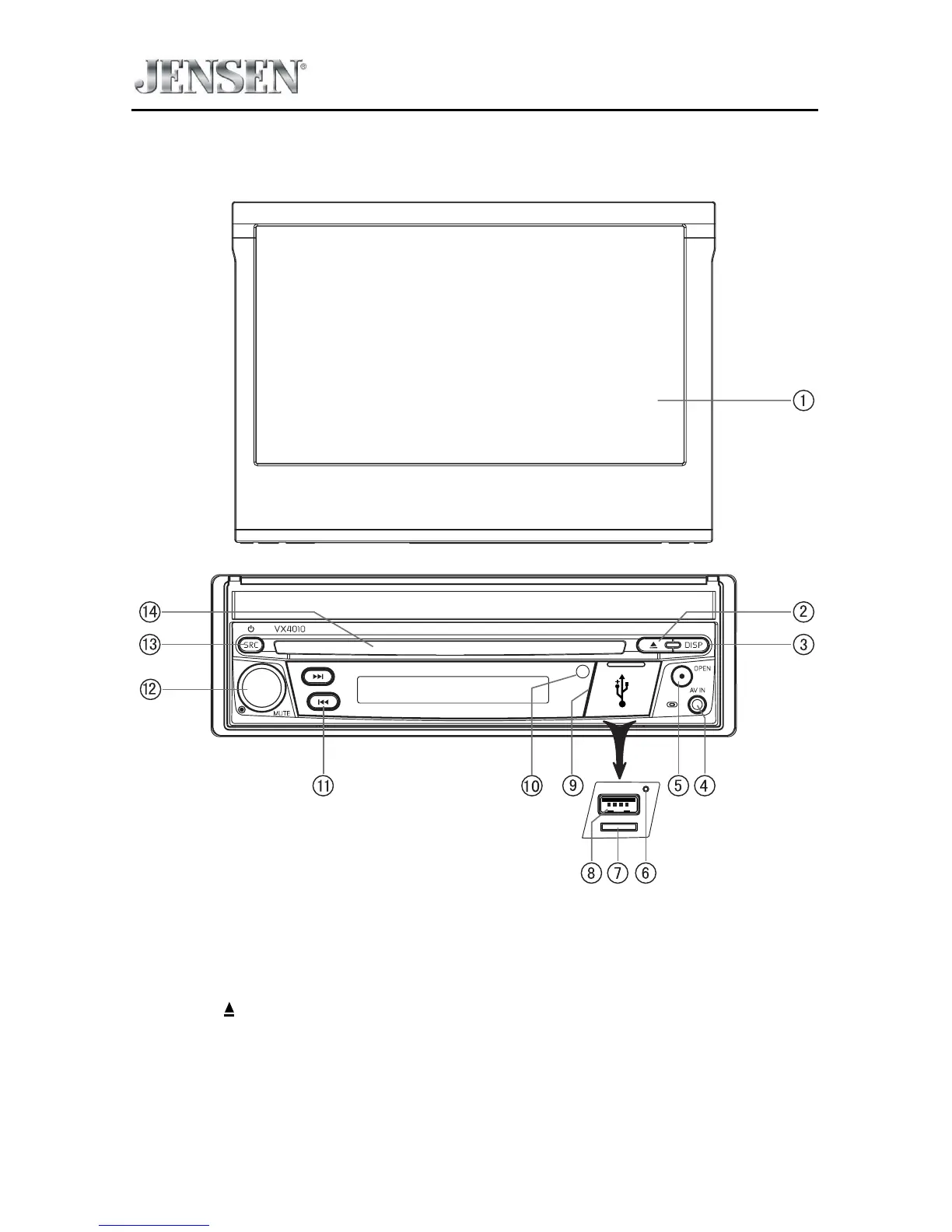
1. LCD Screen and Touch Screen:
Touch icons on this screen to access menus or control functions.
2. Eject ( ) Button:
Press this button to eject a DVD/CD/MP3 disc. Disc play is stopped, the disc is
ejected and the unit will change to radio operation. If the disc is not removed
from the unit and the button is pressed again, the disc will be re-loaded. If the
disc is not removed from the disc slot within 10 seconds of being ejected, it
will be automatically reloaded to prevent it from being accidentally damaged.



 To Next Page