74
VX4010
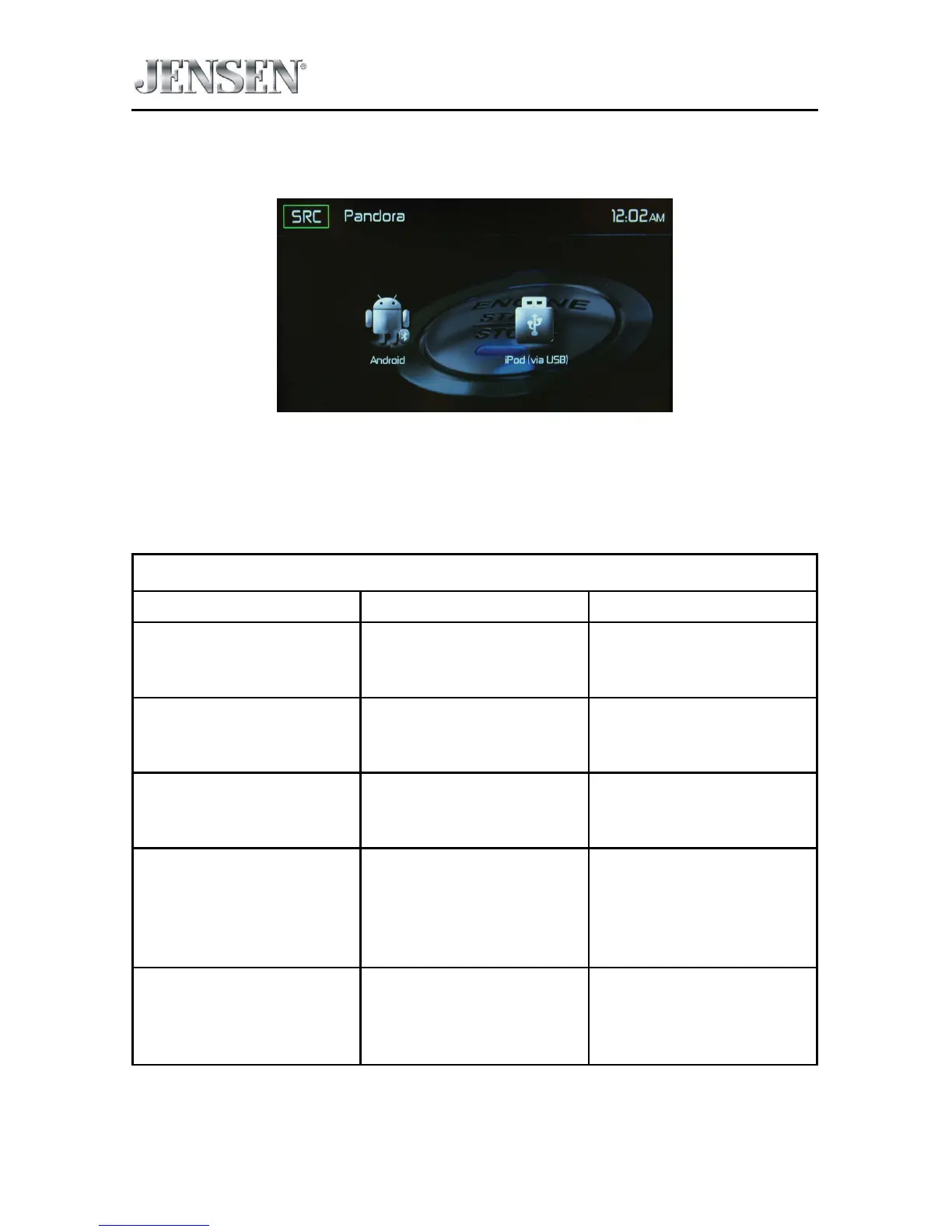
3. If both an Android device and iPhone®/ iPod® are connected to the radio, the
Select Android or iOS Screen appears.
Select Android or iOS Screen
4.
T
o stop Pandora, exit the Pandora app on the iPhone®, iPod® or Android
device.
Pandora Error Messages
Message Displayed Cause Corrective Action
BookMark Track Error Software Error The track could not be
bookmarked, please try
again in a moment.
BookMark Artist Error Software Error The song could not be
bookmarked, please try
again in a moment.
Thumbs Up / Down Error
“Error Track Rating”
Software Error Song feedback could not
be sent, please try again
in a moment.
No Active Station Error Software Error This account has no
stations in it. Please visit
Pandora.com and login
to your account and add
stations.
Skip Limit Reached Software Error Please note that
Pandora limits skips to a
maximum of six skips per
station, per hour.



 To Next Page