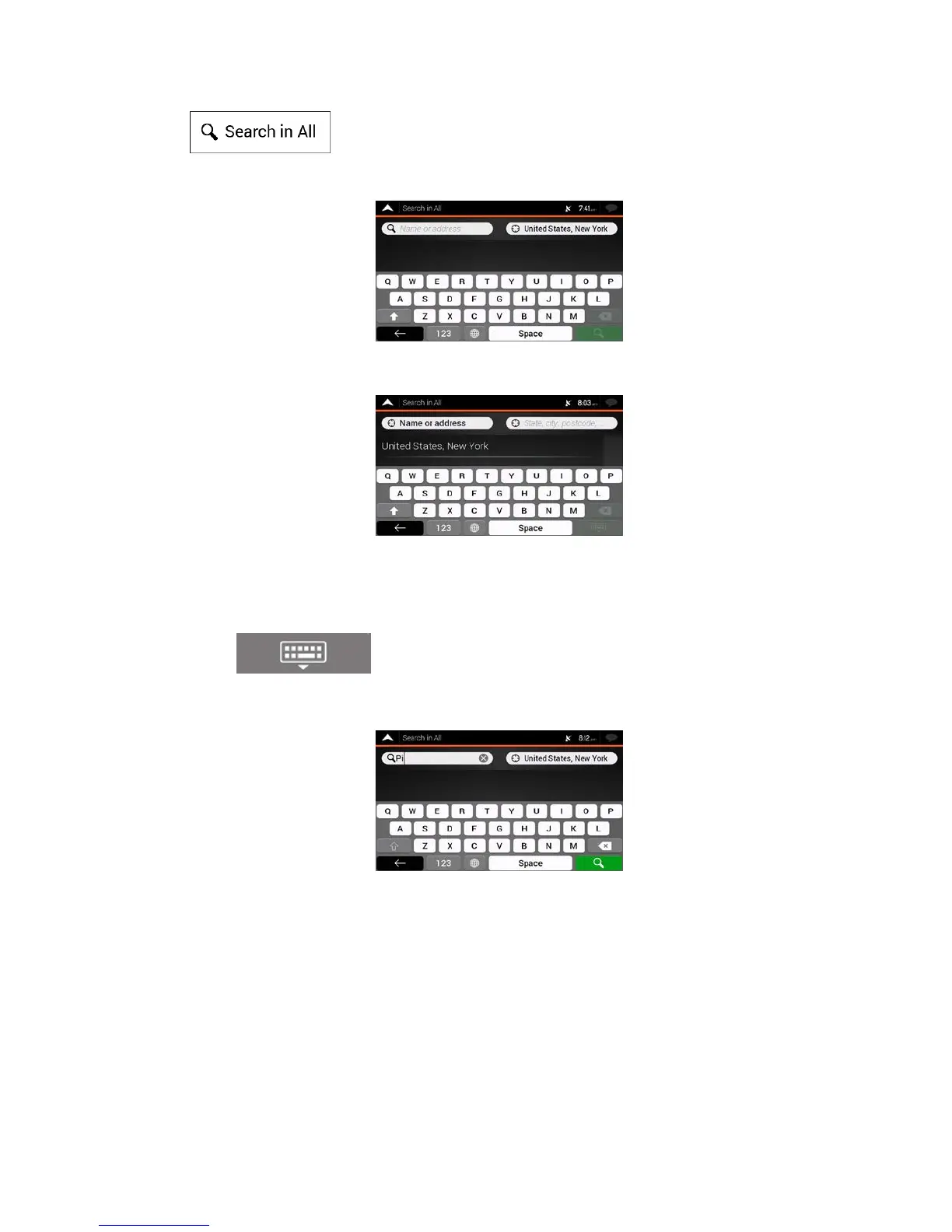
3. Tap . You can see the input field at the top of the screen. Right next to it you
can see the search area, the town around which the search is carried out. The default search area
is the area where you are located. For a local search, skip the next step.
4. (opt
ional) To search in a different area, tap the input field with the search area, and start entering
the name of the new search area on the keyboard.
You
only need to enter a few letters to get a result. The most likely result appears below the input
field as you enter new letters.
a. If the new search area is in a different country or state, start entering the country/state and
the town.
b. Tap
to see the whole list of the matching results.
5. With the proper search area displayed, start entering the name, address, or category of the
destination you are looking for.
24



 To Next Page