3.1.3.4 Finding help nearby
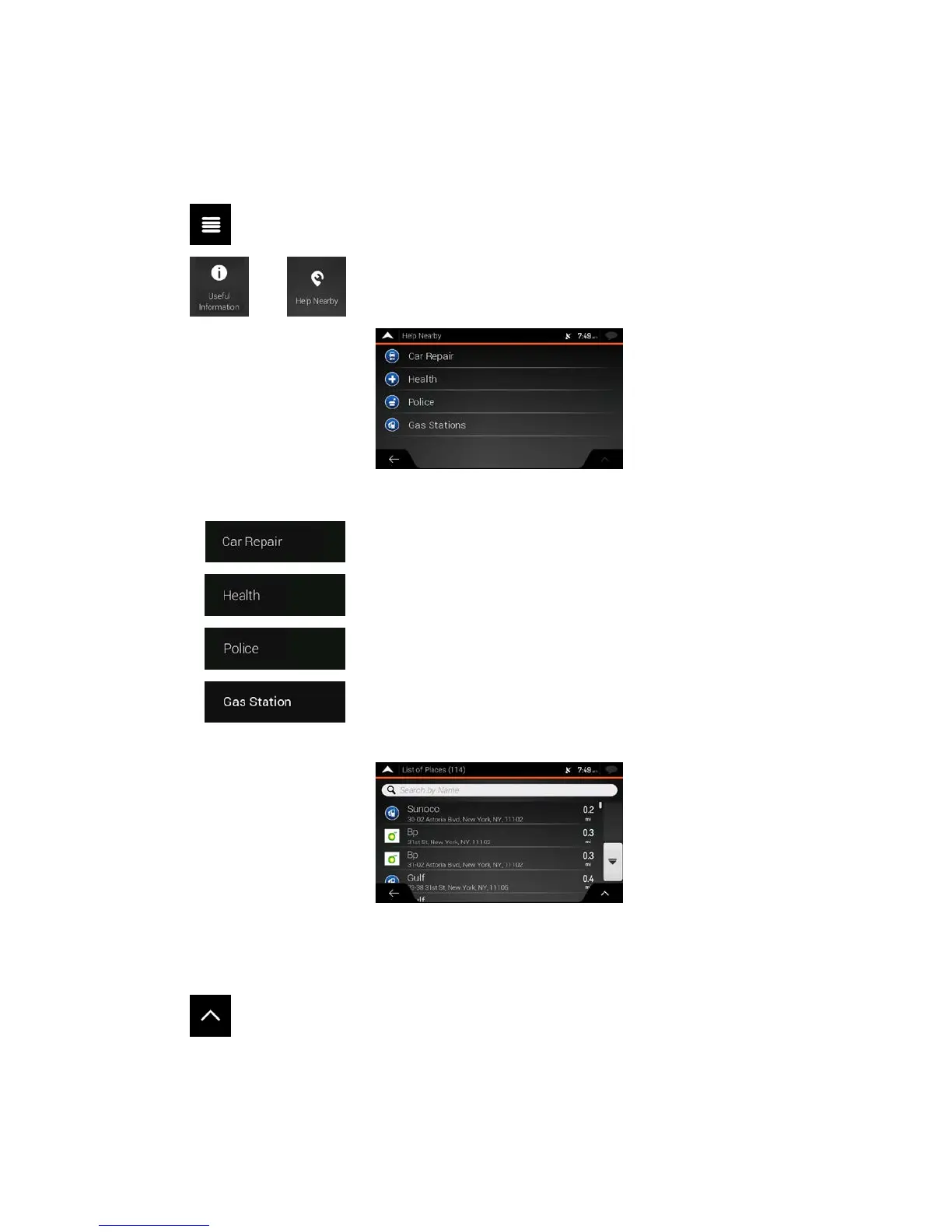
To quickly search for nearby assistance, perform the following steps:
1. Tap
on the Navigation view to access the Navigation menu.
2. Tap
and .
Pl
aces in the following pre-set search categories can be searched for around the current position
(or around the last known position if the current position is not available):
•
: Car repair and roadside assistance services
•
: Medical and emergency services
•
: Police stations
•
: Gas stations
3. Tap any of the quick search buttons to get an instant list of those types of Places.
4. (opt
ional) The Places in the list can be ordered by the following criteria:
• By their distance from the current or last known position
• By name.
Tap
to reorder the list.
5. Browse the list and tap one of the list items. A full screen map appears with the selected point in
the middle.
6. The process continues the same way as in case of any other Places search. See page 36.
42



 To Next Page