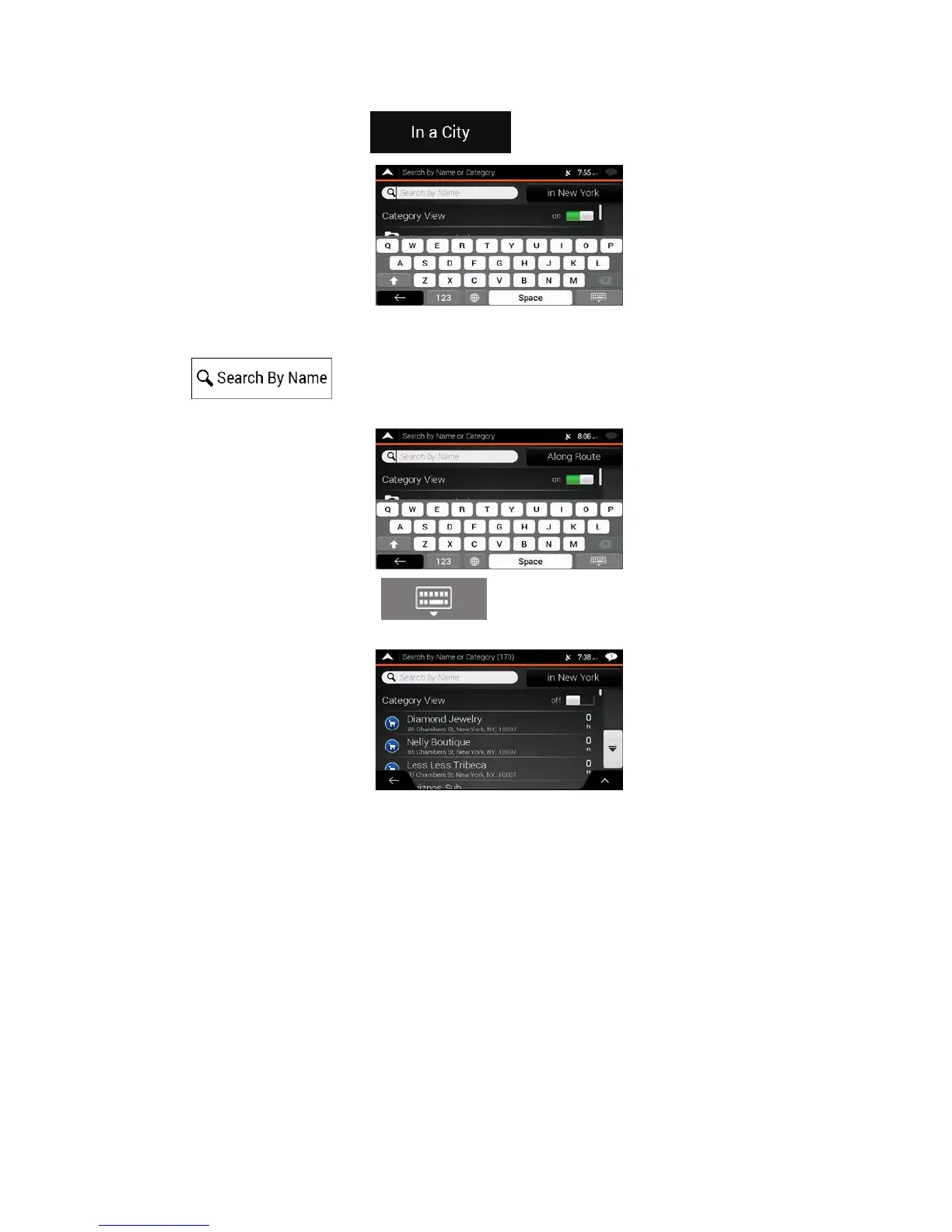
5. (optional) If you have selected , select the town to search in.
You can search for the name of a Place in all categories by performing the following steps:
1. Tap
. Using the keyboard, start entering the name of the Place or browse in
the categories.
2. Af
ter entering a few letters, tap
to open the list of Places or Place categories with
names containing the entered character sequence.
3. Br
owse the list, if necessary, and tap the desired list item. A full screen map appears with the
selected point in the middle. The process continues the same way as in case of any other Places
search. See page 36.
41



 To Next Page