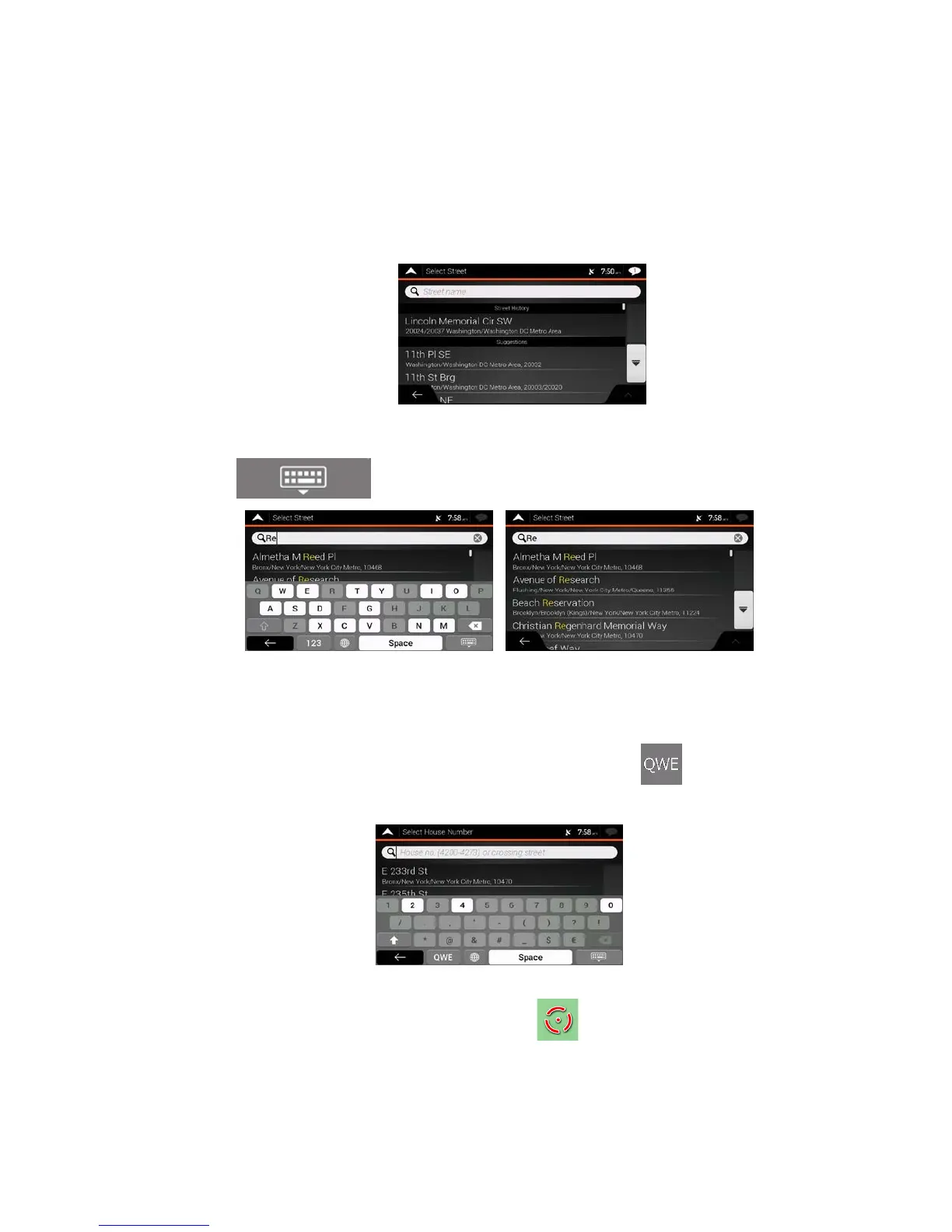
5. Ent
er the street name.
a. Tap the Street field.
b. (optional) On the Select Street screen, you can immediately select a street from the list of
suggestions.
c. Ot
herwise, start entering the street name on the keyboard, the names that match the string
appear in a list.
d. Tap
to open the list of results. Select the street from the list.
6. Ent
er the house number by performing the following steps:
a. Tap the House number or crossing street field.
b. Enter the house number on the keyboard. (To enter letters, tap
.)
c. Tap the selected address to finish the address search.
7. A f
ull screen map appears with the selected point in the middle. If necessary, tap the map
somewhere else to modify the destination. The cursor (
) appears at the new location.
8. Check the settings for road types and change them if necessary.
31



 To Next Page