TEC Series BACnet® MS/TP Network Temperature and Humidity Controllers Technical Bulletin12
Fan Mode
3
MSV 17 • If Fan Mode Sequence is set at 1, then:
1 = Low
2=Med
3 = High
• If Fan Mode Sequence is set at 2, then:
1 = Low
2 = High
• If Fan Mode Sequence is set at 3, then:
1 = Low
2=Med
3 = High
4=Auto
• If Fan Mode Sequence is set at 4, then:
1 = Low
2 = High
3=Auto
• If Fan Mode Sequence is set at 5, then:
1=Auto
2=On
Occupancy Command
3
MSV 18 1 = Local Occupancy
2 = Occupied
3 = Unoccupied
Keypad Lockout
3
MSV 19 1 = Level 0
2 = Level 1
3 = Level 2
4 = Level 3
5 = Level 4
6 = Level 5
PI Heating Demand
5
AV 21 0 to 100%
PI Cooling Demand
5
AV 22 0 to 100%
Dehumidification Status
(TEC2636-4, TEC2636H-4,
TEC2636H-4+PIR, TEC2656-4,
TEC2656H-4, and
TEC2656H-4+PIR Models)
BI 23 0 = Off
1=On
AUX (BO5) Status
5
BI 25 0 = Off
1=On
Heating (BO3 and BO4) Valve
Status
5
(TEC2616-4, TEC2616H-4,
TEC2616H-4+PIR, TEC2626-4,
TEC2626H-4, TEC2626H-4+PIR,
TEC2636-4, TEC2636H-4, and
TEC2636H-4+PIR)
MSV 26 For On/Off Control:
1 = Closed
2=Open
For Floating Control:
1 = Stopped
2 = Opening
3 = Closing
Cooling (BO1 and BO2) Valve
Status
5
(TEC2616-4, TEC2616H-4,
TEC2616H-4+PIR, TEC2626-4,
TEC2626H-4, TEC2626H-4+PIR,
TEC2636-4, TEC2636H-4, and
TEC2636H-4+PIR)
MSV 27 For On/Off Control:
1 = Closed
2=Open
For Floating Control:
1 = Stopped
2 = Opening
3 = Closing
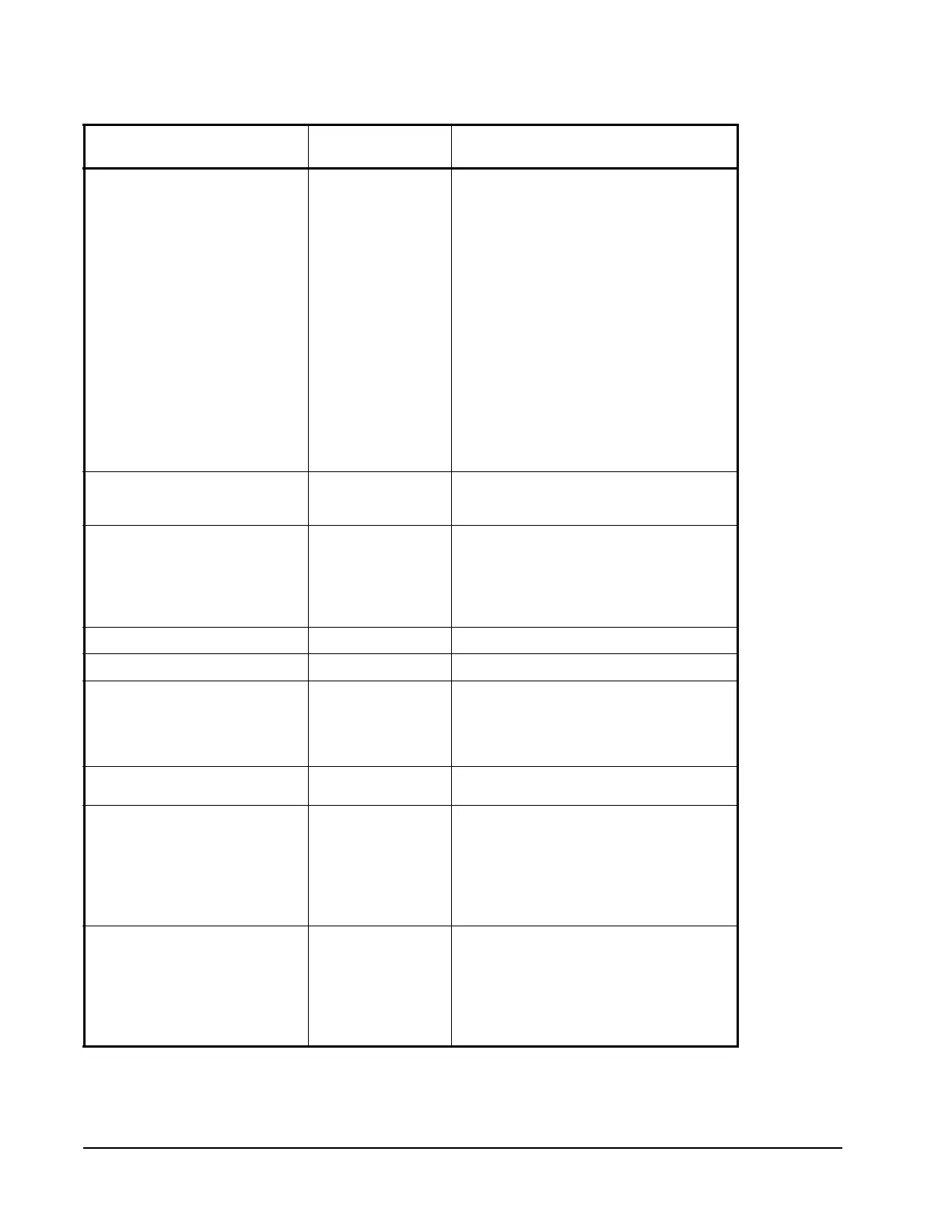
Table 3: TEC26x6(H)-4 and TEC26x6H-4+PIR Series MS/TP Bus Objects
(Part 2 of 7)
Point Name Thermostat Point
(Type/Address)
Range




 To Next Page