No display on console
Possible causes:
1. Breaker is damaged.
2. ON/OFF switch is damaged.
3. MCB is damaged.
4. 6-pin console cable is damaged.
5. PCB is damaged.
Fix:
1. ( refer to “MCB LED layout & indication”……SECTION 6)
Verify if LED 220vAC(AC) is lit. If this LED is lit, go to step 2.
If LED 220vAC(AC) is not lit, verify the following:
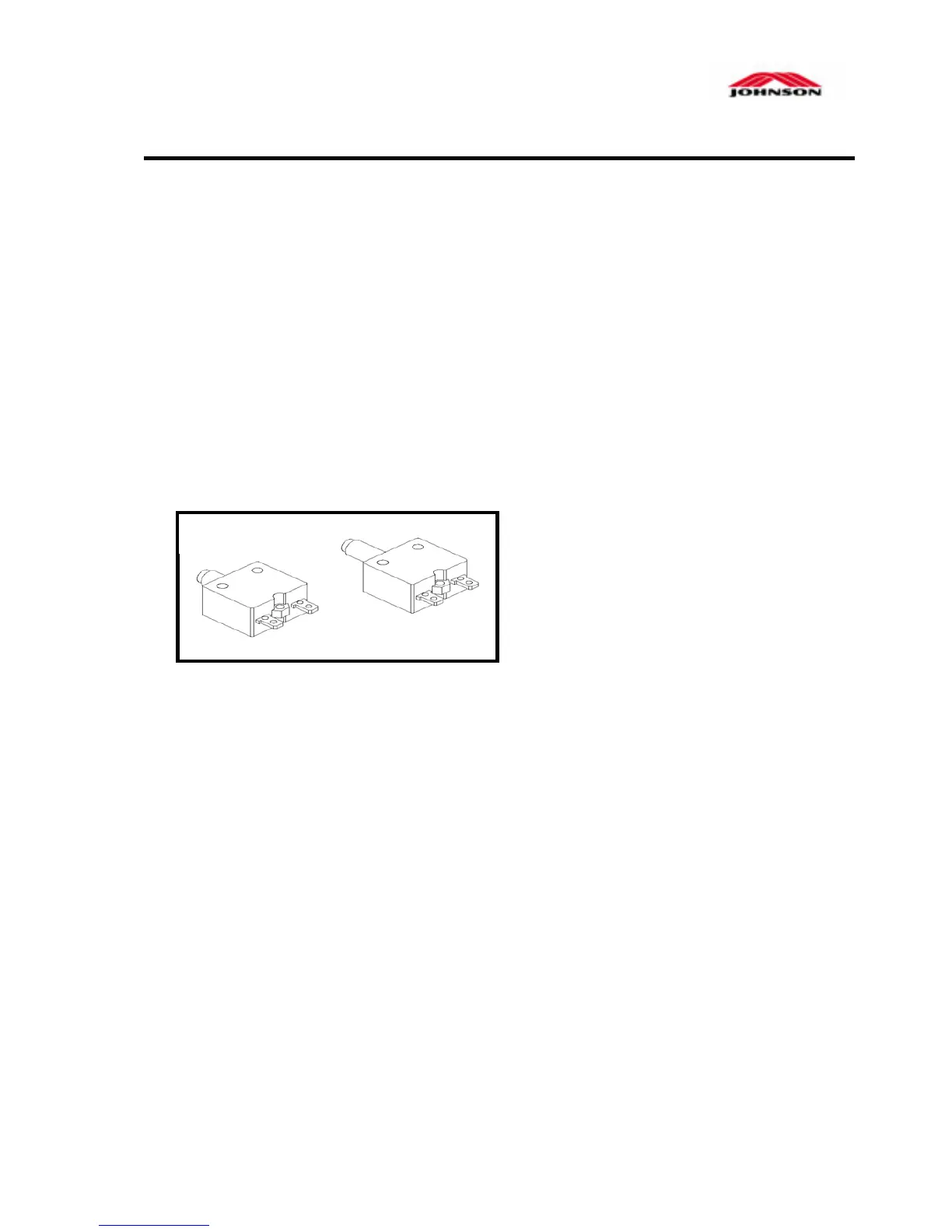
Inspect the circuit breaker to see
if it has tripped off.
( If it is tripped off….like diagram B,
reset the breaker. And check which
part is short-circuited. Then replace
the short-circuited part.)
2. The switch is turned to the "ON" position.
( If the switch light isn't lit, replace the switch.)
Verify wire connection AC1 & AC2 on the MCB.
( refer to “wiring diagram”…….page 4-3 )
Verify the ON/OFF switch, breaker & socket wires are connected.
3. Verify if LED +V_CON & +18v is lit. If one is not lit, replace MCB.
4.
Replace console cable.
5. Replace PCB.
A B



 To Next Page