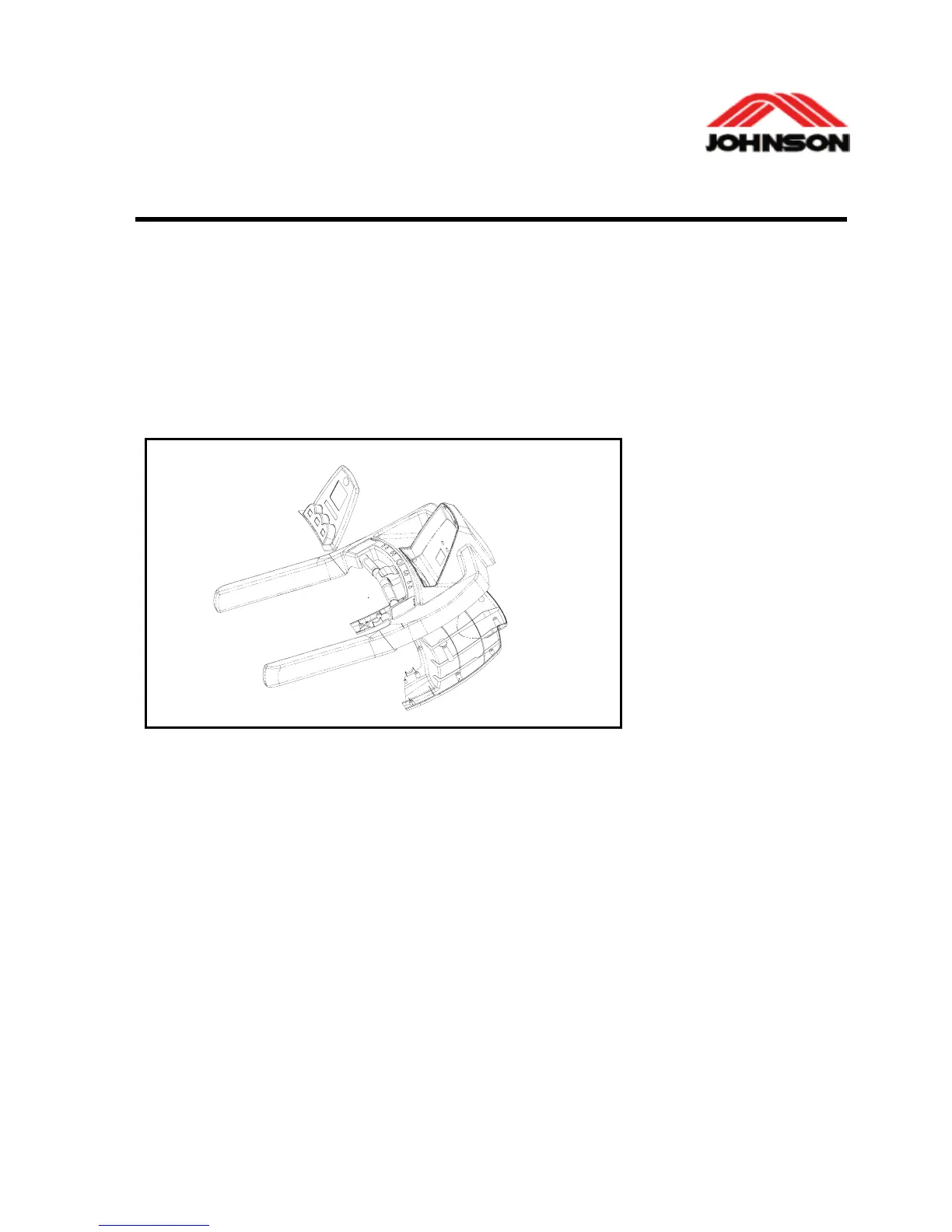
KEYPAD REPLACEMENT
Tools required:
9 Screwdriver
Procedure:
1. remove screws from the console upper cover.
2. Disconnect the plug of the keypad from the PCB.
3. Remove the overlay and the tape residue on the console thoroughly
4. Replace the keypad and plug the new keypad with the PCB.
5. Install the console upper cover and tighten the screws.
6. Tear off about 2 cm-wide of the protective paper on the backside of the
overlay, align the overlay to the top of the console, press the overlay firmly
on the portion with no paper on the backside then tear the remaining paper
slowly. Press the overlay down to the console simultaneously.
7-3



 To Next Page