23
5.5.2 Slow Stop Speed Setting (L2)
The setting for slow stop speed can effectively reduce the inertial force when the gate is opened or
closed to its limit position, which will extend the lifetime of both gate and gate opener.
A. Operation Instruction:
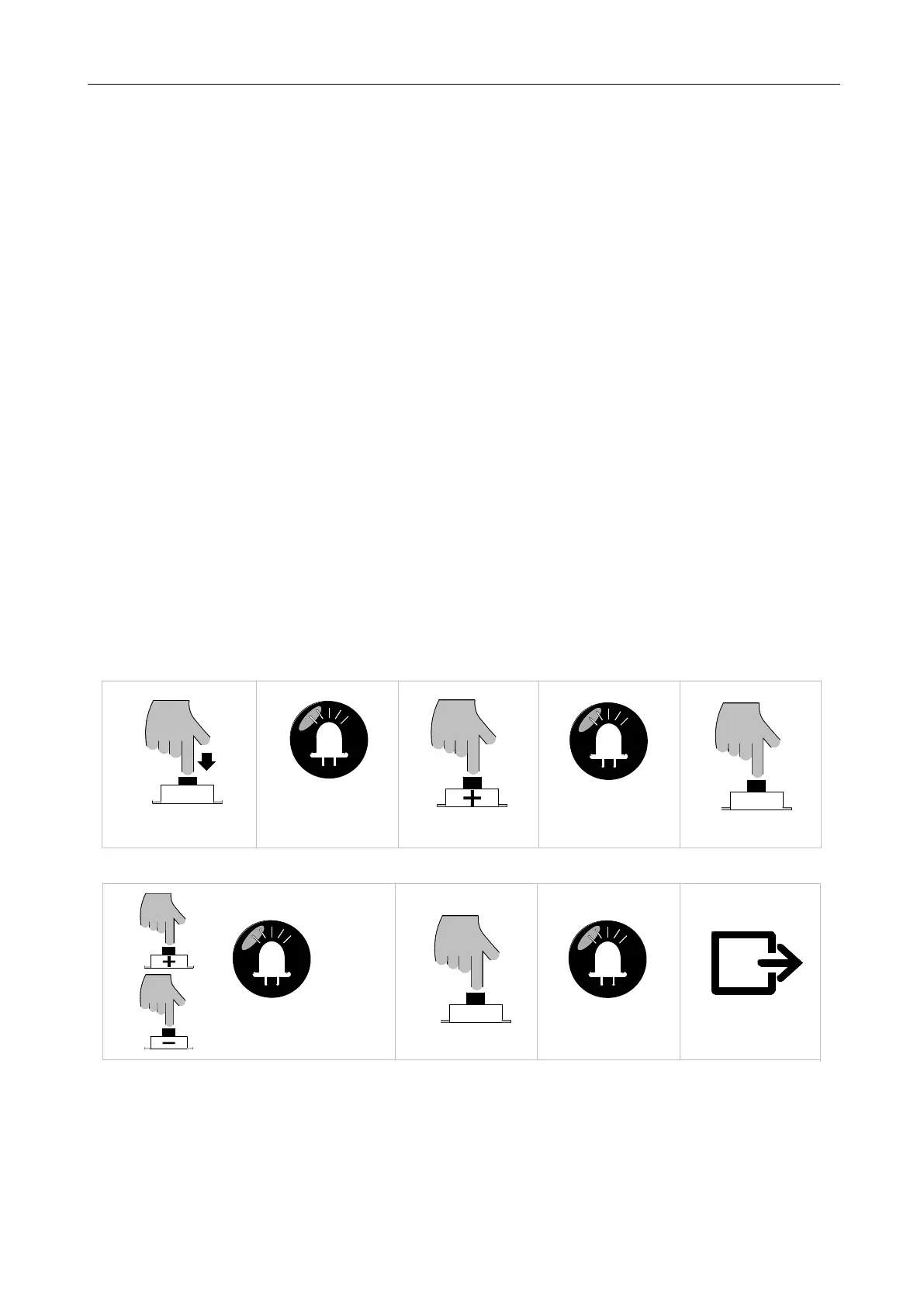
1. Press and hold “PROG” button for 3 sec. to enter into basic menu. Indicator light L0 will flicker
once, then L1 will be always on.
2. Press “+” button to select slow stop speed setting option. Indicator light L2 will be always on.
3. Press “SET” button once to enter into setting mode. Indicator lights L1-L5 will show the
current slow stop speed. (The default is L4)
4. Press “+” or “-” button to adjust the slow stop speed. Indicator lights L1-L5 will show the
different speed status. The more the indicator lights will be on, the faster the slow stop speed will
be.
5. Press “SET” button to save and automatically exit. Indicator lights L1-L5 will be on for one
sec.
B. Operation Graphic Illustration
SET
Press "SET" button once
LED
L2 will be on
Press "PROG" button for 3 sec
LED
L0 flicker once, L1 will be on
PROG
Press "+" button once
LED
SET
Press "SET" button once
LED
Press “+” or “—” button to adjust the
parameters, LED will show the
L1-L5 will be on for one sec
Save and exit automatically
corresponding value
Figure 25



 To Next Page