32
2. Press “+” button to open the gate, then release “+” to stop running; Press “-” to close the gate,
then release it to stop running.
3. Press “PROG” button once to exit the manual control mode. Indicator light L3 will be off.
B. Operation Graphic Illustration
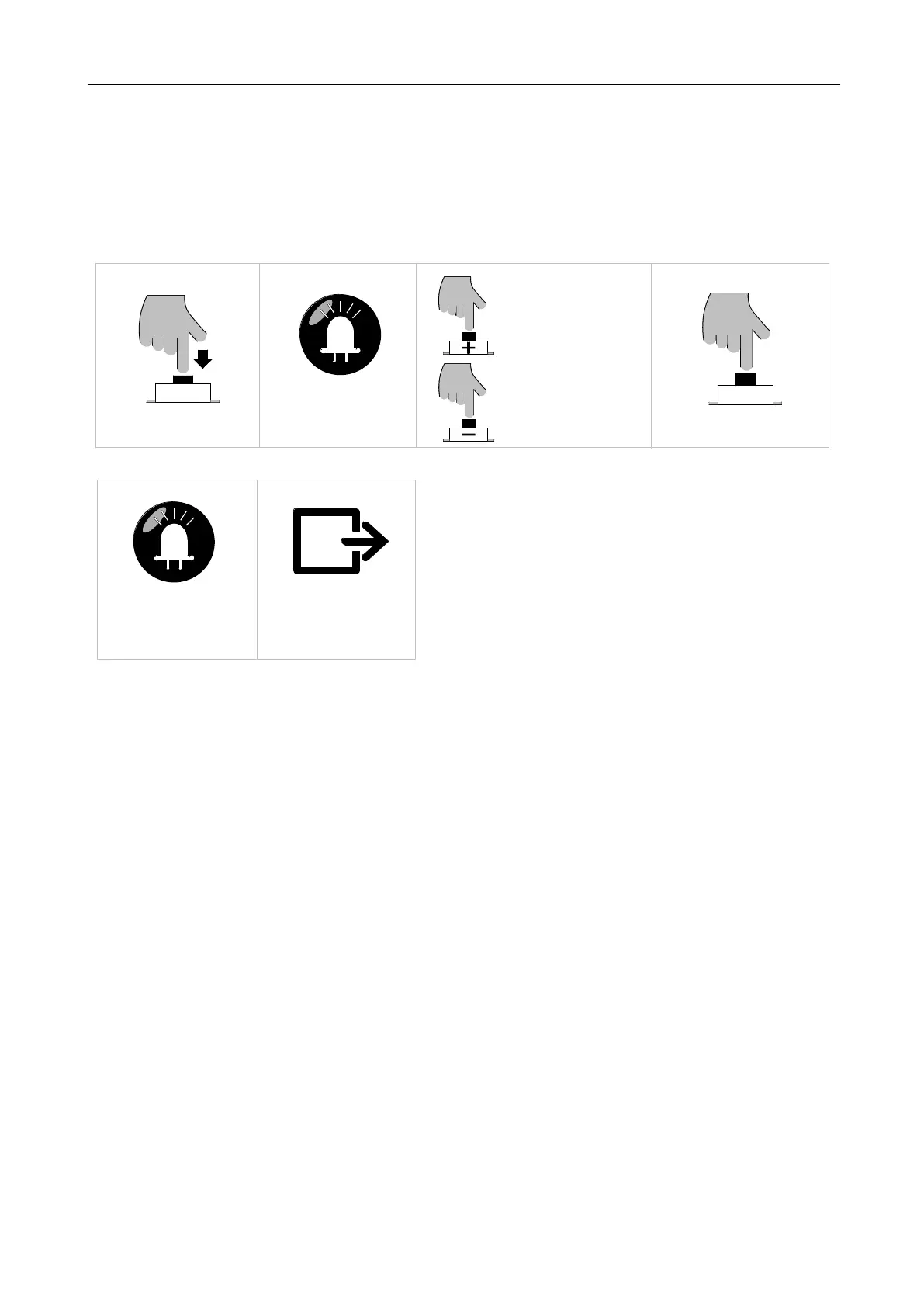
Press "+" button to open,
Press "PROG" button for 3 sec
LED
L3 will flicker
SET
Press "—" button to close,
PROG
Press "PROG" button once
release it to stop.
release it to stop.
Exit manual control mode
LED
L3 will be off
Figure 33
5.8 Battery Level Checking
The current battery level can be checked through the indicator lights. When the power is low (battery
voltage<10.5V), the machine will stop running to protect the battery being damaged. Under such
circumstance, users may have to unlock the machine first, after which the gate can be manually
operated.
A. Operation Instruction:
1. Press “SET” button once. Indicator lights L1-L5 will indicate the current battery level (Table 4
Battery Level)
2. Press “PROG” button once to exit the battery level checking. Indicator lights L1-L5 will be off.
B. Operation Graphic Illustration



 To Next Page