Chapter 4 ADJUST MENU SETTINGS
4.1 OPENING THE ADJUST MENU
4-4
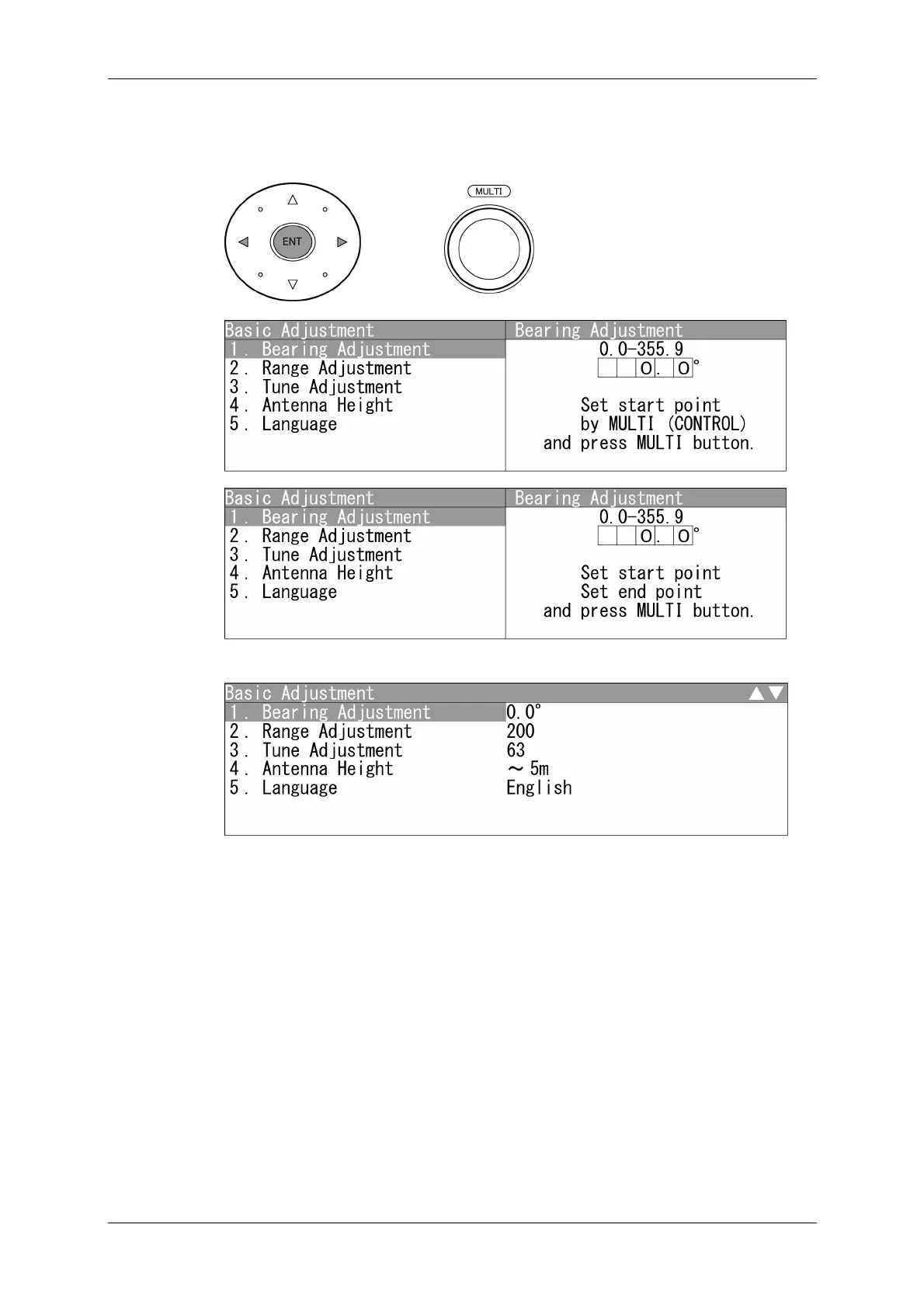
6 Use the cursor key (left) (right) to input numerical value, then press the [ENT]
key, or use the [MULTI] control to input numerical value, then press the
[MULTI] control.
7 "Basic Adjustment" is displayed after finishing input.
Closing the Adjust Menu
Repeatedly press the [CLEAR] key or the cursor key (left) to return to the upper level
and then close the Adjust Menu screen.


 To Next Page
 Loading...