2. Press TARE/P.TARE/MOVE key to revolve the system-preset
units of Measure. (o – kg or g, 1 – lb)
(Default setting: 0)
3. Press CLEAR/EXIT key to determine and return to normal
counting mode or press TOTAL/PRINT/ENTER key for
determination and move to next.
(III) Backlight type
1. Keep pressing TOTAL/PRINT/ENTER key in USER
PROGRAMMING FUNCTION MODE and release until the
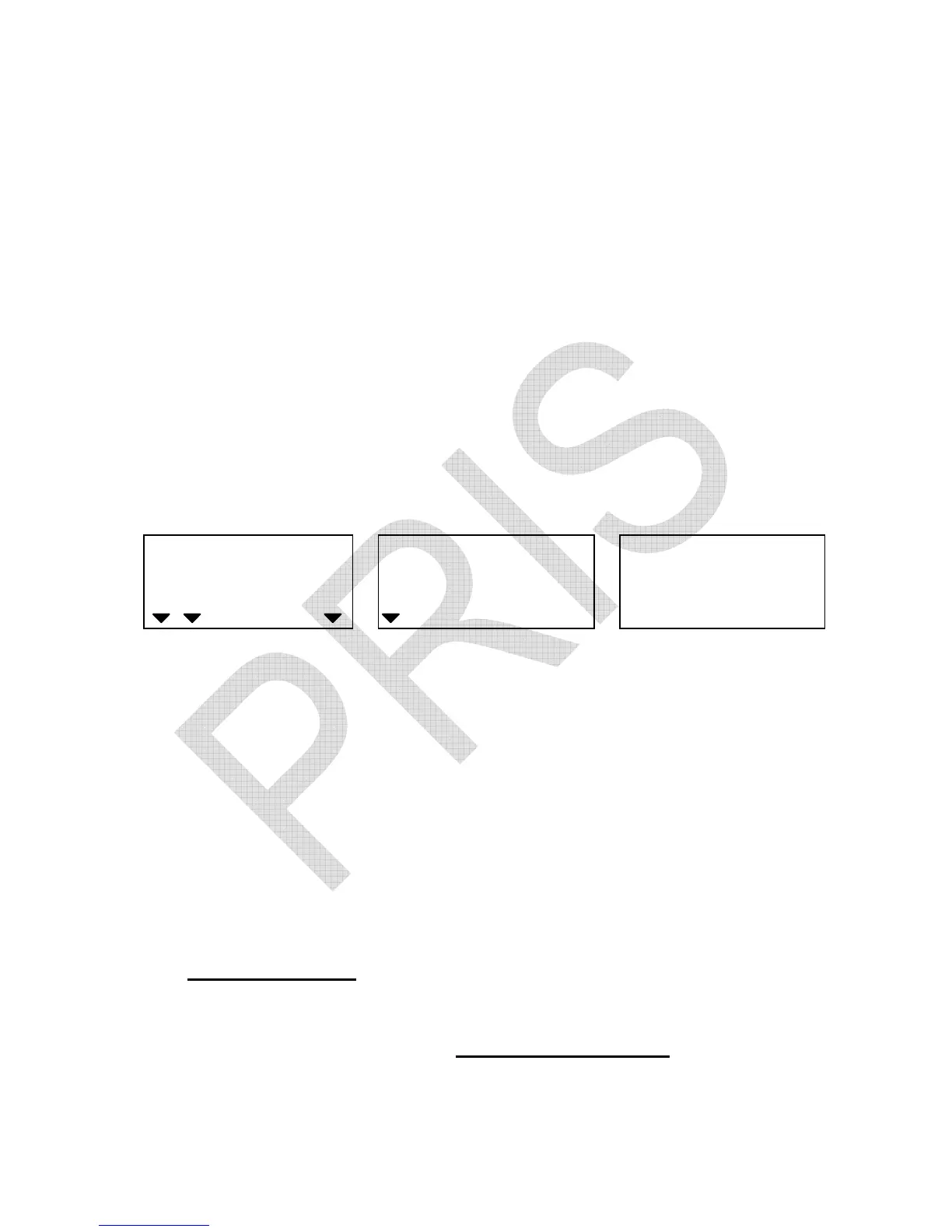
following displays appear.
WEIGHT
Local Remote
HI OK LO
ADD
Backlight type Backlight Internal count
2. Press TARE/P.TARE/MOVE key to revolve the system-preset
backlight type( 0 – auto. backlight, 1 – manual backlight )
(Default setting: 0)
3. Press CLEAR/EXIT key to determine and return to normal
counting mode or press TOTAL/PRINT/ENTER key for
determination and move to next.
Auto. backlight
Backlight will be on automatically whenever the scale is loaded by
objects weighs greater than 10 display resolution or any of keys
is pressed. And it will be going off automatically approx. 5 seconds
later after the scale returns to zero.


 To Next Page