VII. Calibration (can only be done in kg/Ib)
1. Turn on the scale and be sure it is zeroed.
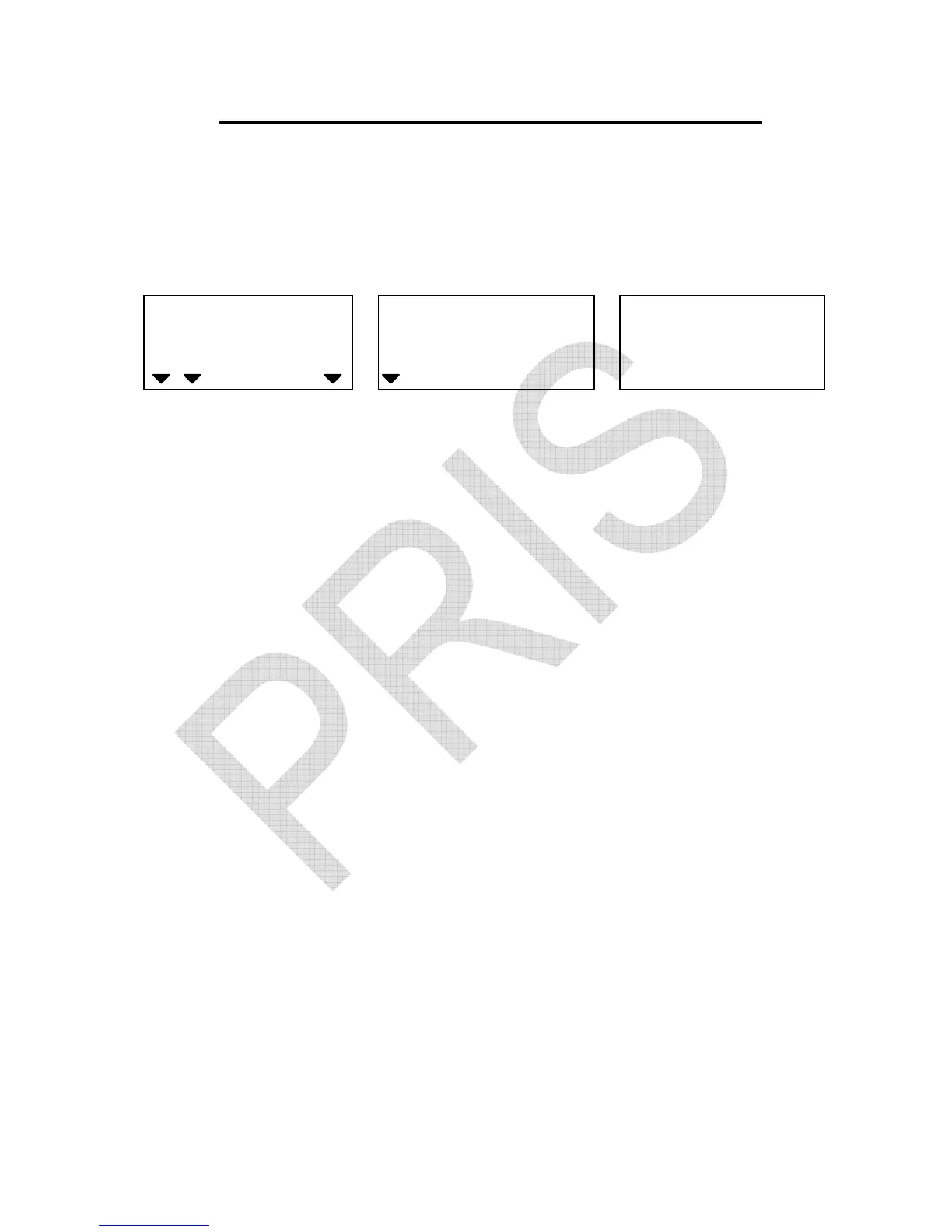
2. Keep pressing ZERO key until the following displays appear.
(Take 6kg scale for instance)
WEIGHT
Local Remote
HI OK LO
ADD
Required weight (6 kg) for calibration
3. Put a weight same as what exactly shown in the UNIT WEIGHT
display window on the pan. Press
ADD
key to confirm.
The displayed reading in the UNIT WEIGHT window starts
blinking. The scale will stop blinking and return to normal counting
mode.
The calibration is now completed.
★
Required weight for calibration can be changed by using numeric
keys while in step 2 above.
★
Press ZERO key to escape from calibration mode at any time.
★
After entering the second step, press TOTAL/PRINT/ENTER key.
Use numeric keys to input a calibration value (0.80000~1.20000).
Press TOTAL/PRINT/ENTER key to confirm, then the calibration
is finished.


 To Next Page