Manual backlight
Press
/BL
key to switch on and off backlight. The backlight
can’t be closed right after switched on. It can be done only when
the Unit Weight has been confirmed and the value in display
window stops flickering.
★
Scale will keep the backlight type selected in memory for next
use.
(IV) Unit weight recomputing
1. Keep pressing TOTAL/PRINT/ENTER key in USER
PROGRAMMING FUNCTION MODE and release until the
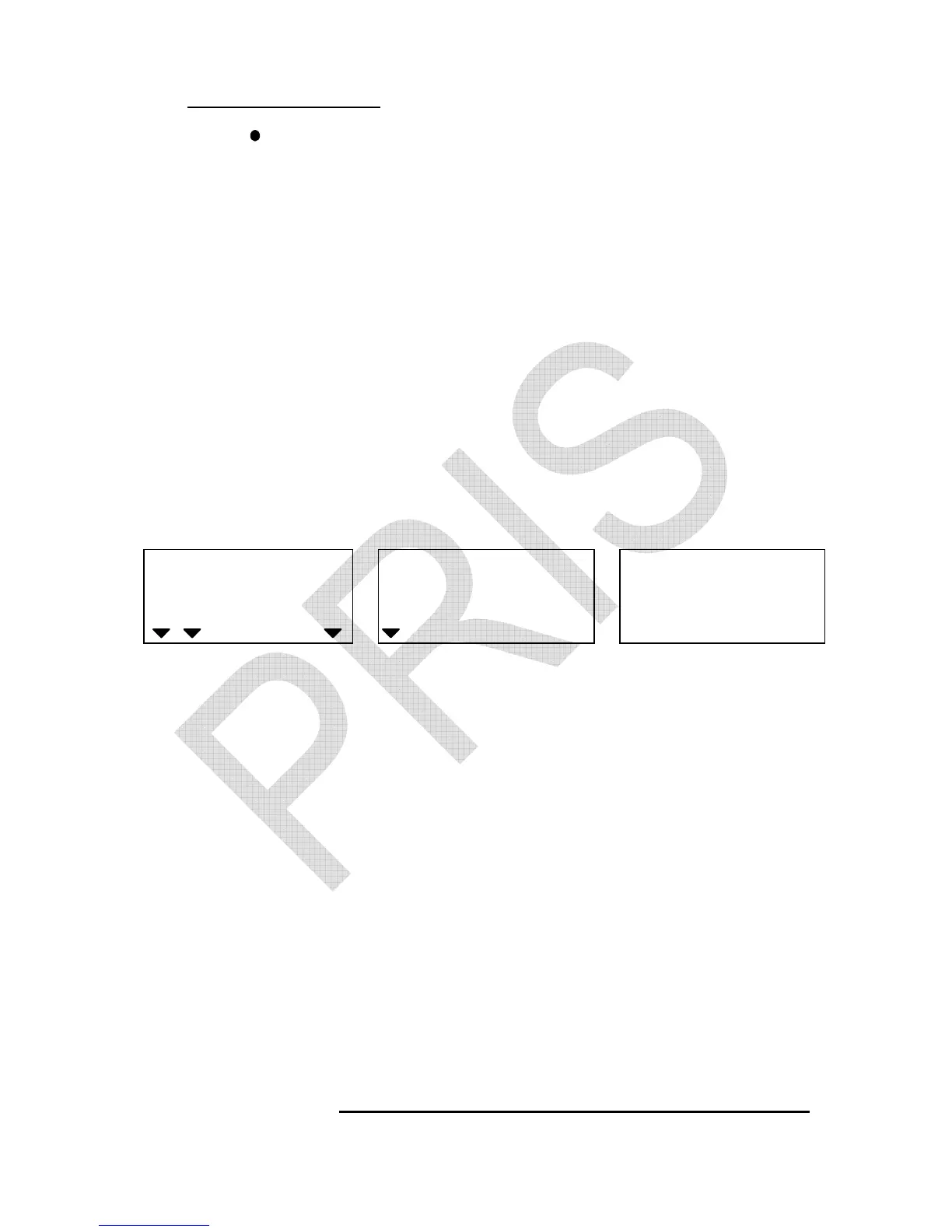
following displays appear.
WEIGHT
Local Remote
HI OK LO
ADD
Recomputing mode Averaging Internal count
2. Press TARE/P.TARE/MOVE key to revolve the system-preset
Recomputig modes. (Default setting: 0)
0 – disable recomputing function
1 – enable recomputing function
3. Press CLEAR/EXIT key to determine and return to normal
counting mode or press TOTAL/PRINT/ENTER key for
determination and move to next.
★
The unit weight will be averaged again if you add the remaining
quantity, gradually, by several lots. This will help eliminate errors
caused by the possible weight variation among each object
and lead to more accurate results.


 To Next Page