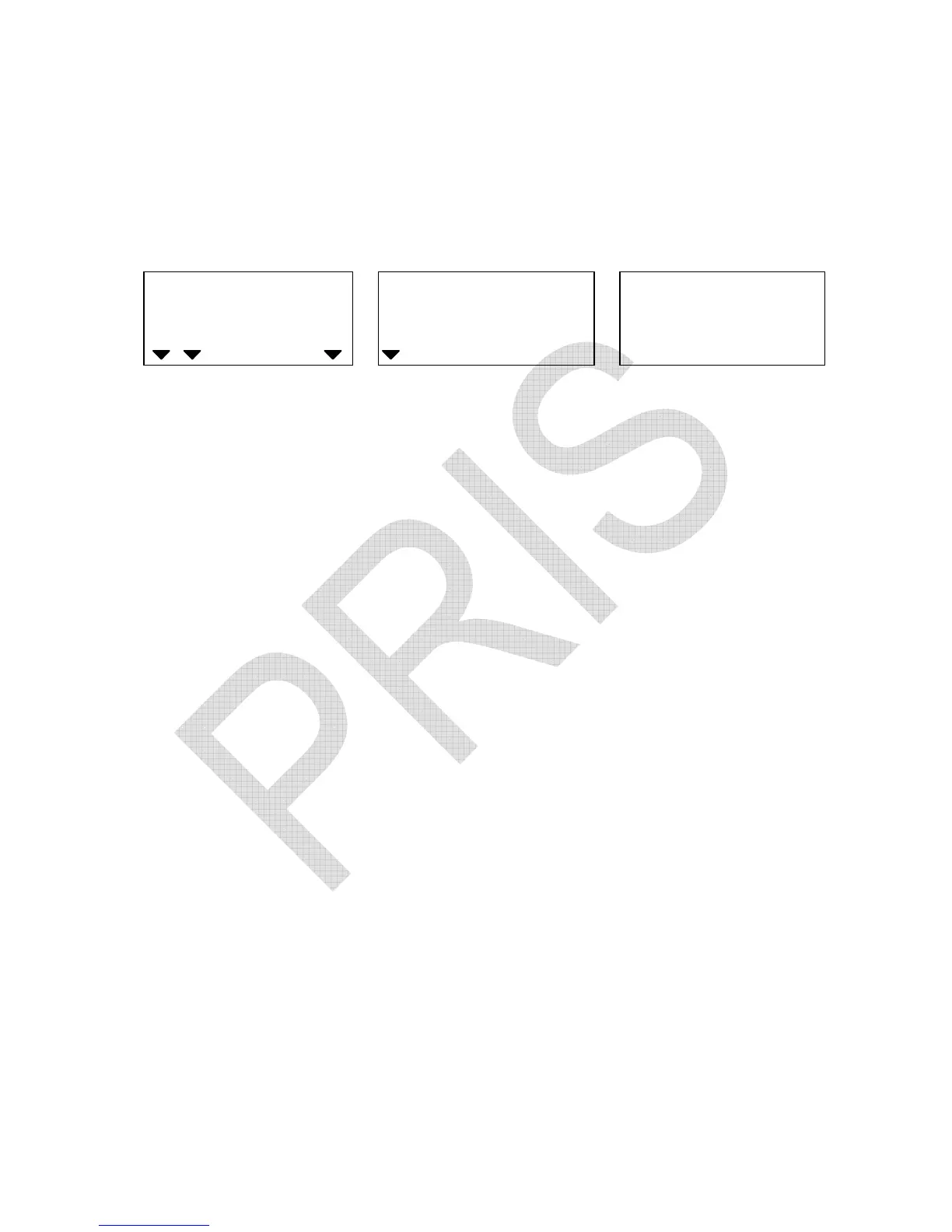
(XII) Zero return range
1. Keep pressing TOTAL/PRINT/ENTER key in USER
PROGRAMMING FUNCTION MODE and release until the
following displays appear.
WEIGHT
Local Remote
HI OK LO
ADD
Zero return range Zero return Internal count
(0 ~ 5)
2. Press TARE/P.TARE/MOVE key to revolve the system-preset
zero return range (0, 1, 2, 3, 4, 5).
(Default setting: 0)
The larger number selected, the more stable zero point.
3. Press CLEAR/EXIT key to determine and return to normal
counting mode or press TOTAL/PRINT/ENTER key for
determination and move to next.


 To Next Page