When adding objects to the pan, be sure that the quantity is LESS
THAN those already on the pan. The alarm will sound a beep
when the unit weight is averaged again.
★
Recomputing function effective only after sampling operation is
done.
(V) Transmit mode setting
1. Keep pressing TOTAL/PRINT/ENTER key in USER
PROGRAMMING FUNCTION MODE and release until the
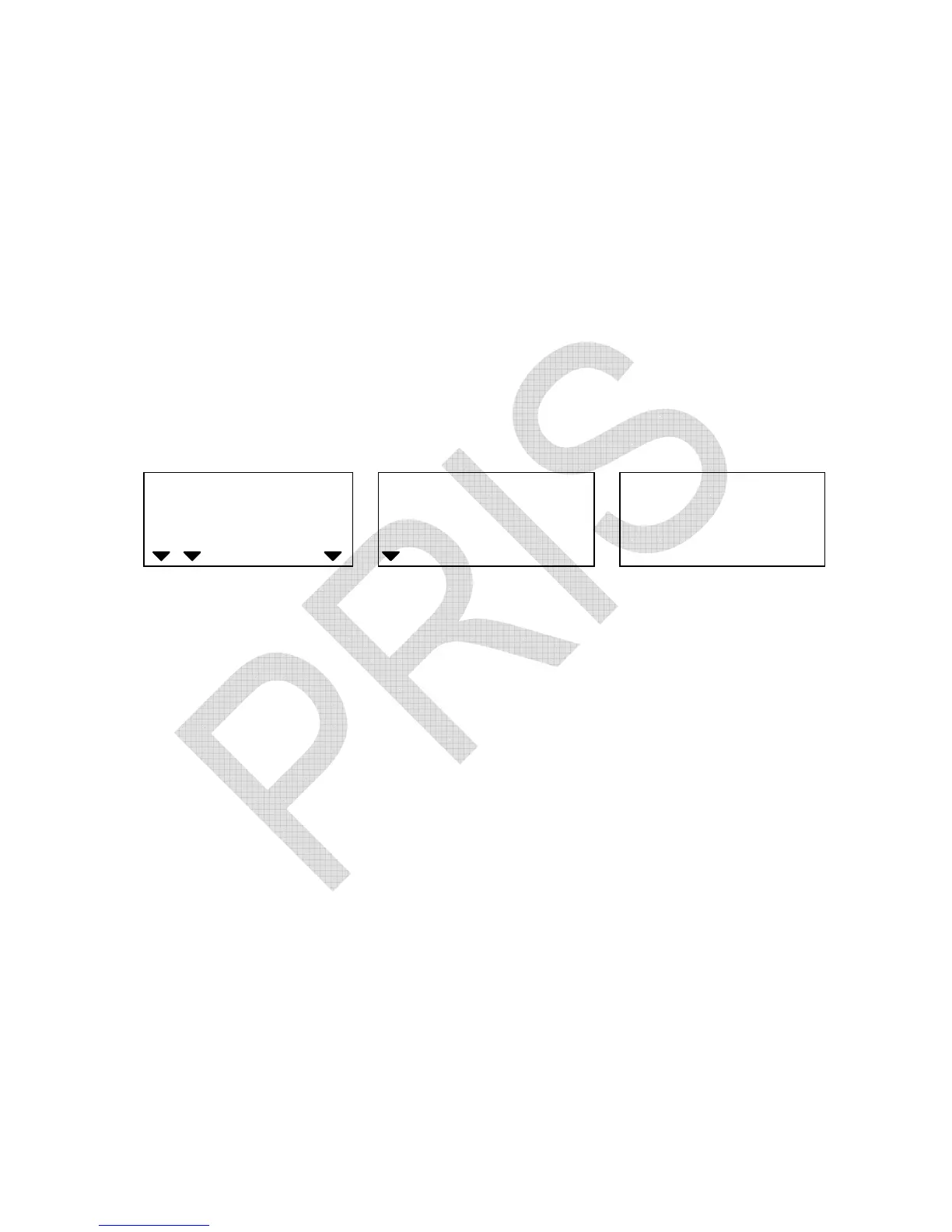
following displays appear.
WEIGHT
Local Remote
HI OK LO
ADD
Transmit mode type Transmit mode Internal count
2. Press TARE/P.TARE/MOVE key to revolve the system-preset
transmit mode types. (Default setting: 0)
“0” = output disabled
“1” = auto-transmit
“2”= auto-transmit (for a label printer, such as: Model LP-50 from
DATECS)
“3” = transmit by pressing a key
“4”= transmit by pressing a key (for a label printer, such as: model
LP-50 from DATECS)
“5” = Series transmit
3. Press CLEAR/EXIT key to determine and return to normal
counting mode or press TOTAL/PRINT/ENTER key for
determination and move to next.


 To Next Page