EasyManua.ls Logo

JS-AZ PRIS SCALE - Operations; Switch On & Off; Changing Platform

JS-AZ PRIS SCALE
37 pages
Print Icon
To Next Page IconTo Next Page
To Previous Page IconTo Previous Page
Loading...
8
.
V. Operations
(I) Switch on & off
Push the ON/OFF switch to “I position to turn on the scale & to
“O” position to turn off the scale.
(II) Change Platform
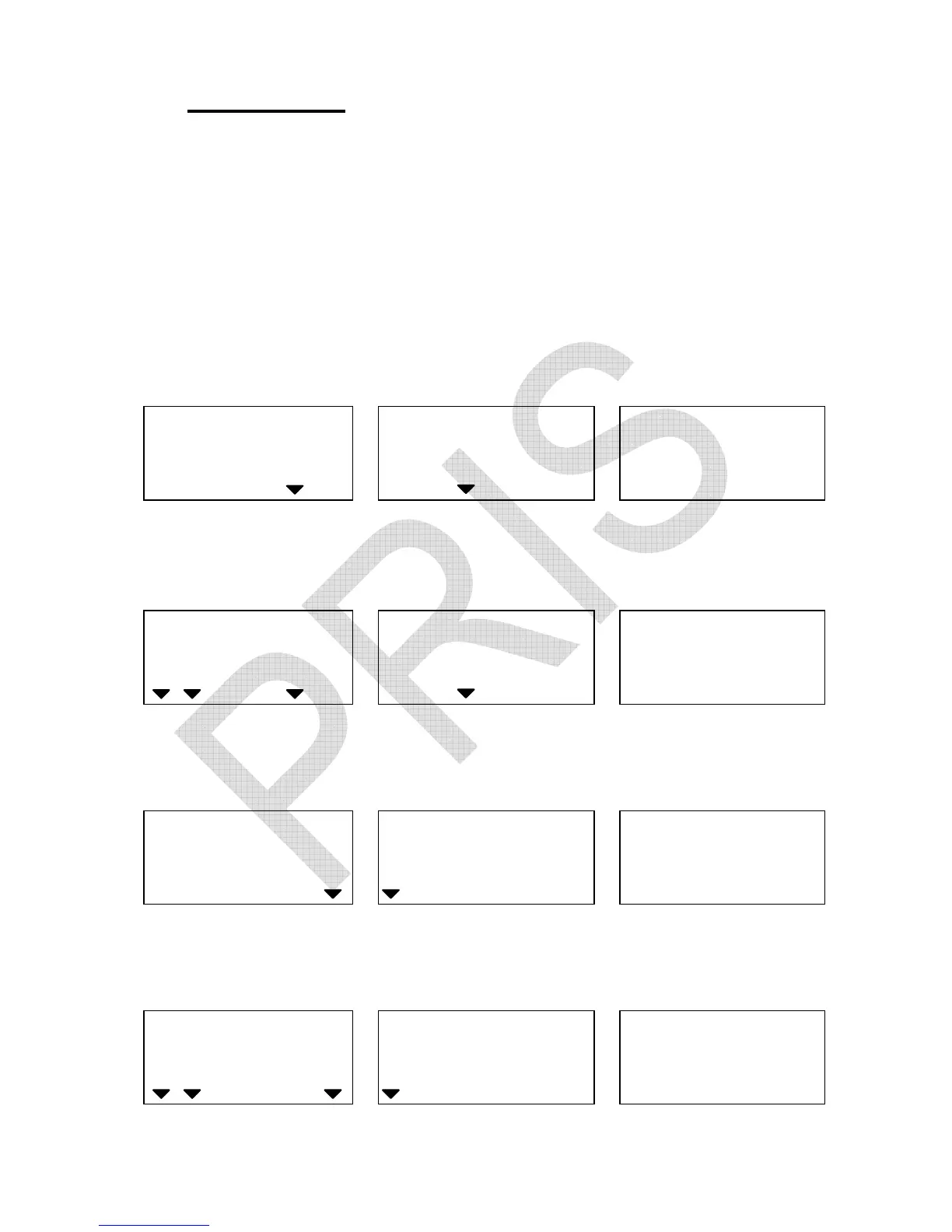
1. When local platform is used, you can press LOCAL/REMOTE key
to change to remote platform. Display shows as below:
WEIGHT
UNIT WEIGHT
COUNT
ChAnge
to
remote
Ib kg g
Local Remote
HI OK LO
ADD
3 seconds later, the remote platform can be used.
WEIGHT
UNIT WEIGHT
COUNT
0.0000
0
0
Ib kg g
Local Remote
HI OK LO
ADD
Press LOCAL/REMOTE key to return to local platform.
WEIGHT
UNIT WEIGHT
COUNT
Change
to
local
Ib kg g
Local Remote
HI OK LO
ADD
3 seconds later the scale will automatically enter counting mode.
WEIGHT
UNIT WEIGHT
COUNT
0.0
0
0
Ib kg g
Local Remote
HI OK LO
ADD
S.W
lack
U.W
lack
Battery
low
Stable Zero NET
S.W
lack
U.W
lack
Batt
ery
low
Stable Zero NET
S.W
lack
U.W
lack
Battery
low
Stable Zero NET
S.W
lack
U.W
lack
Battery
low
Stable Zero NET