2. Press TARE/P.TARE/MOVE key to revolve the system-preset
label format types. (Form0~9)
(Default setting: 0)
Note: When a label printer is used, the file name of the label
format must be FORM (0~9) (such as FORM0, FORM1, FORM2,
and etc.)
3. Press CLEAR/EXIT key to determine and return to normal
counting mode or press TOTAL/PRINT/ENTER key for
determination and move to next.
(VIII) Check alarm type
1. Keep pressing TOTAL/PRINT/ENTER key in USER
PROGRAMMING FUNCTION MODE and release until the
following displays appear.
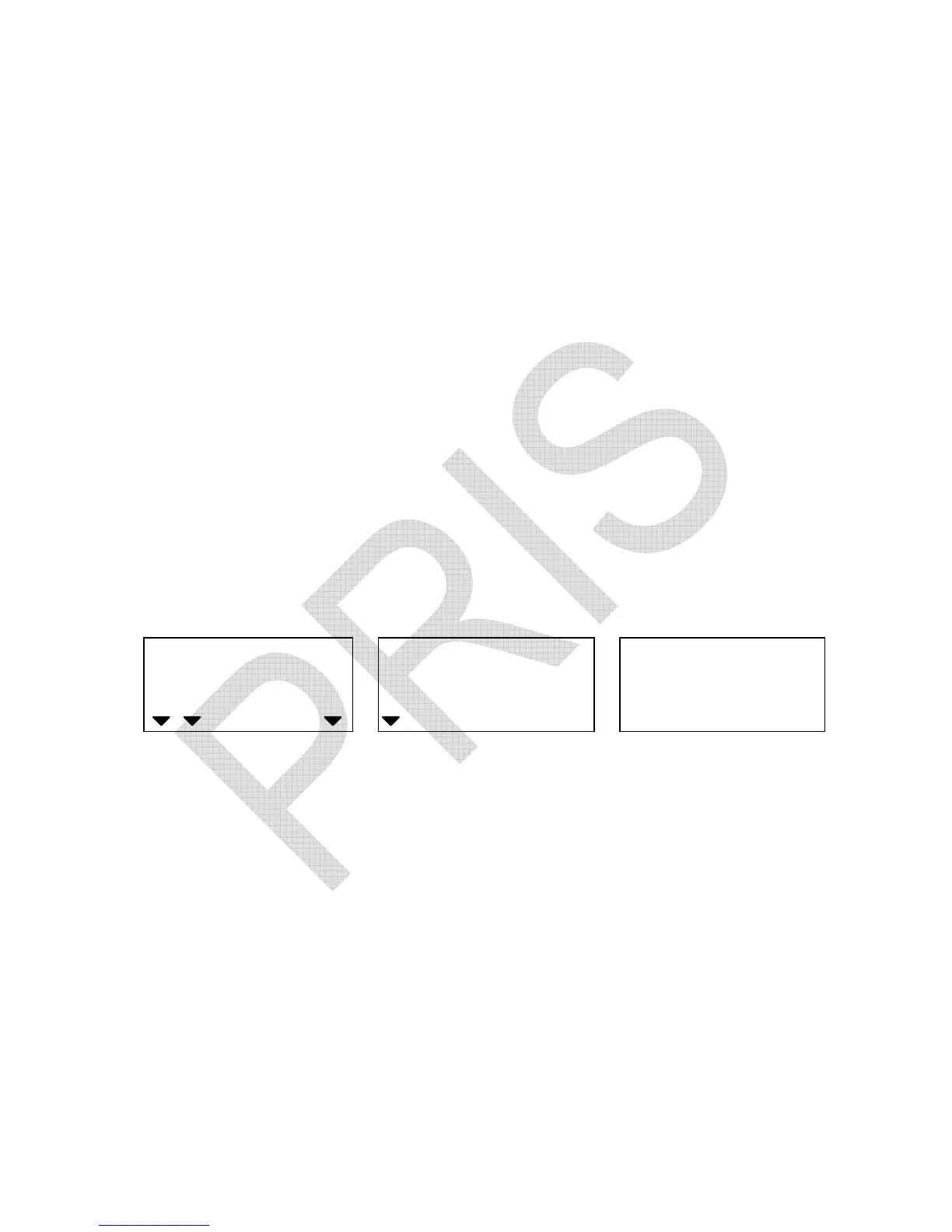
WEIGHT
Local Remote
HI OK LO
ADD
check alarm type check alarm internal count
2. Press TARE/P.TARE/MOVE key to revolve the system-preset
check alarm types. (Default setting: 0)
0 – Inside type, 1 – Outside type
3. Press CLEAR/EXIT key to determine and return to normal
counting mode or press TOTAL/PRINT/ENTER key for
determination and move to next.
★
Inside type
The alarm sounds beeps only when either total weight or total
count falls inside the set range.


 To Next Page