5. Press TOTAL/PRINT/ENTER key to enter into accumulation
status mode. At this moment, total accumulated weight is shown
In WEIGHT window, total accumulation times is shown in UNIT
WEIGHT window and TOTAL PIECES window displays
accumulated count.
Press TOTAL/PRINT/ENTER key again to revert to counting
mode.
Clear accumulation
Press TOTAL/PRINT/ENTER key to enter into accumulation
status mode and press CLEAR/EXIT key to clear all accumulated
data.
(VIII) Preset counting check range
Users can set a Hi – Lo range for counting check, when the
number of objects on the pan is within the preset counting check
range, the alarm will sound beeps repeatedly.
Procedures
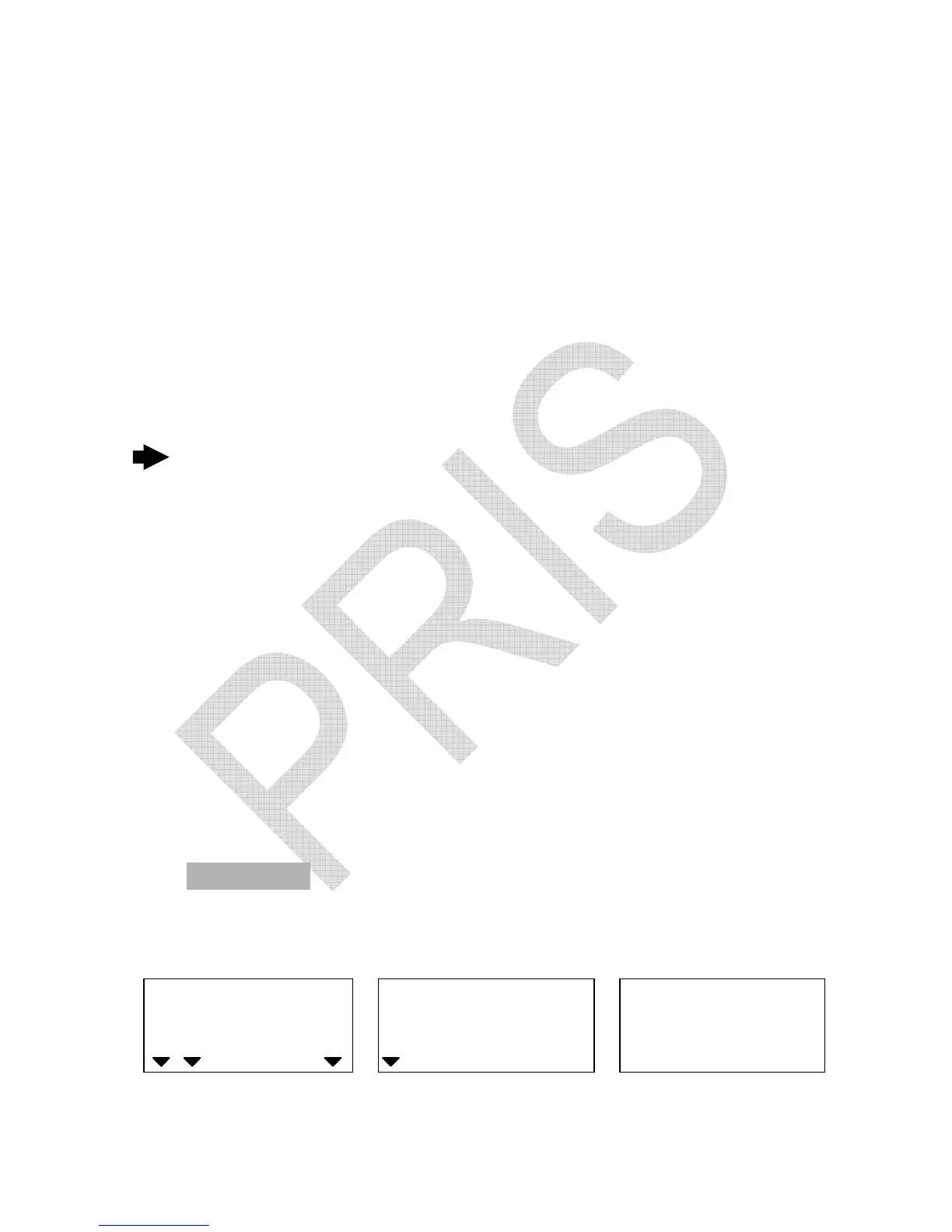
1. Press ALARM key while the scale is either loaded or unloaded.
WEIGHT
Local Remote
HI OK LO
ADD
High limit Window for displaying Window for displaying
high limit value to be input low limit value to be input


 To Next Page