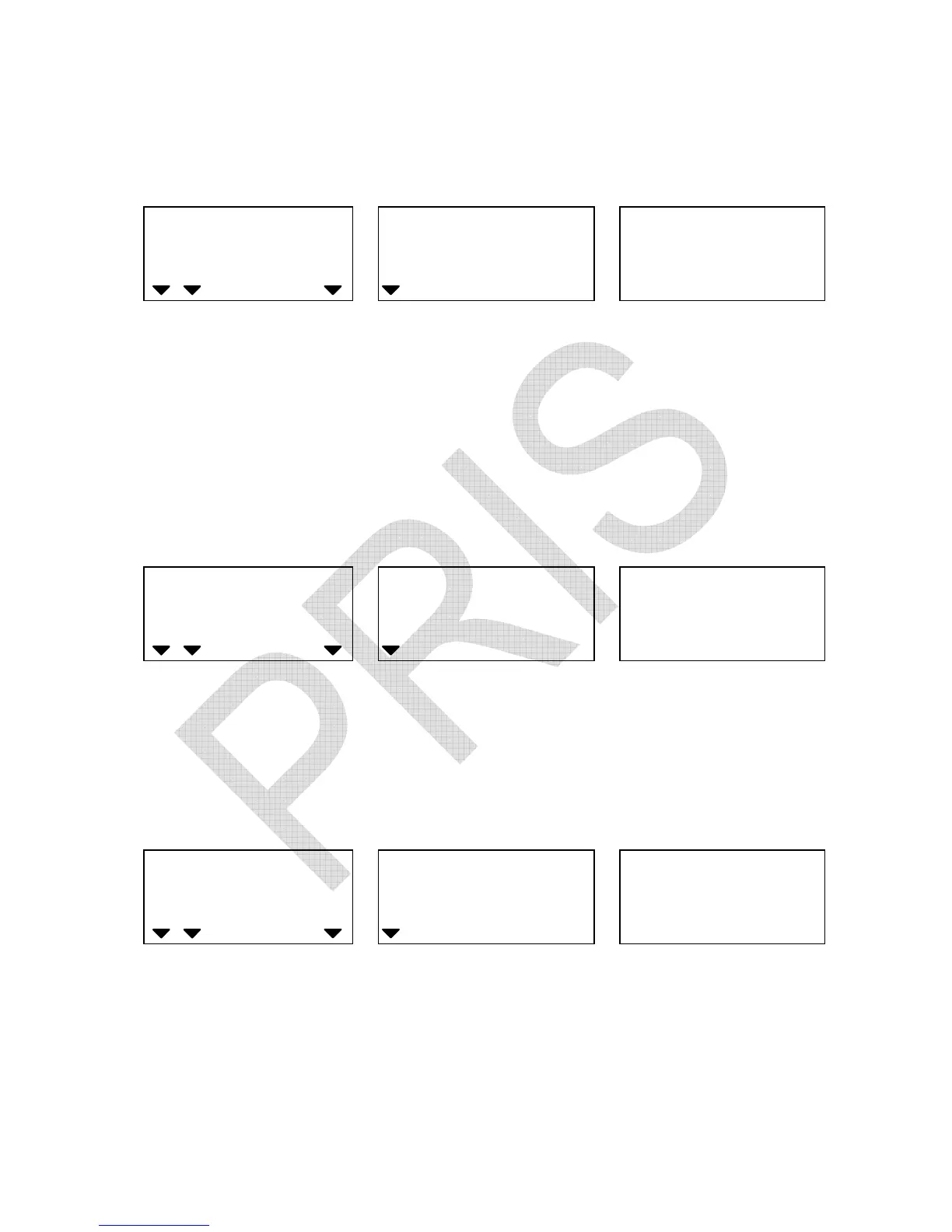
2. Key in the desired high limit value.
(Use CLEAR/EXIT key to erase the value keyed in)
WEIGHT
Local Remote
HI OK LO
ADD
High limit High limit value keyed in Window for displaying
Low limit value to be input
3. Press ALARM key again and key in the desired low limit value as
indicated below. (Low limit value effective only after high limit is
preset)
WEIGHT
Local Remote
HI OK LO
ADD
Low limit High limit value keyed in Low limit value keyed in
4. Press SMPL key to complete counting check range preset
procedures and return to normal counting mode.
WEIGHT
Local Remote
HI OK LO
ADD
(IX) Preset weight check range
Users can set a Hi – Lo range for weight check when the
weight of
objects on the pan is within the preset weight check range, the
alarm will sound beeps repeatedly.


 To Next Page