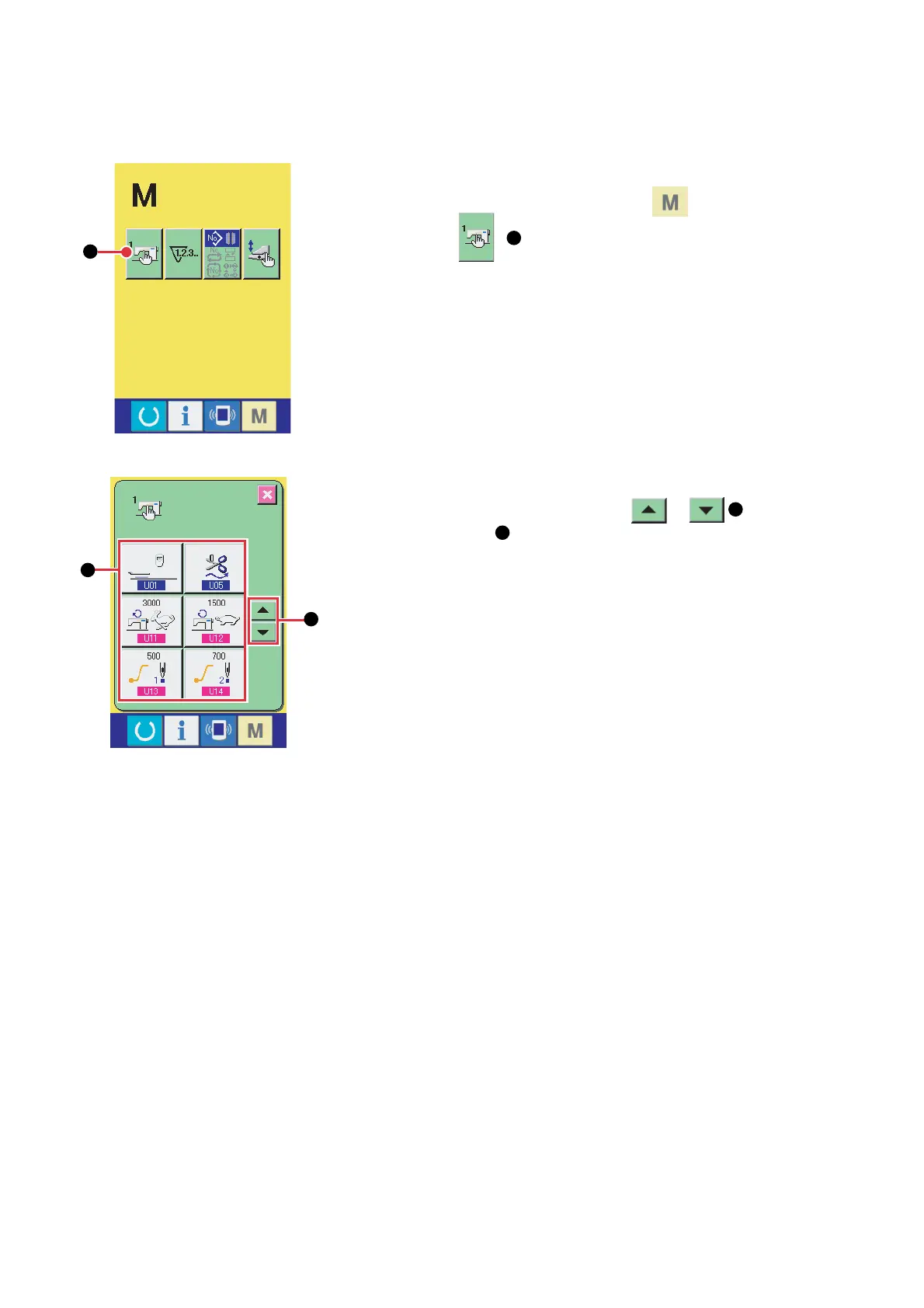
(2) Select the memory switch button you desire to change
Press UP/DOWN SCROLL button or
B
and select DATA
ITEM button
C
you desire to change.
– 98 –
(2) Memory switch
1. Changing procedure of the memory switch data
(1) Display the memory switch data list screen
Press MODE CHANGE-OVER key and the memory switch
button
A
is displayed. When this button is pressed, the
memory switch data list (screen A) is displayed.
A
B
C
Memory switch data list screen
(Screen A)


 To Next Page
 Loading...