Configuration for counter-cooling
22
10. Configuration for counter-cooling
Software version
number
Model combination
The basic circulator is supplied factory-prefitted with
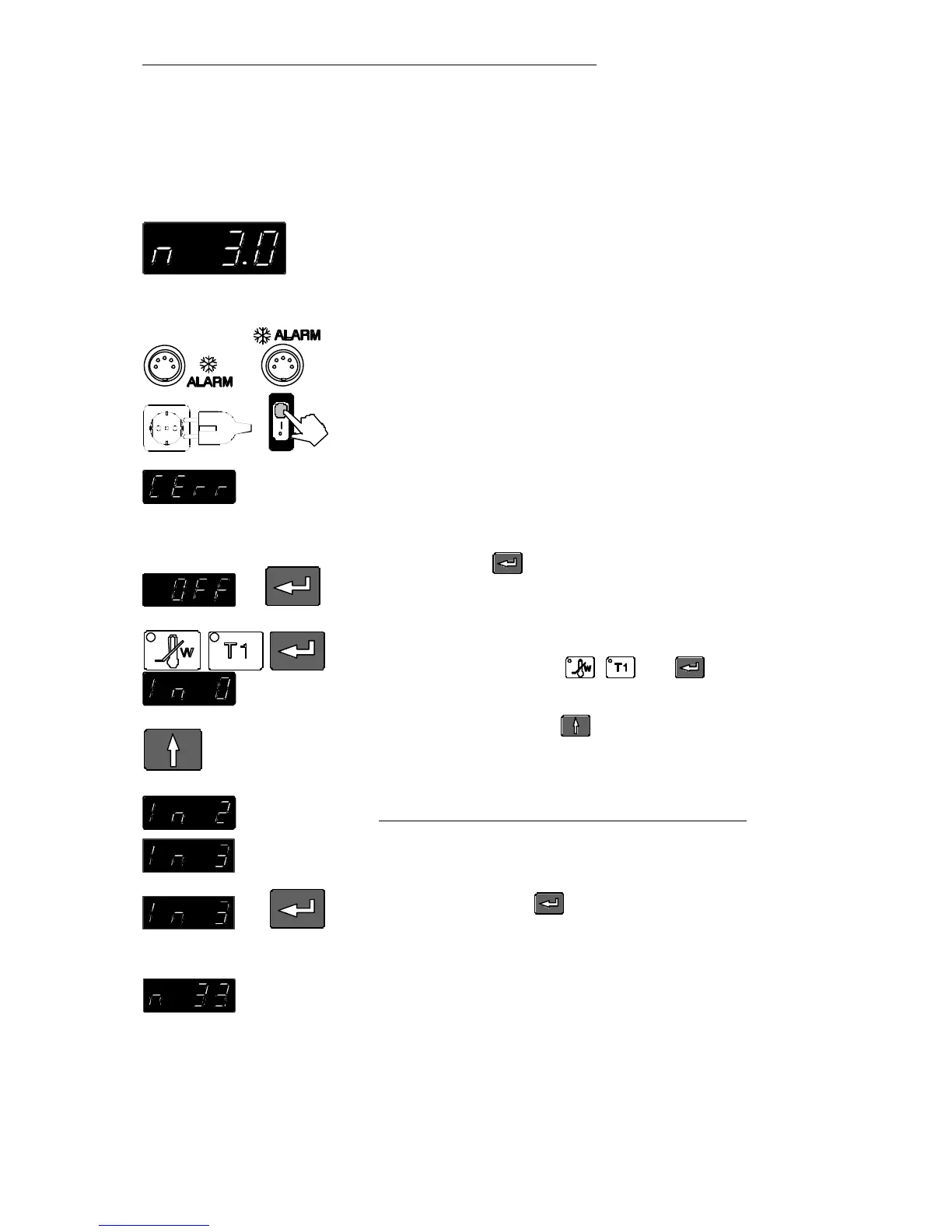
software, e.g. version n 3.0, providing the configuration
for a heating circulator.
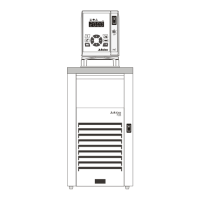
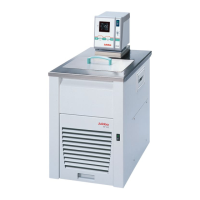
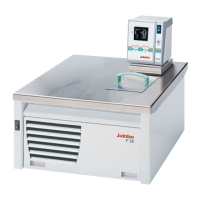
In case the circulator is to be assembled with a JULABO
solenoid valve controller (MVS see page 9) or a
JULABO refrigerated bath, a new configuration must be
performed.
1. Connect the 5-pole control cable between the
connectors " ALARM" and secure attachment.
2. Connect the mains power cables of the circulator
and solenoid valve controller to grounded mains
power sockets. Turn on both mains switches.
3. The unit performs a self-test. Then "CErr" is
indicated on the MULTI-DISPLAY and the red
indicator light "ALARM" illuminates.
4. Press enter to confirm the message "CErr".
The display indicates "OFF" and the indicator light
"ALARM" goes out.
5. Select the initialization level by pressing
simultaneously the keys , and .
The value last entered („In 0“) is indicated.
6. By pressing the key set the last digit of the
parameter to indicate „In 3“ for use of an MVS
controller.
Model combination Value
using refrigerated bath type „F“ (e. g. F34) In 2
using MVS controller or
refrigerated bath type „FP“ In 3
7. Now press enter to confirm and to finish
initialization.
The new configuration is indicated during the self-test
(example n 3.3).


 To Next Page