MV / MW
25
Like all parameters which can be entered through the
keypad, interface parameters are stored in memory
even after the circulator is turned off.
12.2. Communication with a PC or a superordinated data system
Suitable terminal programs for communicating with a PC are:
MS-Windows - TERMINAL.EXE (included with MS-Windows).
MS-DOS - Procomm Plus, Datastrom Technologies.
MS-DOS - Norton Utilities.
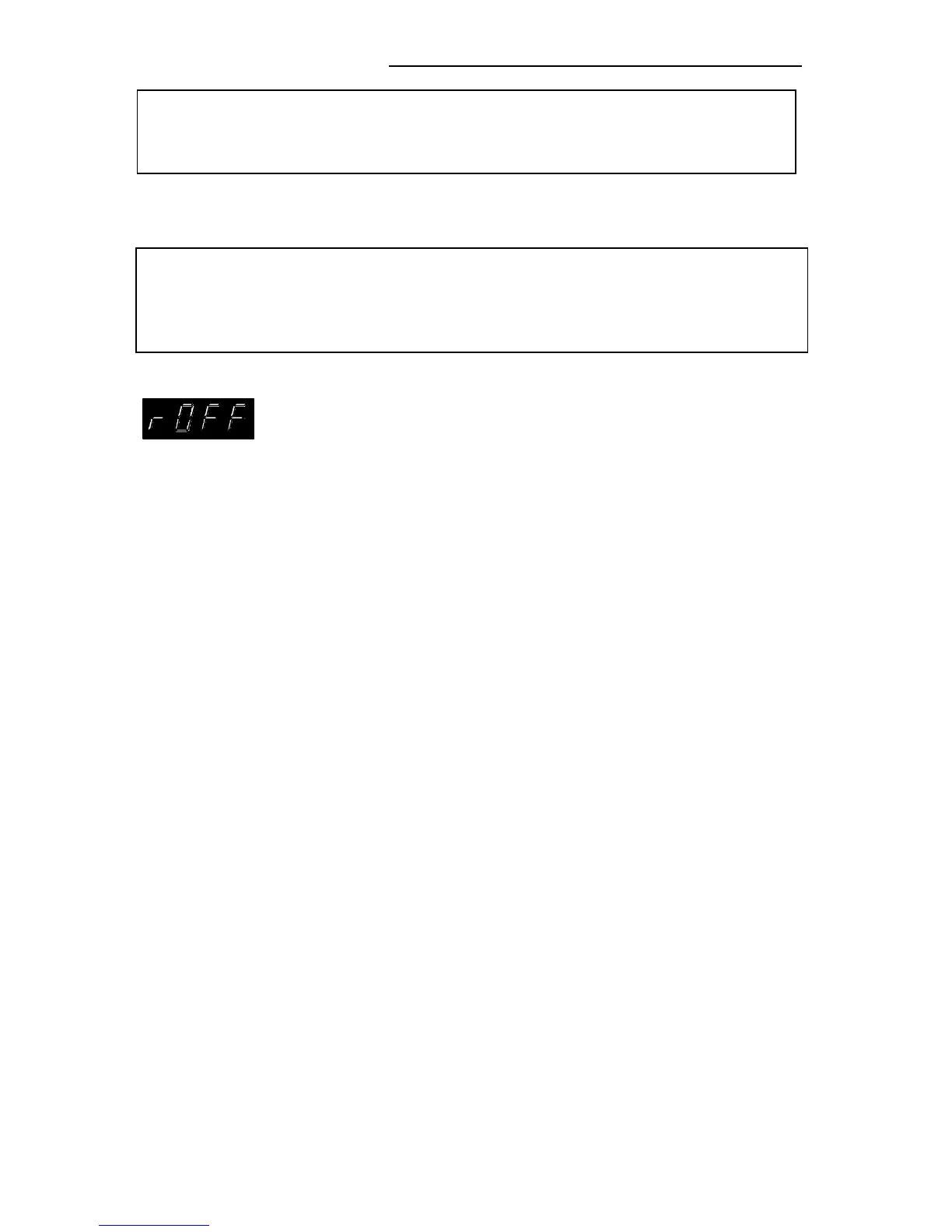
If the circulator is put into remote control mode via the
configuration level, the display will read "r OFF" = REMOTE
STOP.
The circulator is now operated via the computer.
In general, the computer (master) sends commands to the
circulator (slave). The circulator sends data (including error
messages) only when the computer asks for it.
A transfer sequence consists of:
• command
• space (⇔; Hex: 20)
• parameter (the character separating decimals in a
group is the period)
• end of file (↵; Hex: 0D)
The commands are divided into in or out commands.
in commands: asking for parameters to be displayed
out commands: setting parameters
The out commands are valid only in remote control mode.
Examples:
• Command to set the working temperature T1 to 55.5 °C:
out_sp_00 ⇔ 55.5↵
• Command to ask for the working temperature T1:
in_sp_00↵
• Response from the circulator:
55.5↵


 To Next Page