13
2 Instrument description
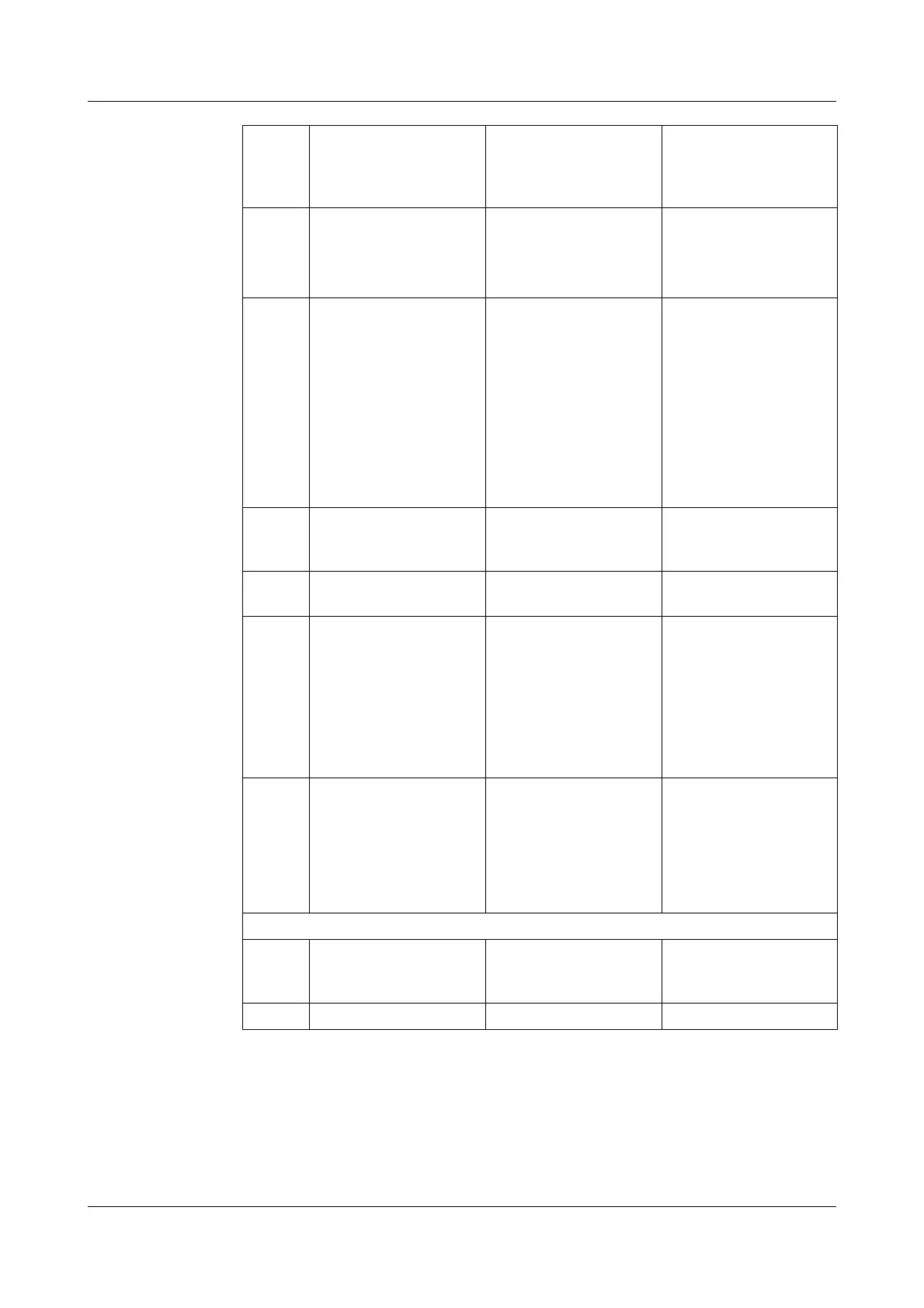
Key
functions
1. Press the F key for at least 4 sec in the standard version: print out the
scaling of all the active channels (writing status = ON).
Basic status Operating level after correct
code number
in parameter and
configuration levels
e
Chart fast-forward,
when recording is
stopped
-Abort parameter
entry
(Exit)
-Leave the level
-Abort parameter
entry
-Leave the level
S
Start/stop
recording mode
Start/stop
recording mode
Step
-for values:
Select the
decimal place
-for texts:
Quick selection
of character:
jump to “ ”, “0”,
“A”“, “a”, “°”, “
2”
, “À”,
“à”
F
Function key
(reserved for
special functions)
1
Function key
(reserved for
special functions)
-----------------
l, r
----------------- ----------------- Shift cursor to left/right
(select place)
h, R
Select display:
-Instrument
name,
date & time
-Channel
measurements
-System status
-Select parameter
-Select channel
-Select value
from table
-Enter figures:
Change the
place selection
-Select parameter
-Select channel
-Select value
from table
-Enter text/figures:
Change the
place selection
E
Change-over
between cyclic and
static display
-Initiate the
parameter entry
-Confirm the
entry
-Acknowledge any
error messages
-Initiate the
parameter entry
-Confirm the
entry
-Acknowledge any
error messages
Key combinations
l + r Activate/de-activate the
display of status/error
messages
----------------- -----------------
h + R Change to next level Change to next level Change to next level


 To Next Page