41
3 Operation and visualisation
3.5.6 Switching the chart speed
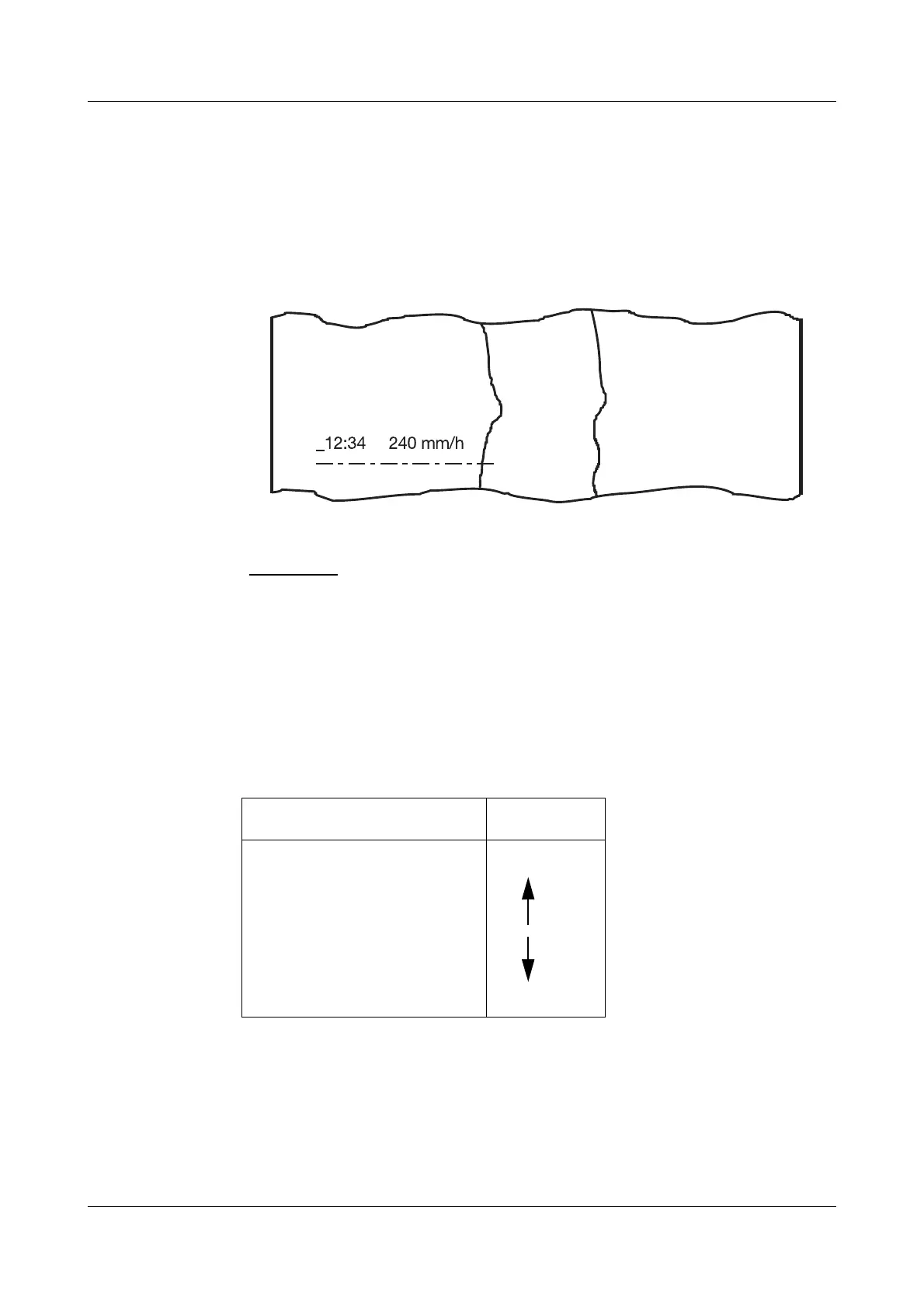
Every change of chart speed is recorded by printing out a line with the time of
the change and the new chart speed, if the parameter “Print chart speed” is
set to ON in Configuration level 2
Î Print speed change.
The style of the line provides information on the type of paper feed which is
used for recording after the change:
The individual events have different priorities:
The actual chart speed is that set for the event with the highest priority.
Normal operation
— — — — —
Limit operation
—-—-—-—-
External speed (feed)
---------------
Timed operation
Event Priority
Limit operaton
External speed
Timed operation
Normal operation
higher
lower


 To Next Page