15
2 Instrument description
Value/text
entry
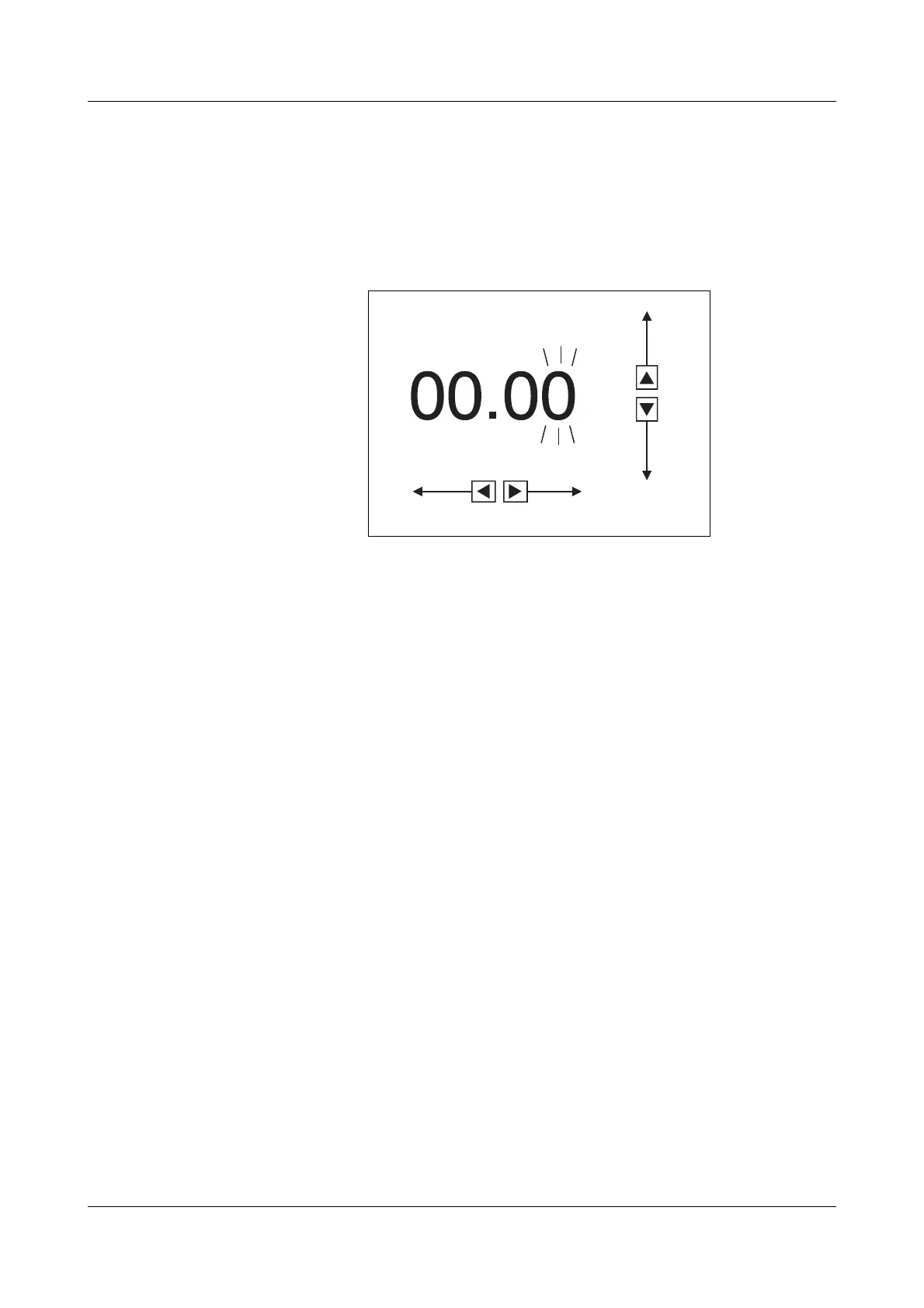
Five keys are used to enter values:
h select the position to be altered, using the l and r keys
h increment and decrement the selected position with the h and R keys
h move the decimal point with the S key
h confirm the value entered with E
Five keys are used to enter texts:
h select the character to be entered, using the l and r keys
h select the new character with the h and R keys
(quick character selection with the S key)
h confirm the text entry with E
An erroneous entry will cause an error message in the display
v Section 12.1 “Error messages”
The error message must be acknowledged by E
Afterwards, a new value can be entered.


 To Next Page