1. Connect one end of the Ethernet cable to the console port (labeled CON, CONSOLE, or CON1) on
the device.
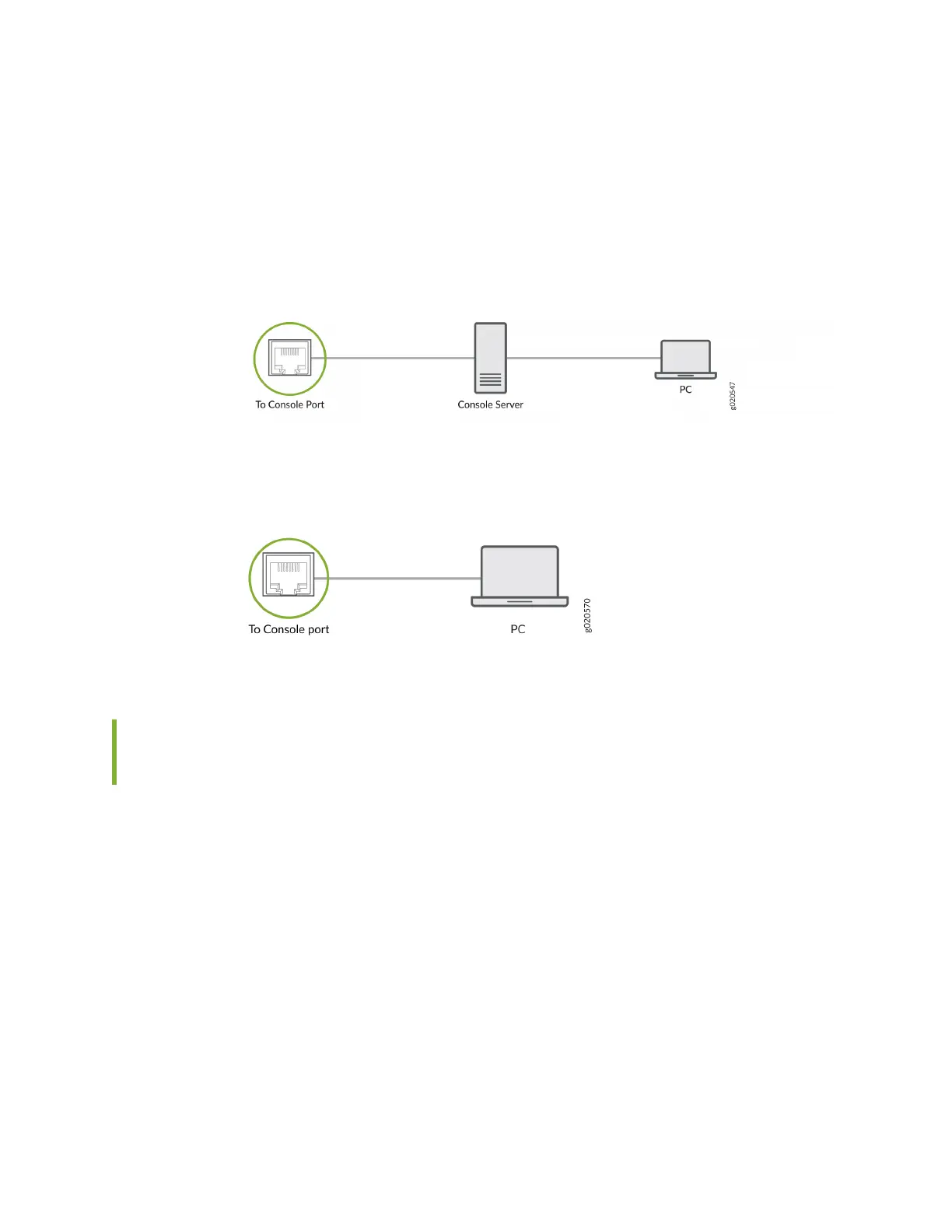
2. Connect the other end of the Ethernet cable to the console server (see Figure 106 on page 170) or
management console (see Figure 107 on page 170).
Figure 106: Connect a Device to a Management Console Through a Console Server
Figure 107: Connect a Device Directly to a Management Console
Connect an EX4400 Switch to a Management Console by Using the USB-
C Console Port
Before You Begin
Before you connect the switch by using the USB-C console port:
• Ensure that the USB to serial driver is installed on the host machine.
• Ensure that the HyperTerminal properes of the console server or laptop are set as follows:
• Baud rate—9600
• Flow control—None
• Data—8
• Parity—None
170














 To Next Page